


Ask an AI agent to find the cheapest flight to Lisbon next month and it will do something a plain chatbot cannot: search the web, read the results, and check prices through an airline’s booking system. That ability — ai agent tool use — is what turns a language model from a text generator into something that can act in the world. This article explains how it works: how tools are described to the model, how the model chooses one, how browser and API tools differ, and how the loop that ties them together recovers from mistakes.
What tool use means for an AI agent
A language model on its own can only produce text. It cannot open a webpage, query a database, or call an API. An agent is a model plus the ability to act, and tools are the bridge between the two. When an agent needs live information or needs to change something in the world, it uses a tool.
The mechanism is more indirect than it first appears. For a client tool, the model never executes anything itself. Instead, it returns a structured request naming a tool and its arguments, and the host application — the program running the agent — executes that request and sends the result back so the model can continue. Server tools work the other way round: the provider runs the tool on its own infrastructure and returns the result directly. As Anthropic’s documentation puts it, tool use “lets Claude call functions that you define or that Anthropic provides. Claude determines when to call a tool based on the user’s request and the tool’s description. It then returns a structured call that your application runs (client tools) or that Anthropic runs (server tools).”
That split matters for two reasons. First, it keeps the model honest about what it knows: instead of guessing today’s weather, it can ask a weather tool. Second, it keeps the system safe: the model can only request operations the application explicitly allows. The application decides which tools exist and, for client tools, runs them itself — the model never runs anything on its own.
Tools also differ by where their code runs. Some run in your application — client tools, including tools you define yourself and Anthropic-defined schemas such as the browser and computer-use tools. Others run on the provider’s infrastructure — server tools such as web search, web fetch, and code execution — where you see the results directly without writing handler code.
How an agent knows what tools exist
Before an agent can use a tool, somebody has to describe it. A tool definition has three parts: a name, a natural-language description, and a JSON Schema describing the arguments it accepts. In the Claude API the schema is called input_schema; in OpenAI’s API the same schema sits under parameters. Here is a complete definition for a weather tool, following the shape in Anthropic’s documentation:
{
  "name": "get_weather",
  "description": "Get the current weather for a specific location. Returns temperature, conditions, and forecast.",
  "input_schema": {
    "type": "object",
    "properties": {
      "location": {
        "type": "string",
        "description": "The city and country, e.g. 'London, UK'."
      },
      "unit": {
        "type": "string",
        "enum": ["celsius", "fahrenheit"],
        "description": "Temperature unit."
      }
    },
    "required": ["location"]
  }
}
The description is the model’s only instruction manual for the tool. The model relies entirely on those three fields to decide whether to call the tool and how to fill in its arguments, so a vague description produces bad calls. The practical rule is to write descriptions like API documentation for a new teammate: say what the tool does, what it returns, and what its limits are.
The tool list is sent to the model on every request, so it costs context: Anthropic’s documentation notes tool use adds a 286-token system prompt for Opus 5.5, Sonnet 5.5, and Haiku 5.5 with tool_choice set to auto or none, on top of the tokens for the definitions themselves. The industry has converged on a standard way to expose tools so that any compliant client can use them. The Model Context Protocol (MCP), released by Anthropic in November 2024 and donated to the Linux Foundation’s Agentic AI Foundation in December 2025, lets any compliant client discover tools with a tools/list call and invoke one with tools/call, all over JSON-RPC 2.0. An MCP server can also expose read-only resources and reusable prompt templates, but tools are the primitive the model itself controls.
How an agent decides which tool to call
With the default setting — tool_choice of auto — the model decides on each turn whether to call a tool or answer directly. It calls a tool when the request maps to that tool’s described capability and the answer is not already in context; it answers directly for stable knowledge, creative tasks, and conversational turns. A system prompt can steer that boundary — “use the tools to investigate before responding” increases tool use — but the decision itself is the model’s.
When the model decides a tool is needed, its response is not a final answer. It carries a stop_reason of tool_use and one or more tool_use blocks, each with a unique id, a name, and an input object. For the weather tool above, the model’s response would look like this:
{
  "type": "tool_use",
  "id": "toolu_01abc123",
  "name": "get_weather",
  "input": {
    "location": "London, UK",
    "unit": "celsius"
  }
}
Your application reads that block, runs the lookup, and sends the result back in a tool_result block keyed by the same id, so the model can continue. The input object must match the schema from the tool definition — here location is the required string and unit is one of the two allowed values.
The model can also call several tools at once: multiple tool_use blocks in a single turn form a parallel batch, with one tool_result returned per call. OpenAI’s API uses the same idea with a different shape — an assistant message carrying tool_calls whose arguments field is a JSON string, and each result arriving as a message with role tool and a matching tool_call_id.
How an agent uses a web browser
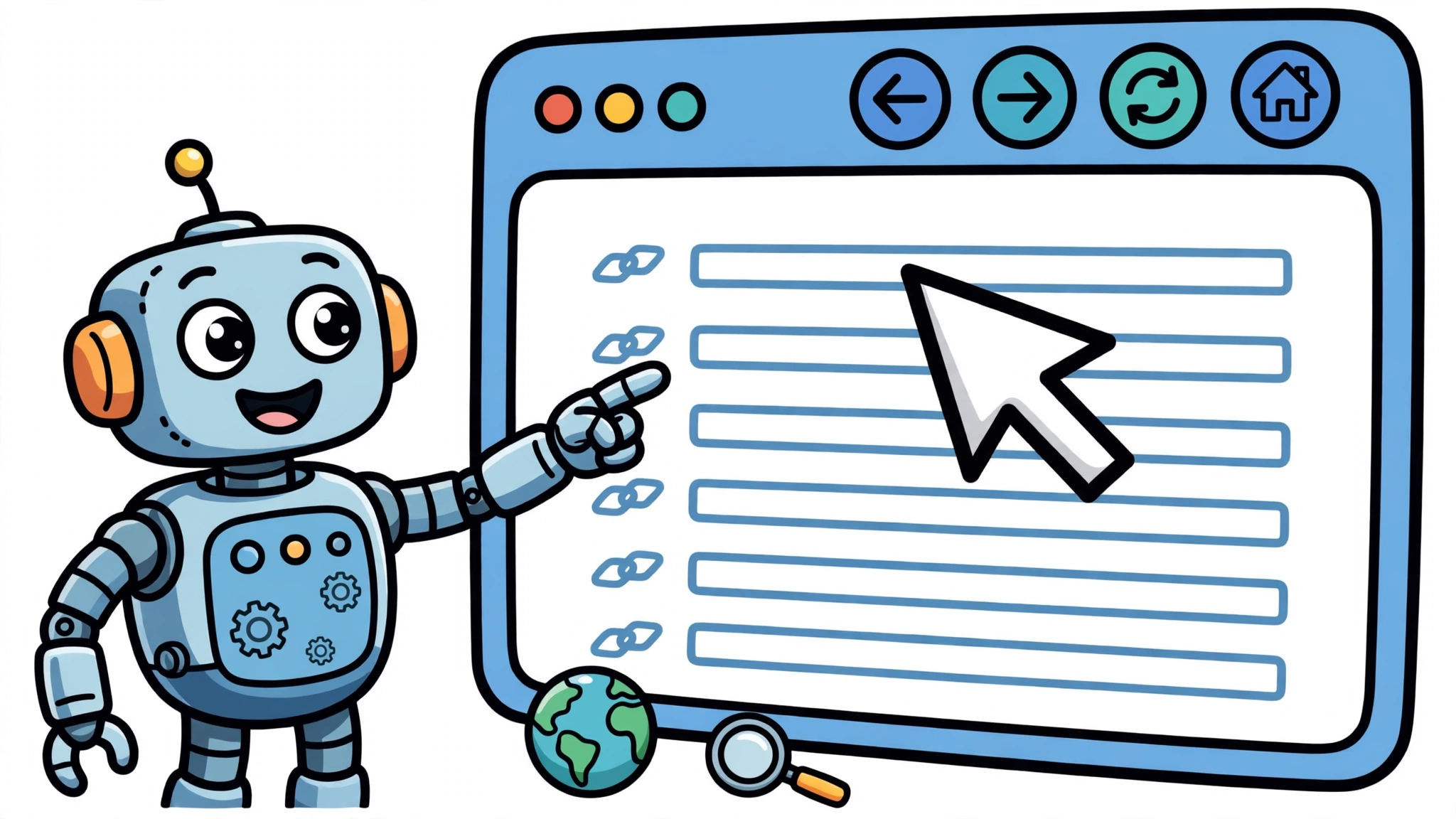
A browser is the most general tool an agent can have, because almost every service has a website and many have no public API. There are two ways to give an agent a browser, and they differ in what the model actually sees.
The first is a dedicated browser tool. Anthropic’s browser-use tool gives Claude member tools such as navigate, read_page, left_click, and screenshot — 27 member tools by default — and the application runs every call against its own browser automation. Claude works with the page in two ways: through its structure (the accessibility tree: elements, forms, and tabs) and through screenshots and viewport coordinates. That combination suits research, reading live information, and filling in forms.
The second is computer use, where the model drives a whole desktop the way a person does: it receives a screenshot, decides where to click or what to type, and checks the next screenshot. Anthropic introduced it as a public beta with Claude 3.5 Sonnet and was candid that it is “still experimental — at times cumbersome and error-prone.” On OSWorld, a benchmark for using computers like people do, Claude 3.5 Sonnet scored 14.9% in the screenshot-only category, notably better than the next-best system’s 7.8%, and 22.0% when afforded more steps.
Choose the browser when the task stays inside webpages and means acting on them, or when pages build their content with JavaScript. For simply finding sources or reading a page you can point the model to, the lighter server tools — web search and web fetch — are the better fit, because they need no browser to operate.
How an agent calls APIs
An API tool wraps a service endpoint as a named function with typed parameters. The weather tool above is the pattern: behind get_weather sits an ordinary HTTP call to a weather service. In this wrapper the transport details stay with the host — the agent sees the function name, the description, and the schema, and it supplies the arguments — while credentials are managed by the host, not handed to the model.
That indirection is the point. A structured request goes in and a structured response comes back, so the model gets clean data instead of a page it has to interpret. APIs are more reliable than scraping a page for the same reason: the response format is a contract, not a layout that can change. And because the agent only has the credentials the host gives it, an API tool also defines a permission boundary — the agent can only do what the key it was handed allows.
The trade-off is coverage. Not every service offers an API, and some offer one that covers only part of what the website does. That is why agents usually carry both kinds of tool: an API where one exists and the browser where it does not.
The ai agent tool use loop: reason, act, observe, repeat
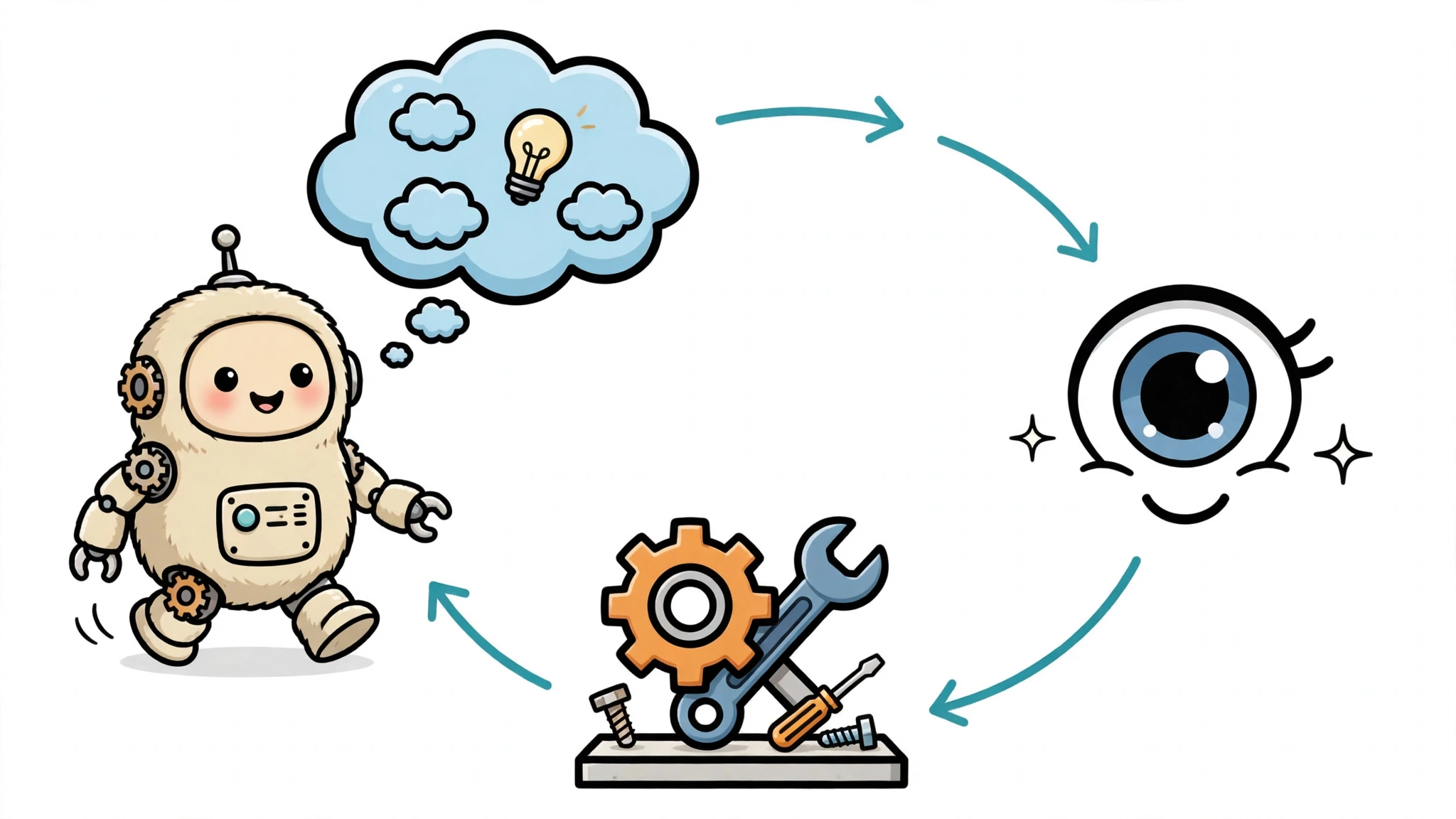
One tool call rarely finishes a task. Real work is a loop: the model reasons about what to do, calls a tool, reads the result, and reasons again with that new information in hand. The pattern has a name — ReAct, for reasoning and acting — from a 2022 paper by Yao and colleagues at Princeton and Google Research, presented at ICLR 2023. As the paper puts it, “the synergy between reasoning and acting allows ReAct to update its action plan based on new information and use information acquired so far to direct further search.” The loop is a Thought, then an Action, then an Observation, repeated until the model has enough to answer.
The effect is measurable. On HotpotQA, a benchmark of questions that need two facts chained together, letting the model pull facts from a Wikipedia API mid-reasoning sharply reduced hallucination: under reasoning alone, 56% of wrong answers were traced to hallucination, compared with 6% with ReAct. On ALFWorld, an interactive decision-making benchmark, ReAct reached a 71% success rate against 22% for an imitation-learning baseline. The observation grounds the next thought in returned information instead of a guess, which lowers the risk of the model inventing the answer it does not have — though the information itself can be wrong, incomplete, or untrusted, so grounding reduces hallucination rather than eliminating it.
Here is the loop on a concrete task. Suppose you ask an agent to compare the current price of a pair of headphones across two retailers and check whether either has it in stock. The agent reasons that it needs live prices, so it searches the web for the model. The search result is its first observation. It reads the first retailer’s page with the browser tool and notes the price. It then calls the second retailer’s stock API and learns the item is out of stock — an observation that changes the plan, so it searches for a third retailer instead of reporting a price nobody can buy at. When it has a price and a stock status it can defend, it stops calling tools and answers. Each observation either confirms the plan or rewrites it.
Limits and common mistakes
Tool use fails in a handful of characteristic ways, and knowing them is most of the skill of building with it. The first is hallucinated arguments: the model invents a parameter value, or even a tool name, that the schema never offered. The second is a tool returning something unexpected — a different data shape, an error, a rate limit, or a timeout. The third is the page itself: with browser use, everything a page supplies is untrusted input, and the actions the agent takes on it can have real effects, from submitting a form to changing an account setting.
The loop is also the recovery mechanism: a failed call returns an error the model reads as an observation, and a good agent retries with corrected arguments or picks a different tool instead of guessing. That is why the most important design decision is which tools to offer and what permissions to give them — an agent with browser and API access can take real actions, so its tools should be the smallest set that completes the task.