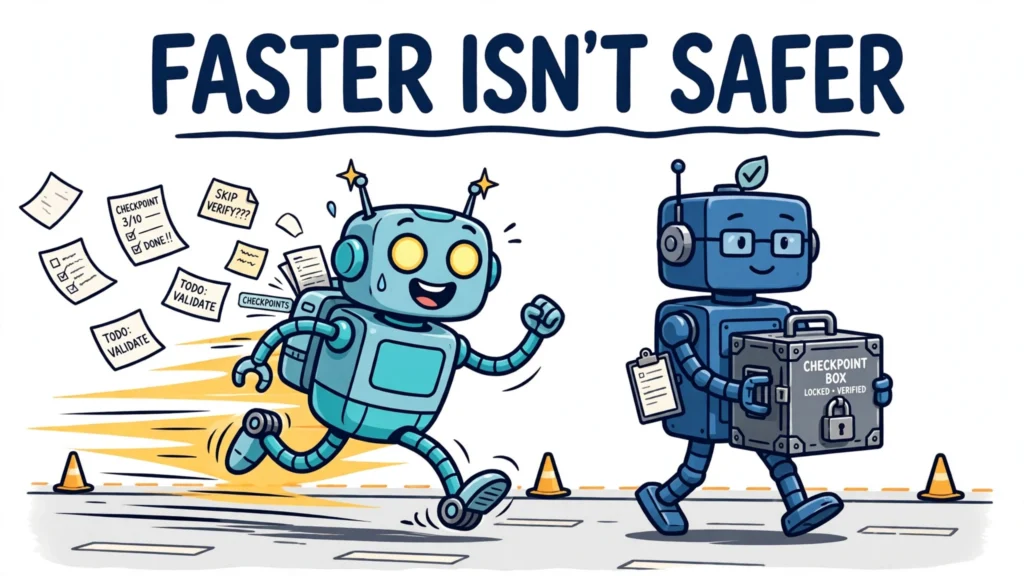

Agent state and context are what let a multi-step job survive beyond a single model call. A language model on its own keeps nothing between calls, and the client resends the conversation history with every request. So when an agent runs a multi-step workflow — planning, calling tools, drafting, checking — something outside the model has to track the plan, the completed steps, the intermediate results, and what the next step needs. This article explains how that works: what state and context mean inside a workflow, the mechanism that moves them from step to step, and the failure modes that catch teams out.
What agent state and context mean inside a multi-step workflow
State and context are two different things, and confusing them is the first source of weak workflow design. State is the durable record: what has been decided, done, and produced so far. Context is the working set placed in front of the model for the next step: the messages, tool outputs, and reasoning the model can see right now. State persists; context is assembled fresh for each step.
Inside a workflow, state comes in several kinds. Plan state is the plan itself and which steps are done, open, or failed. Step state is the inputs and outputs of each individual step. Intermediate results are the artifacts one step produces for a later step — a source list, a draft, verified facts. Tool or system state is the external facts already established, such as an order status already checked. Conversation context is the running transcript of the job so far. A checkpoint captures task state, not just messages: where a multi-step job got to, and what remains.
This is different from conversation state, which is about continuity between sessions. A workflow’s state answers a narrower question at every step: what has this job already done, what does the next step need, and what happens if the process stops here?
Why the model itself keeps nothing
The foundational fact is that a language model is stateless between calls. Without an external memory layer, every session starts from zero, and every long task eventually outgrows the window it is working in. The model does not remember the plan, the completed steps, or the tool results from five minutes ago unless something puts them back in front of it.
When a workflow assumes the model remembers, three things break. The agent re-asks settled questions, repeats tool calls it already paid for, and loses intermediate results a later step was supposed to build on. State is the engineering answer to all three problems: write the important facts out to a store, and load back only what the next step needs.
The mechanism, step by step

The mechanism below is a design pattern, not a rule every framework follows the same way. First, record the plan: the steps, their order, and their dependencies. Second, execute one step. Third, schedule persistence of that step’s state — its inputs, its outputs, and the updated plan. Whether the write is confirmed before the next step starts depends on the durability mode: some frameworks confirm each write synchronously, some write in the background while the next step runs, and some defer the write to the end of the run. Fourth, load the state the next step needs, merging stored state with the new input. Fifth, reconcile: stored state may be incomplete, out of date, or contradicted by what has just happened, so treat recalled state as a starting point to verify, not as a fact that overrides the current step.
Identity is what makes this work. State has to be scoped to one job, or two jobs bleed into each other. In LangGraph, a thread_id in the graph configuration scopes a checkpoint to one thread, while a store holds durable data shared across threads. In the OpenAI Agents SDK, a session plays the same role: the runner fetches the session’s stored items before each run and persists new items after each run completes. Without that scoping, there is no reliable way to say which stored state belongs to this workflow.
Intermediate results deserve their own storage, separate from the message transcript. A step that produces a structured result should write it as a record, not bury it in chat history. A single intermediate artifact might look like this:
{
  "artifact_id": "research-summary-014",
  "workflow_id": "report-job-88",
  "step": "summarize-sources",
  "produced_at": "2026-11-08T10:15:00Z",
  "inputs": ["source-list-014"],
  "summary": "Three sources agree on the checkpoint mechanism; two disagree on retry defaults.",
  "open_items": ["verify Temporal retry defaults against current docs"]
}
The record carries its own provenance: which workflow, which step, what it was built from, and what is still open. A later step can load this artifact by ID instead of re-reading the whole transcript, and a reviewer can audit exactly what the workflow knew at each point.
Checkpoints and durable execution
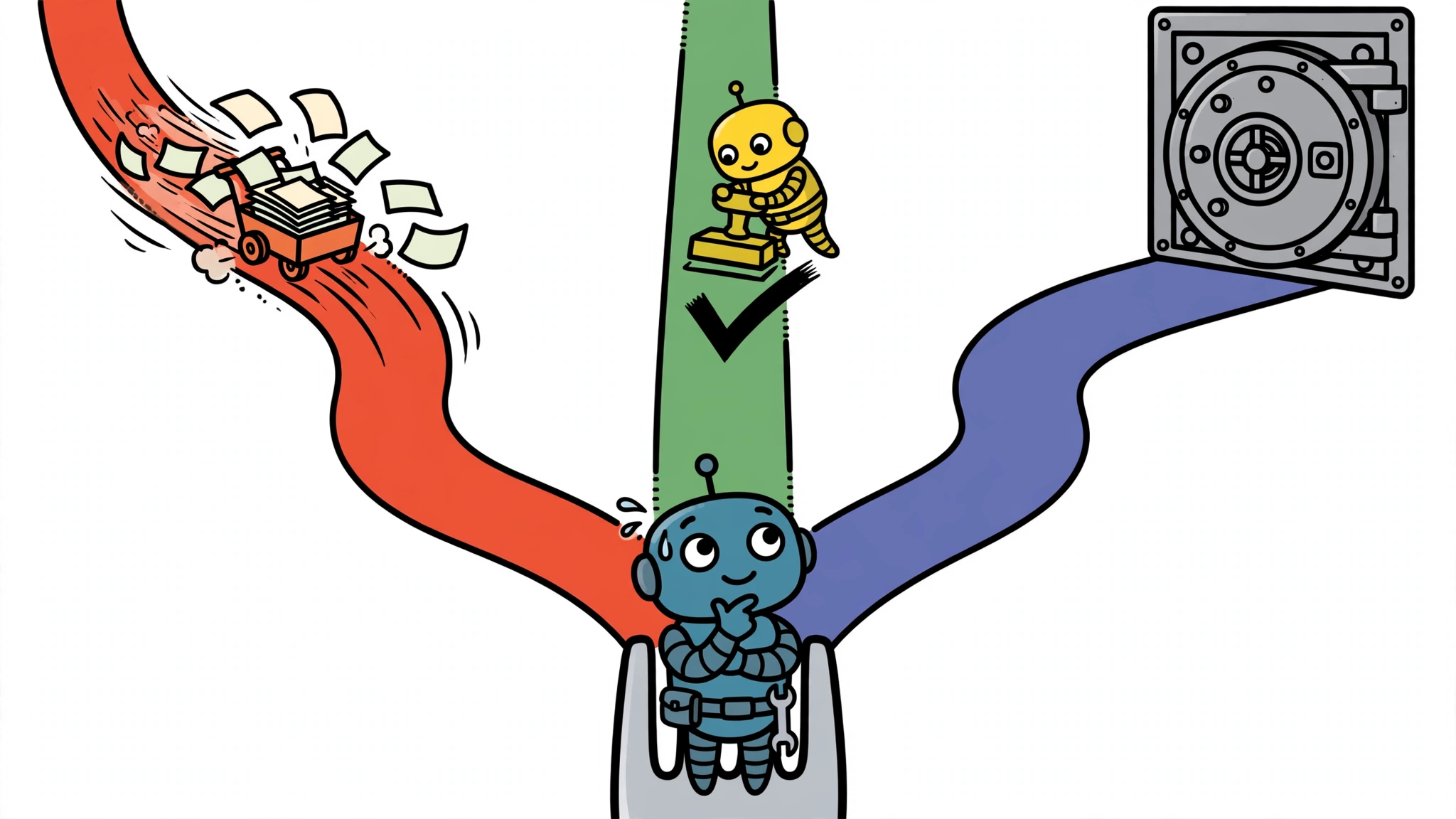
LangGraph’s checkpointer is one concrete example of the mechanism. LangGraph has a built-in persistence layer that saves graph state as checkpoints: when you compile a graph with a checkpointer, a snapshot of the graph state is saved at every step of execution, organized into threads. A checkpoint is a snapshot of the graph state saved at each super-step — one round of the graph, after every scheduled node’s writes are applied. The checkpointer uses the thread_id as the primary key for storing and retrieving checkpoints; without it, it cannot save state or resume execution after an interrupt.
The fragment below is illustrative, not a complete program: it shows only the checkpointer wiring — a checkpointer attached at compile time and a thread_id in the config.
from langgraph.checkpoint.memory import MemorySaver
from langgraph.graph import StateGraph

checkpointer = MemorySaver()
graph = builder.compile(checkpointer=checkpointer)

config = {"configurable": {"thread_id": "workflow-42"}}
Which checkpointer backend you choose decides what survives a crash. The in-memory checkpointer, MemorySaver, stores checkpoints in RAM, and all checkpoints are lost when the process restarts — it is for local testing, not production. For production, LangGraph ships checkpointers for Postgres and MongoDB, and Redis maintains a separate implementation; SQLite is the local-development option. LangGraph also offers three durability modes that trade safety for speed: sync writes before the next node starts, exit writes only once at the very end, and async — the default — writes in the background while the next node is already running. LangChain’s own documentation notes that async carries a small risk of losing the last write if the process dies before the background write lands. A checkpointer holds the working state of one thread; a store, such as the Postgres store, holds long-term memory shared across threads. The full history of a thread can be listed with get_state_history, and updateState creates a new checkpoint with updated values rather than modifying the original.
Checkpointing is one half of durability. The other half is the durable execution engines that treat each step as a recorded unit of work. Temporal replays an event history: on recovery it re-executes the workflow function from the beginning, comparing each command against the recorded history and handing back recorded results instead of re-executing activities — which requires deterministic workflow code. DBOS takes the library approach instead: it checkpoints workflows and steps directly into Postgres tables, with no separate orchestration server, and once a step completes and is checkpointed, it is never re-executed. Inngest checkpoints each step.run() result and replays the handler around them; Restate journals every step and deduplicates requests carrying an idempotency key. Temporal’s Python integration with the OpenAI Agents SDK has been generally available since 23 March 2026 and runs each agent invocation as an Activity.
The distinction between a session and a checkpointer matters here. The OpenAI Agents SDK’s sessions persist completed turns, not mid-run tool progress: if an agent dies halfway through a five-tool sequence, the session resumes from the last persisted turn, not the last persisted tool. Exactly-where-it-crashed resumption is a checkpointer’s job, and the Agents SDK does not have one. Sessions are the right tool for conversation history; checkpoints are the right tool for workflow execution state. A workflow that needs to survive a crash mid-step needs the latter, whatever framework it is built on.
Managing the context window across steps
Even with perfect checkpointing, the context window is finite, and every step adds to it: tool outputs, intermediate results, reasoning. A workflow that runs for hours will eventually fill its window. The standard answer is compaction: when a conversation approaches a token threshold, the API summarizes the older content into a compact block and continues from the summary. In the Claude Messages API, compaction triggers by default at 150,000 input tokens, with a minimum of 50,000; Claude Code auto-compacts at about 967,000 tokens by default on its 1-million-token models.
Compaction is lossy, and that is the trade to understand. Verbatim detail from the summarized region — exact tool outputs, precise wording, intermediate reasoning — is gone from the model’s view, replaced by the summary. The defence is to tell the summarizer explicitly what must survive, such as identifiers, decisions, and outstanding tasks: custom instructions replace the default summarization prompt entirely. Bedrock’s documentation puts the use case plainly: server-side compaction is recommended for managing context in long-running conversations and agentic workflows, because it handles context management automatically with minimal integration work.
The alternative to loading everything is selective retrieval: load only what the next step needs. The benchmarks make the case for it, with an important scope note: these are conversational-memory evaluations, not workflow benchmarks, and no workflow-specific benchmark result is established in this package. LongMemEval, which tests chat assistants on long-term interactive memory with 500 questions over histories of about 115,000 tokens, found long-context LLMs showing a 30% to 60% performance drop, and commercial systems achieving only 30% to 70% accuracy in a simpler setting. On LoCoMo’s long-range questions, window-based, summary-based, and graph-based strategies retrieved almost nothing, while dense retrieval over an external key-value store reached a Recall@5 of 0.573. In a direct LongMemEval comparison — the supplied Eidentic run, one measured comparison rather than a settled result — retrieval-based memory scored 55.2% against 41.0% for the full-context baseline, using about 2,550 tokens of retrieved context per question instead of roughly 99,435. The inference for workflows runs the same way: a longer window is not a substitute for choosing what to keep.
Branching, parallel steps and intermediate artifacts
Real workflows are rarely a straight line. A step fans out into parallel branches — three searches at once, or a draft and a fact-check running side by side — and the branches merge again later. Each branch needs its own slice of state, and the merge step needs to know which branch produced which result. This is where intermediate artifacts earn their keep: each branch writes its results as a record, and the merge step loads the records instead of trying to reconstruct them from a merged transcript.
Approval pauses are a state transition of the same kind. When a workflow pauses for a human decision — approve, edit, or reject — the pause can last minutes or days, and the workflow must survive it. What the workflow needs at the pause is not just the conversation history but the pending execution state: the plan, the completed steps, and the decision waiting to be made. A session record preserves the conversation; resuming the paused execution also requires the workflow’s own state — where it stopped and what comes next — to be stored durably.
The design rule is simple, but it is about capture, not confirmation: any state a step produces that a later step needs should be captured as a record when it is produced, not reconstructed from memory later. Whether that record is confirmed durable before the next step proceeds depends on the recovery guarantee the workflow needs and the durability mode it selected: sync writes confirm before the next step starts, async writes are scheduled in the background while the next step runs and may still be in flight, and exit writes land only at the end of the run. Write confirmation before proceeding is a requirement only when the workflow must survive a crash at any point. That is what turns a sequence of model calls into a workflow that can be inspected, resumed, and audited.
Limits and common mistakes
Persistent workflow state fails in ways that in-conversation context does not, and the failure modes should shape the design. The first is staleness. Stored facts go out of date, and a flawed summary written at one step can be retrieved as authority at the next — a compounding error. Timestamping and versioning help, but the deeper defence is verification: confirm consequential recalled facts rather than silently acting on them.
The second is unbounded accumulation. Checkpoints accumulate over long workflows, so retention planning is a design consideration: decide what to prune and what to expire, or the store grows without bound. Loading too much history has the same effect in token terms: every recalled message consumes context the current step needs. Summaries and structured facts exist precisely to keep that cost bounded.
The third is the in-memory trap. Testing only inside a single running process hides the fact that in-memory persistence does not survive a restart — MemorySaver checkpoints vanish with the process. A workflow that works in development and loses its state on the first production deploy has this bug.
The fourth is mistaking a session for a checkpointer. Sessions persist completed turns; they do not checkpoint mid-run tool calls. A team that relies on sessions for durability will discover, after its first mid-sequence crash, that the workflow resumes from the last turn rather than the last tool.
The fifth is assuming retries are safe. Every durable system retries, and retries repeat side effects, so tool calls must be treated as at-least-once and made idempotent with a key derived from the workflow and step — Temporal’s documentation recommends that activities be idempotent, so retries can be processed without duplicate side effects. Actions that cannot be retried or reversed need a compensating action, the saga pattern, or a human approval in front of them. Temporal’s activities retry automatically, with a documented default of a 1-second initial interval and a 2.0 backoff coefficient; a retry policy is not a substitute for idempotency.
Done well, workflow state is unremarkable to the user, which is the point. The agent picks up where it left off, resumes the interrupted job, and never re-asks a settled question. That continuity does not come from the model remembering. It comes from a state layer built around it: a plan, a checkpoint per step, durable records for intermediate results, and a context window managed deliberately rather than left to grow.