

If you are asking how to get real-time data for agents without hard-coding every data source, the short answer is that you wire a live-fetch loop into the agent: the model requests fresh data through tool calls, your code (or the model provider’s servers) executes those calls against live APIs, databases or streams, and the result lands back in the conversation as tool output. Beyond that basic loop, five practical patterns cover most designs — client-side tool calling, server-side tools, the Model Context Protocol for standardized plugs, agent-native search APIs for the live web, and streaming pipelines for first-party data — supported by a caching layer that keeps the whole thing affordable. The real engineering is choosing which pattern fits each data source, because freshness, latency and cost trade against each other in ways demos rarely show.
What “real-time” actually means for an agent
“Real-time” is not one requirement. It splits into two clocks that you must design for separately.
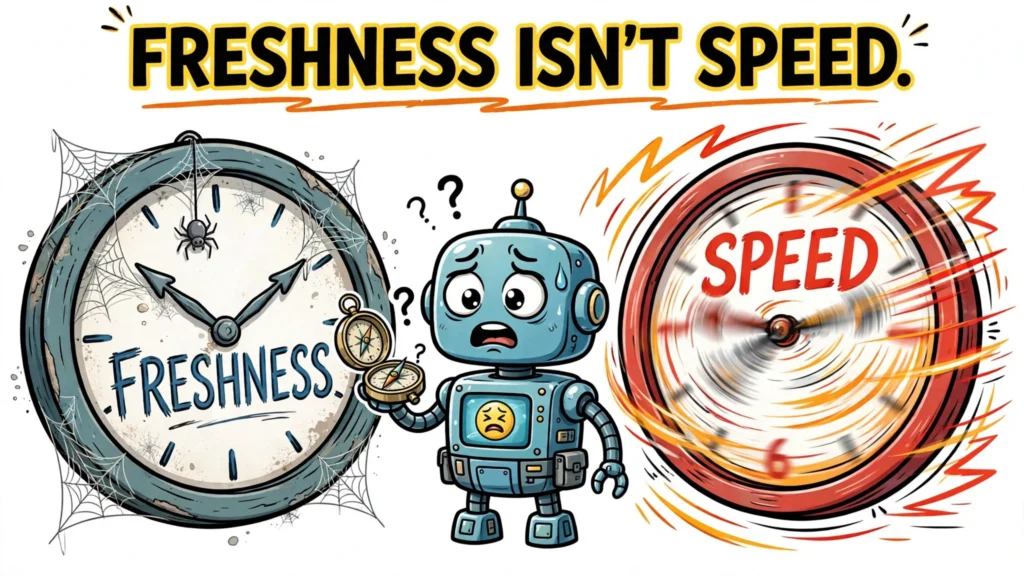
Freshness vs. latency: the two clocks
Freshness is how old the data is when the agent uses it. A stock quote that is 60 seconds old is stale; a product catalog that refreshes hourly is fine at 55 minutes old. Latency is how long the agent waits to get it. An agent in a voice conversation needs an answer in hundreds of milliseconds; an agent doing overnight research can wait 30 seconds for a deep search result.
The first design decision for any live-data feature is therefore a freshness budget per source: how stale is this data allowed to be before the answer becomes wrong? Market prices, sports scores and breaking news need seconds. Documentation, policy pages and company knowledge bases need minutes to hours. Flight schedules and inventory counts sit in the middle. Write the budget down before choosing a mechanism, because it decides whether you need a direct API call, a streaming pipeline, or just a scheduled refresh.
The five patterns for real-time data for agents
These five patterns are practical architectural options that recur across agent designs. Learn them once and you can read most agent architecture diagrams.
1. Client-side tool calling: the fundamental loop
The base mechanism is function calling, and it is deliberately simple. The model emits a structured tool call — a name plus arguments — and your code executes it: query a database, hit a REST API, run a calculation. The result returns to the model as tool output, and the loop continues until the model has what it needs to answer.
The mechanics differ slightly by provider, and the differences matter when you debug. With Anthropic’s Messages API, tool use is a manual loop: you send messages, the model stops with stop_reason set to "tool_use", and the response contains tool_use blocks with IDs. Your code executes each call and returns the results as tool_result blocks paired back by tool_use_id, so parallel calls stay matched to their results. Streaming works by accumulating input_json_delta events into the argument JSON, and a failed call is signaled with is_error rather than a crash — your agent is expected to read the error and decide what to do next, as Perplexity’s documentation for exposing its live Search API to Claude demonstrates. With OpenAI’s APIs, the model produces function calls and your app returns function_call_output items.
Client-side tool calling is the right default whenever the data source has an API you control or can call: your own databases, internal services, partner APIs, anything behind your auth. Keeping the target system’s credentials inside the executor is an explicit design requirement, not an inherent property of tool calling — the agent itself should only ever see the function signature and the returned data, never the secrets that authorize the call. The cost is plumbing — every source needs a function definition, an executor, and error handling — which is exactly what the later patterns reduce.
2. Server-side tools and managed connectors
Some live-data needs are common enough that providers execute them on their own servers. OpenAI’s Realtime API, for example: you can point it at a remote MCP server with a server_url, and the Realtime API calls that server for you. You configure access — authorization, which tools the model may use (allowed_tools), and whether calls need human approval (require_approval) — and you handle only the lifecycle and approval events, according to OpenAI’s Realtime tooling documentation.
Server-side execution removes the app-side plumbing, but it moves the trust boundary: the provider’s servers now reach your data source. For internal systems, read the auth story carefully — you are typically passing tokens to the provider so it can call on your behalf — and keep allowed_tools scoped to the minimum the agent needs. Whatever the provider returns is untrusted input that still needs handling appropriate to your threat model: tool results can carry private data in the request and attacker-controlled content in the response.
3. MCP: one standard plug for live data
The Model Context Protocol (MCP) exists to kill the N×M integration problem: without it, every agent framework needs a custom connector for every data source. MCP is an open protocol, built on JSON-RPC 2.0, that standardizes how an LLM application connects to external data and tools.
The official specification defines three roles. The host is your application (the agent). The client is the connector inside the host that speaks to one server. The server exposes capabilities: Resources (data the model can read, like files or records), Tools (functions the model can execute), and Prompts (reusable templates). Write the server once, and any MCP-compatible host — Claude, IDEs, other agent frameworks — can use it, as the official specification describes.
MCP is the right call when a data source must serve many different agents or tools, or when you want the ecosystem’s ready-made servers instead of writing connectors yourself. It is not a shortcut for simple cases: standing up and securing an MCP server for a single internal API your one agent calls is more machinery than a plain function tool. And heed the spec’s security warning — MCP tools are arbitrary code execution from the model’s perspective, so tool access needs explicit user consent and least-privilege scoping, not a blanket grant.
4. Agent-native web search APIs
For live information on the public web, a class of search APIs has emerged that is built for agents rather than humans: Tavily, Exa, Brave Search API, Perplexity Sonar, SerpApi. A head-to-head comparison for agentic use cases reports that they trade latency, extraction depth and cost along a clear spectrum. Treat the following as reported figures from that comparison — not guarantees, and not verified current pricing, since this market reprices frequently.
- Exa Instant is reported to return search responses in under 180 milliseconds — note this is the search API’s response time, not the agent’s total answer latency — which makes it suitable inside tight tool-calling loops where the agent fires several searches per turn.
- Tavily is reported in the sub-second to 1–2 second range and returns LLM-friendly, pre-digested answers and snippets: the API does a first pass over raw results before the agent applies its own reasoning to what comes back.
- Perplexity Sonar takes multiple seconds because it bundles retrieval with its own LLM reasoning step; you are paying latency for a more complete answer.
- Brave Search API and SerpApi return raw search results cheaply — the comparison lists around $5 per 1,000 searches for Brave versus roughly $7 per 1,000 for Exa, plus about $1 per 1,000 pages for Exa’s extraction — but you own the content-extraction layer: fetching pages, cleaning HTML, chunking text. Which option costs less in practice depends on the workload, because a pre-digested API bundles extraction work you would otherwise run yourself.
The practical rule: use the instant tier when search sits inside an interactive loop, the pre-digested tier when the agent needs quotable snippets fast, and the raw tier when you already have an extraction pipeline and want to minimize per-query cost at high volume. Whichever you choose, verify the provider’s current pricing and limits yourself before committing.
5. Streaming and event-driven pipelines for RAG
The four patterns above fetch data at request time. The fifth keeps the agent’s own knowledge fresh — the RAG index it searches — so answers about your first-party data do not come from yesterday’s snapshot.
The architecture, described by Confluent’s Kai Waehner in a write-up on event-driven GenAI, uses an event stream as the data fabric. Change Data Capture (CDC) tails your databases’ transaction logs — PostgreSQL’s write-ahead log, MongoDB change streams, MySQL’s binlog — and emits every insert, update and delete as a real-time event, without extra queries against production. Those events flow through Kafka into a stream processor like Flink, which preprocesses them, calls an embedding model, and updates the vector database continuously. At inference time, a real-time consumer assembles the fresh context into the prompt. An independent practitioner, writing on CDC and Kafka for agents, puts it memorably: updating the agent’s vector index becomes “just another Kafka consumer,” with the same production requirements — at-least-once delivery, ordering, replay on failure, idempotent processing. That author argues batch ETL is a key reason agents answer from stale snapshots, though the write-up does not rank it against other causes.
Note the architecture choice hiding inside this pattern: the LLM calls themselves stay request-response RPC over HTTP, but the surrounding data plane is event-driven. Kafka decouples producers from consumers so each side moves at its own speed; a stateful stream processor can even issue an RPC call to an LLM (for example via a Flink SQL user-defined function) and route the answer to a results topic. One caution before treating this as a freshness guarantee: streaming does not keep an index current by construction — source delay, queue backlog, embedding time and indexing delay all consume the freshness budget, so track source-to-index lag explicitly. The practitioner write-up above warns that batch ETL exports can leave agents answering from hours-old frozen snapshots — but whether a scheduled refresh fails your freshness budget is a measurement question. If its measured end-to-end age fits the budget, a scheduled refresh is sufficient; CDC or streaming is the upgrade for when it does not.
Caching and freshness: the layer builders underestimate
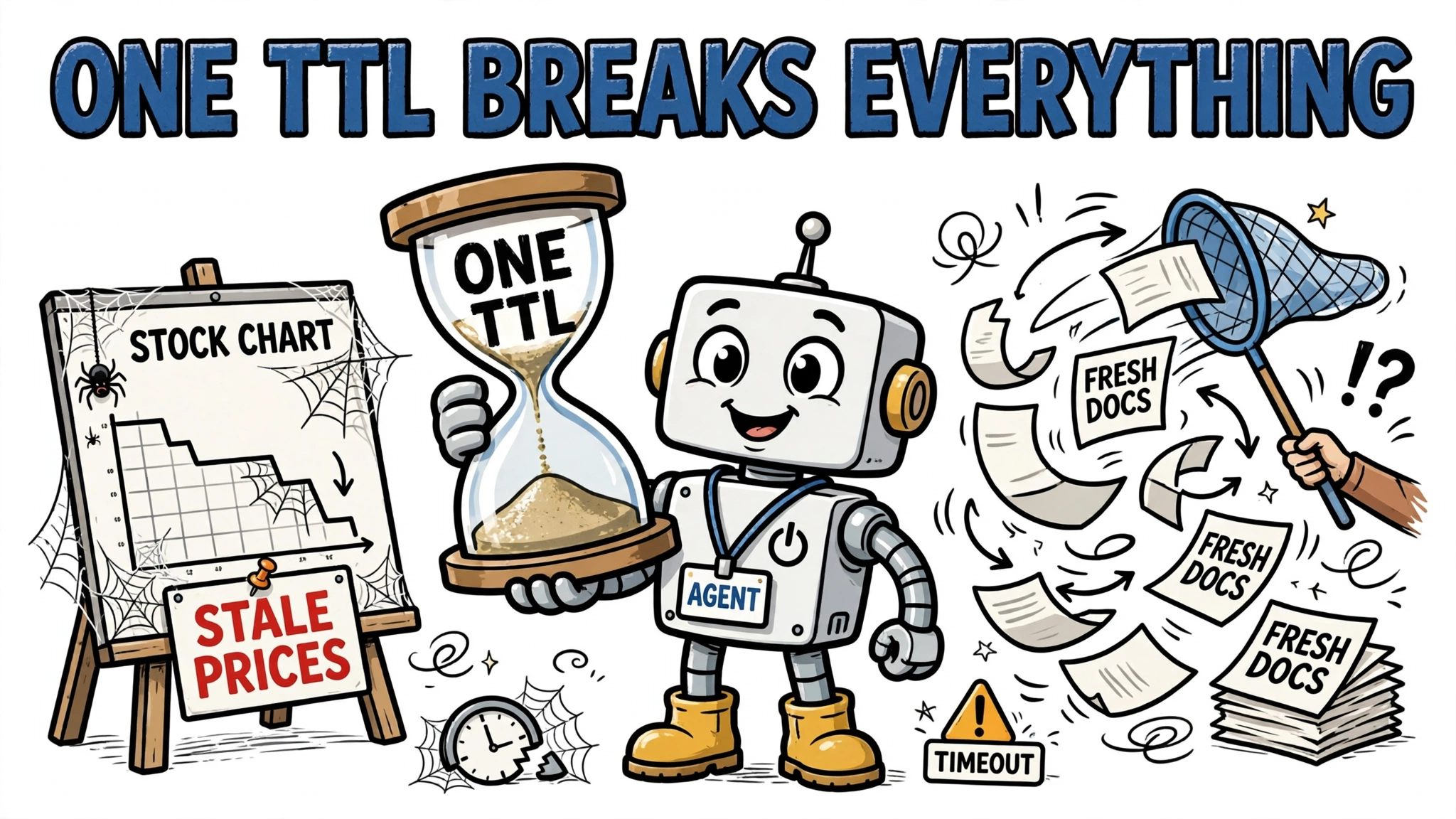
Every live fetch costs latency, money, or both — so production agents cache aggressively, and the cache is designed around the freshness budgets from the start.
- TTL caching is the workhorse: cache a response for its freshness budget (seconds for quotes, minutes for weather, hours for docs) and serve repeats from memory. Simple, predictable, and sufficient for most sources.
- Semantic caching goes one step further: if a new question is sufficiently similar to a cached one, reuse the answer. This pays off for expensive multi-second searches where users ask the same thing in different words — but only when the source freshness budget still holds and the query and access context match. Similar wording does not guarantee the underlying data is still current, or appropriate for a different user.
- Event-driven invalidation closes the loop with pattern 5: when a CDC event arrives for a record, invalidate or refresh exactly that cache entry instead of waiting for TTL expiry. Freshness becomes push-based rather than poll-based.
The failure mode to avoid is caching without a freshness model — a single global TTL applied to everything, so stock prices go stale for an hour while static docs get refetched every 30 seconds. Attach the TTL to the source, not the cache. And measure age from the source timestamp, not from fetch time: a quote already stamped 45 seconds old at ingestion is 45 seconds into a 60-second budget, so the cache may hold it for only 15 more seconds. A cache hit past the budget is a labeled stale fallback, not a fresh answer.
Latency, rate limits, and cost trade-offs
Five numbers decide whether a live-data design survives contact with production: per-call latency, rate limits, concurrency, cost per call, and the freshness budget. The trade-offs are concrete. Pre-digested search APIs can reduce extraction and preprocessing work before the agent reasons over what comes back; raw SERP APIs are typically cheap per call but push extraction compute onto you; streaming pipelines have real infrastructure cost but amortize it across every query that would otherwise refetch. Total cost depends on the provider, the tier, the retrieved content, and the workload — and retrieval and the agent’s own interpretation of the results remain separate steps.
What demos hide: 429s, 403s, and concurrency walls
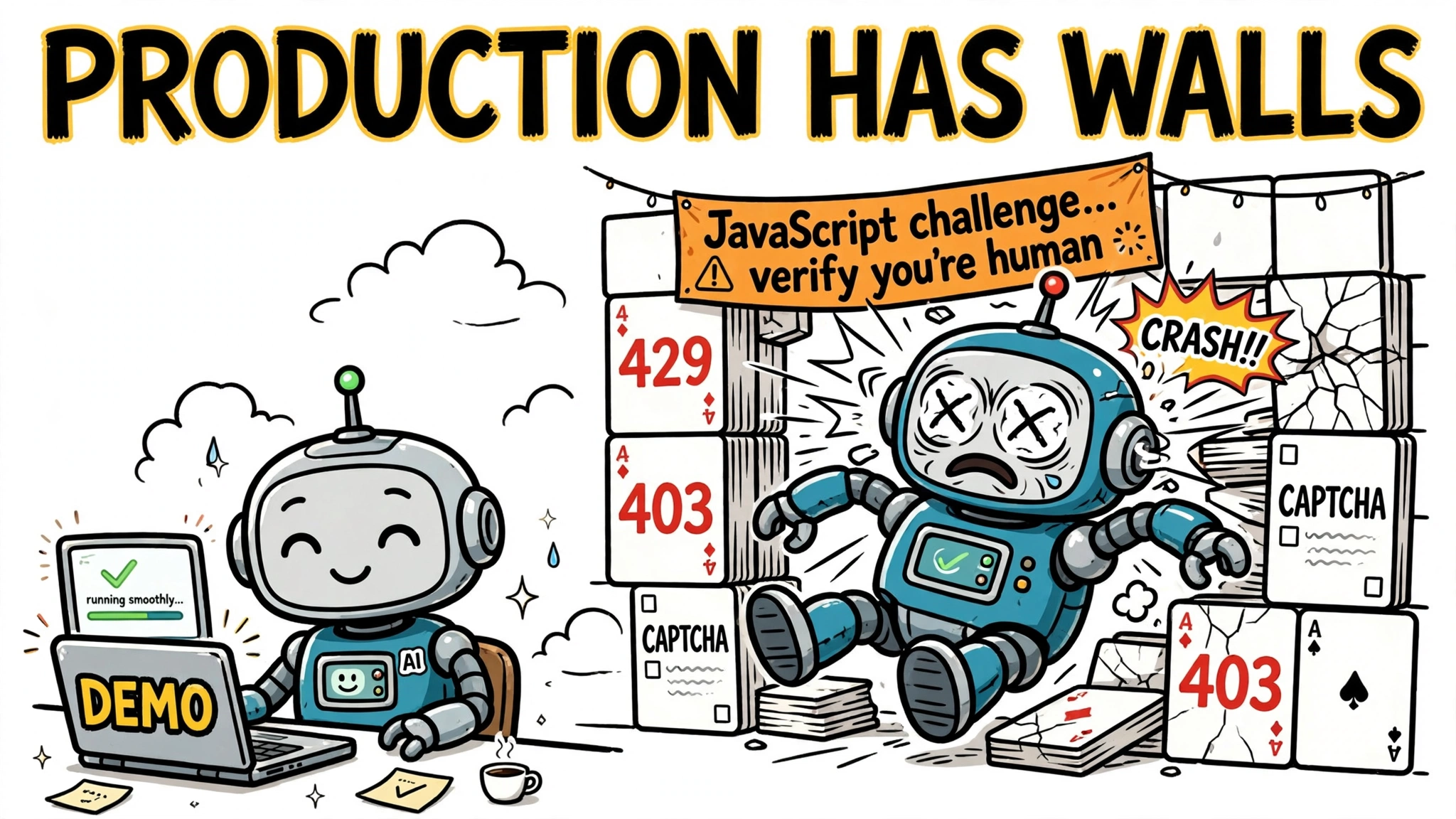
Demos fetch from one API key, sequentially, against friendly endpoints. Production does not. One operational write-up documents three walls that stall agents: HTTP 429 rate limits per IP or API key on market-data, weather and news APIs; 403 responses from web-application firewalls and anti-bot systems when the agent scrapes directly; and concurrency bottlenecks when an agent parallelizes dozens of independent fetches and trips a limit it never saw in testing. CAPTCHAs and JavaScript challenges finish the job on unprotected scraping paths.
The mitigations start with the provider’s own rules: respect published quotas, parallelize independent fetches within a bounded pool, retry adaptively with exponential backoff, and treat web scraping as production data infrastructure rather than a fetch() call. Distributing requests across IPs or API keys is a conditional option only where the provider’s terms allow it — it does not remove the aggregate limit. If your agent depends on a third-party live source, load-test the retrieval path at your real concurrency before you promise freshness to users.
Worked example: a market-data agent
Consider an agent that answers “What is Tesla trading at, and is the move news-driven?” Here is how the patterns combine:
- Freshness budget: price must be under 60 seconds old; news context can be 15 minutes old.
- Quote fetch (pattern 1): a client-side function tool calls the market-data API with the ticker as an argument; the agent gets a structured quote back. Treat a sub-second API round trip as a design target to verify against your provider’s actual latency, not a given.
- TTL cache (caching layer): the quote is cached for the remainder of its freshness budget — for example, a quote already 20 seconds old at ingestion may be cached for at most 40 more seconds under a 60-second budget — so follow-up questions in the same conversation do not burn API quota.
- News check (pattern 4): an agent-native search API — Tavily or Exa — runs one query for recent Tesla news; the returned snippets give the agent timestamped headlines as possible context for the move. The agent cites them, treats causation as uncertain, and still applies its own reasoning to the retrieved results — retrieval and interpretation remain separate steps.
- Failure handling: if the market API returns 429, the agent falls back to the cached quote, labels it with its age, and says so explicitly rather than presenting a stale number as live. A stale fallback is an honest degraded answer, not a fresh one.
Nothing here is exotic — one function tool, one cache, one search API, one fallback rule. This shape — boring plumbing, explicit freshness budgets, and honest labeling of data age — is a solid default for production live-data agents.
Risks and limitations
Live data access widens what an agent can do and what can go wrong. Four risks deserve explicit design attention:
- Security and consent. Every tool is a capability the model can invoke. The MCP specification is blunt: tools are arbitrary code execution and require explicit user consent. Scope
allowed_toolstightly, require approval for writes and sensitive reads, and never hand an agent credentials broader than the task needs. - Freshness illusions. A cached or streaming-fed answer can look live while being stale. Label data age in agent responses wherever the number drives a decision — prices, availability, schedules — so users can judge.
- Cost explosions. An agent in a retry loop against a per-call search API can burn a budget in minutes. Cap retries, cap per-conversation tool spend, and alert on anomalies.
- Source fragility. Scraping-based retrieval breaks when sites change markup or deploy bot defenses; API-based retrieval breaks when providers reprice or deprecate. Prefer contracted APIs for anything load-bearing, and monitor the retrieval path as production infrastructure.
Choosing the right pattern
Start from the freshness budget, not the technology. If the data lives behind your own API, client-side tool calling is the default — simple, auditable, and yours to secure. If many agents or tools need the same source, put an MCP server in front of it once. If the answer lives on the public web, pick a search API tier by latency: instant for interactive loops, pre-digested for quotable snippets, raw when you own extraction and run volume. If the agent must know your first-party data as it changes, prefer streaming the changes over scheduled exports — CDC plus a streaming pipeline can keep the RAG index current, provided you track source-to-index lag against the freshness budget instead of assuming it away. And when a scheduled refresh’s measured age already meets the freshness budget, it stays a reasonable choice. And in every case, add the caching layer and the failure handling before you demo, because the 429s, the stale caches and the cost spikes are not edge cases. They are the job.