

If you want to build an AI agent that survives contact with production, start with the loop, not the model. An agent is a system that perceives its environment, decides on an action, takes it, and observes the result — repeating until a stopping condition fires. The model call is the least of it. The real engineering is everything around the loop: tools the model can reason about, memory that outlives a single run, guardrails that fail fast, and evaluation for a system that never does the same thing twice. This guide walks the full path, from the first decision — whether you need an agent at all — to a production-hardening checklist drawn from real field experience.
First, the Question Nobody Asks: Do You Actually Need an AI Agent?
Agents are powerful and expensive. They burn tokens, take irreversible actions, and fail in hard-to-reproduce ways. Before writing code, ask whether the task genuinely needs an autonomous loop — or whether a prompt, a script, or a retrieval pipeline would do the job far more cheaply. Measure tokens per successful task — tokens spent divided by completed, verified outcomes — instead of assuming any fixed ratio. If you need true cost per successful task, divide total run expenditure — model, tool, and infrastructure charges, including failed attempts — by verified successful outcomes.
Start With the Simplest Architecture That Works
The reliable advice is simpler than any industry consensus: start with the simplest architecture that works, and add agent machinery only when the problem demands it. Give one agent good tools first — a single agent with well-designed tools, instructions, and memory handles most tasks, and a sub-agent where a plain tool call would do compounds overhead in tokens, latency, and debugging pain.
Expand beyond one agent when the work itself justifies it: independently parallelizable subtasks — OpenAI’s Agents API announcement describes parallel research, analysis, and coding as reasons for subagents — or specialized roles that cross a security clearance, compliance regime, or ownership line. Multi-agent systems answer an organizational or parallelism problem; they are not a default architecture.
The Scoping Checklist
Run your idea through four questions before you commit:
- Ambiguity: does the task require judgment calls that can’t be enumerated in advance? If every path is known, a script is cheaper and more reliable.
- Budget: can you afford the token cost at your expected volume? An agent that takes 20 tool calls per task is a rounding error in a prototype and a line item in production. Price a realistic run before you design.
- Verifiability: can you check the output cheaply? Agents work best when their results are verifiable — tests pass, a diff looks right, a database row exists. If you can’t verify the output, you can’t trust the loop.
- Error cost: what happens when the agent is wrong? A wrong email summary is annoying. A wrong database migration is a resume-generating event. The higher the error cost, the more guardrails and human approval points you need — and the more you should reconsider whether an agent is the right tool.
How to Build an AI Agent That Perceives, Decides, and Acts
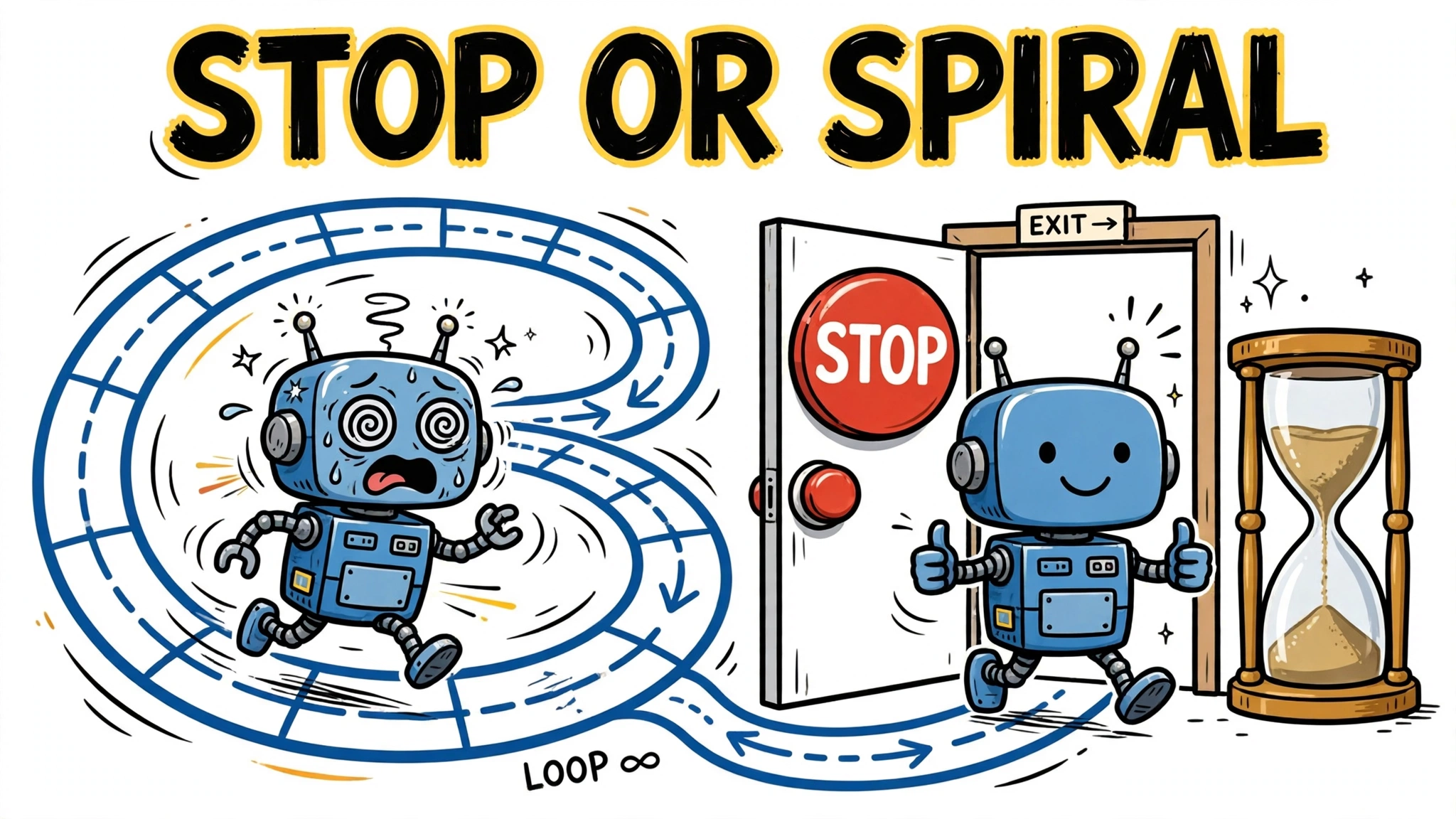
Strip away the framework marketing and every agent has the same anatomy: a model that reasons, tools it can call, and an environment those tools act on. The agent loops: observe the state, decide on an action, execute it through a tool, feed the result back into the model, and repeat until a stopping condition fires. Frameworks, memory stores, and guardrails are machinery to make the loop safe, observable, and restartable.
The Run Loop: An Illustrative Bounded Example
The OpenAI Agents SDK can distill the loop to almost nothing — an agent plus a runner call — but that minimal invocation hides the machinery a production loop needs: a narrow tool contract, validation, structured results, and a failure exit. What follows is illustrative pseudocode, not an executable SDK example:
MAX_TURNS = 8              # hard turn cap — only meaningful if every call below is bounded
DEADLINE_MS = 120_000      # overall wall-clock deadline for the whole run
TOOL_TIMEOUT_MS = 20_000   # per-tool timeout ceiling: one slow tool can't eat the budget

def run_ticket_lookup(task):
    # Narrow, illustrative task: fetch one open ticket and verify it.
    # Completion = a verified outcome, not merely a successful tool call.
    state = { task: task, attempts: [], ticket: null }  # state initialized once
    deadline = now_ms() + DEADLINE_MS                    # absolute; now_ms() is monotonic
    turn = 0
    while True:
        turn += 1
        if turn > MAX_TURNS:
            return envelope(ok: false, error: "max_turns_exceeded",  # explicit exhaustion exit
                            meta: { turns: turn - 1 })

        # 1. PLANNING — budget re-read immediately before the call
        remaining = deadline - now_ms()
        if remaining <= 0:
            return envelope(ok: false, error: "deadline_exceeded",
                            meta: { turns: turn - 1 })
        try:
            # plan_next_step NEVER blocks past its timeout: the runner cancels the
            # in-flight model call at expiry and raises TimeoutError instead of hanging.
            action = plan_next_step(state, timeout_ms: min(10_000, remaining))
        except TimeoutError:
            # Recoverable: nothing executed, so record and plan again next turn.
            state = update_state(state, outcome: { ok: false, error: "plan_timeout" })
            continue
        if not validate(action):                       # typed schema check at the boundary
            return envelope(ok: false, error: "invalid_action",
                            meta: { turns: turn - 1 })

        # 2. TOOL EXECUTION — another fresh read; planning may have consumed most
        # of the allowance. With 5,000 ms left and 4,000 spent on planning, the
        # tool now sees only ~1,000 ms — the stale-budget overrun is impossible.
        remaining = deadline - now_ms()
        if remaining <= 0:
            return envelope(ok: false, error: "deadline_exceeded",
                            meta: { turns: turn - 1 })
        try:
            # call_tool() wraps the tool with a cancellable timeout: at expiry the
            # in-flight request is aborted and the failure becomes a structured outcome.
            outcome = call_tool(action, timeout_ms: min(TOOL_TIMEOUT_MS, remaining))
        except TimeoutError:
            outcome = { ok: false, error: "tool_timeout" }  # recoverable: feed back, retry
        except ToolError as e:
            outcome = { ok: false, error: e.code }          # recoverable: feed back, retry
        state = update_state(state, outcome)                # every outcome feeds planning

        # 3. COMPLETION — task_is_complete() is bounded and nonblocking by contract:
        # it inspects local state only (no I/O, no model call), so it cannot itself
        # cross the deadline. We still recheck after verification, immediately
        # before returning success: if verification exhausted the remaining budget,
        # deadline_exceeded wins over a stale success.
        if deadline - now_ms() <= 0:
            return envelope(ok: false, error: "deadline_exceeded",
                            meta: { turns: turn })
        complete = task_is_complete(state)
        if deadline - now_ms() <= 0:
            return envelope(ok: false, error: "deadline_exceeded",
                            meta: { turns: turn })
        if complete:
            return envelope(ok: true, data: state.ticket, meta: { turns: turn })

        # 4. BACKOFF — fresh read once more; the sleep is capped by it.
        remaining = deadline - now_ms()
        if remaining <= 0:
            return envelope(ok: false, error: "deadline_exceeded",
                            meta: { turns: turn })
        sleep_ms(min(backoff_ms(turn), remaining))      # bounded, interruptible sleep

# Contracts: plan_next_step() and call_tool() accept timeout_ms and raise
# TimeoutError at expiry (in-flight work cancelled); other tool failures arrive as
# ToolError. Local helpers — validate(), update_state(), task_is_complete(),
# backoff_ms() — are bounded and nonblocking by contract; only the model call
# and the tool call can block, and both are deadline-cancelled. Every boundary
# converts exceptions into the same {ok, data, error, meta} envelope — timeouts
# and tool errors never escape as raw exceptions. The 120,000 ms guarantee is a
# design budget, qualified by cancellation latency and clock resolution: the loop
# can never run materially past the deadline, but exact-to-the-millisecond
# precision is not claimed.
Note what makes this loop safe in production: an absolute deadline read from a monotonic clock, recomputed immediately before planning, the tool call, and the backoff — because planning may consume most of the allowance, each later call gets a freshly clamped timeout, never a stale one. Success is returned only after the deadline is rechecked after completion verification, so a verification that exhausts the remaining budget yields deadline_exceeded rather than a stale success. Both helpers have explicit timeout and error contracts: TimeoutError and ToolError are caught at their boundaries, converted into structured outcomes, and fed back into state for recoverable failures — plan timeouts cost a turn, not the run — while terminal failures (validation, deadline, exhaustion) return the same result envelope. The loop “always terminates” only because every blocking operation is bounded and cancellable; a turn cap alone cannot guarantee that. That is the skeleton your agent needs around the SDK’s minimal call — and the pattern the production-hardening checklist below assumes.
Why the Loop Needs a Stopping Condition
An agent without an explicit stop is a credit card with no limit. The loop can run forever: the model calls a tool, the tool result confuses the model, the model calls the tool again. A LangGraph tutorial walkthrough (GUVI, a secondary source — not official documentation) warns about exactly this — a poor routing function can loop endlessly — and suggests a retry counter that routes to a terminal state. Treat any specific retry count, like the tutorial’s 3 to 5, as an illustrative configuration: set your turn and retry limits from your workflow’s latency and cost budget, not from a tutorial default.
Build the stopping condition in from day one: a maximum iteration count, a timeout, and a rule for what “done” looks like. A loop that ends with “I could not complete this after N attempts” is a finished feature. A loop that ends with an empty API balance is an incident.
Choose Your Stack: Framework or Hand-Rolled Loop
You can write the loop yourself in a hundred lines, and for a single tool call behind a decision that is often the right call — and the fastest way to learn how agents fail. But frameworks exist because the loop is never just the loop: it’s retries, state, streaming, tracing, and error handling. Three frameworks worth knowing in 2026 — selected options rather than an exhaustive list — each come from a different philosophy:
OpenAI Agents SDK: Agents, Handoffs, Guardrails, Tracing
The OpenAI Agents SDK organizes agent systems around three primitives. Agents are configured with instructions and tools. Handoffs let one agent delegate to a specialized sub-agent — the controlled version of multi-agent, with explicit transfer points. Guardrails run input and output validation alongside the agent and raise a tripwire when triggered. That validation is a check you define, not a guarantee of prevention — and it is different from authorization: a guardrail trip does not substitute for explicit approval before a side-effecting tool executes. The SDK also ships tracing out of the box, giving you a visual trace of every model call and tool execution — the layer you will miss most when you don’t have it.
LangGraph: State, Nodes, Edges, and Cycles
LangGraph — as described in a GUVI tutorial walkthrough (a secondary source; consult the official docs for the current version) — models agents as graphs: nodes are steps, edges are transitions, and the state object flows through the graph carrying context. Its superpower is cycles — the graph can loop back, which is exactly what an agent loop is — plus checkpointing for durable state and interrupts for human-in-the-loop approval. Choose LangGraph when you need explicit control over the flow: conditional routing, long-running workflows that pause for human approval, and state that survives restarts. The tutorial shows the MemorySaver checkpointer for development and PostgresSaver for production state across distributed workers — qualify version-sensitive API details against the current docs before relying on them.
Google ADK: Hierarchies, Tool Confirmation, Evals
Google’s Agent Development Kit (ADK) is built for hierarchical multi-agent systems: a root agent coordinates specialized sub-agents in a tree. Its distinguishing features are tool confirmation flows — the agent asks before executing sensitive tools — and built-in evaluation for testing agent behavior. Choose ADK when the problem naturally decomposes into a hierarchy and when you want evals as a first-class part of the development loop rather than an afterthought.
Design Tools Your Agent Can Actually Use
Tools are where most agent projects quietly fail. The model can only act through the tools you give it, and tool design determines whether the agent reasons fluently or flails. Field experience from deepsense.ai’s production MCP work produced a sharp set of rules:
LLM-First Tool Contracts
Design tool schemas for a reader that is smart but literal. Use strict typing, consistent input and output formats, and minimal nesting — deeply nested parameters are where agents get confused and waste tokens reasoning about the shape of the call instead of the task. Name tools and parameters with plain verbs and nouns: search_tickets(status, assignee) beats q(qry, flt). Every tool needs a description the model can act on: what it does, what it returns, and what it costs in side effects.
MCP: The USB-C for Agent-Tool Integration (and When Not to Use It)
The Model Context Protocol (MCP) standardizes how agents discover and call tools — one protocol instead of a bespoke integration per tool. deepsense.ai describes it as the USB-C for AI: you wire a tool once, and any MCP-compatible agent can use it. That standardization pays off when you have many tools, many agents, or tools owned by different teams. But MCP is overhead when the situation is simple. If you have a handful of static, well-defined internal APIs, direct function calls are simpler, faster to debug, and easier to secure. Use MCP where it earns its place; don’t adopt it as a fashion statement.
Scope Tools per Agent: Least Privilege in Practice
Give each agent only the tools it needs. In deepsense.ai’s production system, scoping tools per agent cut both hallucination risk and token usage: the agent couldn’t call a dangerous tool it didn’t have, and it wasted fewer tokens reasoning over a bloated tool list. Least privilege is not just a security posture here — it’s a reliability technique. A support agent that can read tickets but not delete users is an agent with a smaller blast radius and a shorter decision space.
Idempotency and Recovery: The Duplicate-Send Problem
Typed schemas and human approval do not stop a duplicate send. After a timeout, the agent cannot tell whether the write landed — so it retries, and the email goes out twice, or the charge is applied twice. Andrii Furmanets’ practical architecture guide identifies duplicate sends and double charges from non-idempotent retries as a concrete failure mode.
Give every side-effecting tool an idempotency key, a per-tool timeout, and a bounded retry count. Add a recovery rule for uncertain outcomes: when the result is unknown, verify state before re-executing — “was the ticket actually created?” — rather than blindly retrying. Budget each tool call so a retry storm has a ceiling.
Memory and State: What the Agent Remembers
A model call is stateless. Everything the agent “remembers” is machinery you build. Get the layering right and the agent feels coherent; get it wrong and it repeats itself, forgets constraints, or loses hours of work on a restart.
Working Memory vs Durable State
Think in two tiers. Working memory is the current model context of the running turn — the prompt, the tool definitions, and the latest results the model is reasoning over. It is transient: it disappears when the run ends. Durable state is what survives across runs. The OpenAI Agents SDK’s Sessions are a persistent memory layer in that tier: conversation history the agent can resume in later runs. That is different from resumable execution state — workflow checkpoints, the plan, intermediate results — the machinery that lets a crashed agent restart mid-task instead of from scratch. LangGraph’s checkpointers make the durable tier explicit: as a secondary tutorial walkthrough shows, MemorySaver works for development, SqliteSaver for single-node persistence, and PostgresSaver for distributed production (check the current docs for your version). Conversation persistence alone does not guarantee crash recovery; the two durable layers solve different problems.
Checkpointing: Pause, Resume, and Survive Restarts
Checkpointing is what turns a demo into a system. With LangGraph’s checkpointing, a long-running agent can pause for human approval and resume from the exact saved state — the human reviews, approves, and the graph continues. The same machinery lets a crashed agent restart mid-task instead of from scratch.
Guardrails and Human-in-the-Loop
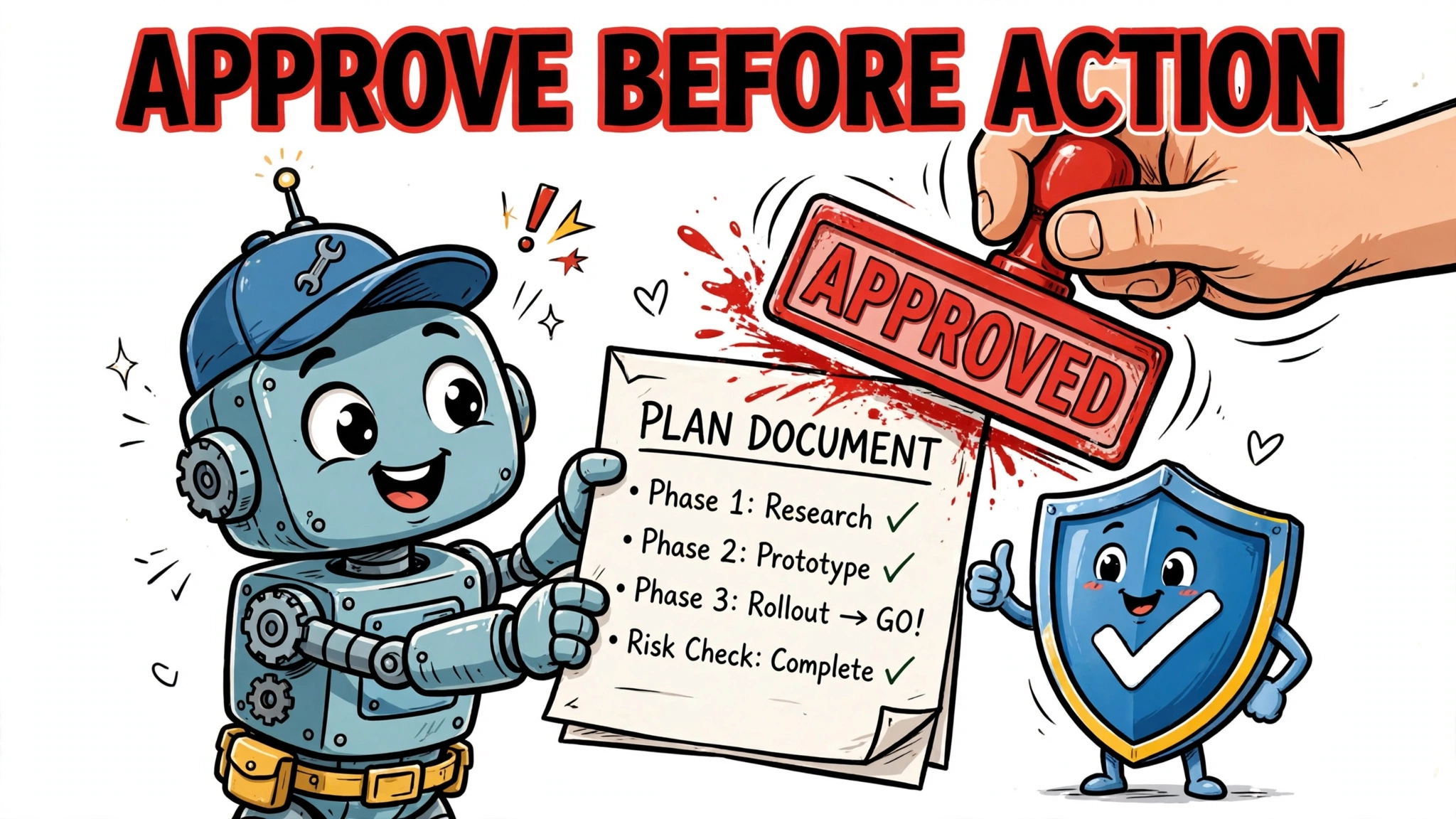
Autonomy is a dial, not a switch, and the dial should turn based on evidence. Anthropic’s lessons from building effective human-agent teams argue for granting autonomy in proportion to demonstrated reliability: start with the human approving consequential actions, and expand the agent’s freedom as it proves itself on your real tasks.
Guardrails That Fail Fast
Guardrails are checks that run alongside the agent — the OpenAI Agents SDK raises a tripwire on input or output violations. Put validation on both ends: input guardrails check for prompt injection, out-of-scope requests, and malformed task descriptions; output guardrails check the agent’s final answer against policy — in the SDK, guardrails validate input and output, and they are not documented as intercepting a proposed tool action before it executes. If a planned action needs scrutiny before it runs, build that as an explicit application-level check that inspects the plan before the tool call — separate from output validation of the final answer, and separate from human approval of irreversible effects. Treat these as validation gates, not guarantees of prevention: they do not substitute for explicit authorization before a side-effecting tool executes. A guardrail that fires should fail fast and loudly — log the trigger, surface it to the operator, and never silently swallow it. And remember that prompt injection can arrive through tool results and retrieved documents, not just the user’s message — treat those as untrusted input too.
Approval Points: Interrupt and Tool Confirmation
Some actions should never happen without a human: sending the email, merging the pull request, running the migration. LangGraph’s interrupt_before pauses the graph before a node executes, so approval happens before the side-effecting step runs — the correct placement for irreversible actions. interrupt_after pauses after a node completes; use it only when the completed step prepares a proposed action (a draft email, a proposed migration plan) and the actual execution happens in a subsequent step that is itself gated. The rule: approval must occur before the side-effecting node or tool executes, never after. ADK’s tool-confirmation flow does the same for individual tool calls. Design approval points around irreversibility: anything that can’t be undone gets a human. Anthropic’s teams also use a doer-verifier pattern — one agent does the work, a second agent (or the human) verifies it.
Test an Agent That Never Does the Same Thing Twice
You cannot unit-test nondeterminism away, but you can bound it. Testing an agent means testing the system around the model: the tools, the routing, the state handling — plus the model’s judgment, evaluated statistically rather than exactly.
Layered Evals: Unit Tests, LLM-as-Judge, Side-Effect Checks
deepsense.ai’s evaluation approach layers three techniques. Unit tests cover the deterministic parts: tool implementations, state transitions, routing logic. LLM-as-judge evaluation scores the nondeterministic parts — use a strong model with a rubric to grade whether the agent’s plan was sensible and its answer correct. Side-effect checks verify what the agent actually did in the world: the row was created, the file was written, the API was called with the right arguments. No single layer catches everything; together they catch most things.
Tracing and Observability as a First-Class Layer
When an agent fails, the question is always the same: what did it see, what did it decide, and why? Without tracing, you’re reading tea leaves. The OpenAI Agents SDK’s built-in tracing shows every model call, tool invocation, and handoff in sequence — the minimum viable observability for any agent system. Treat traces as a first-class artifact: store them, sample them, and review failures through them. An agent you can’t trace is an agent you can’t debug, and an agent you can’t debug is a liability.
Match the Model to the Task
Not every step needs the strongest model. Route hard reasoning — planning, ambiguous judgment — to a frontier model, and let cheaper models handle classification, extraction, and summarization. Smaller models are candidates for these lower-cost narrow tasks — adopt them after task-specific evaluation of accuracy, consistency, latency, and cost. Price your agent per realistic run, then design the routing to fit the budget. A system too expensive to run never ships.
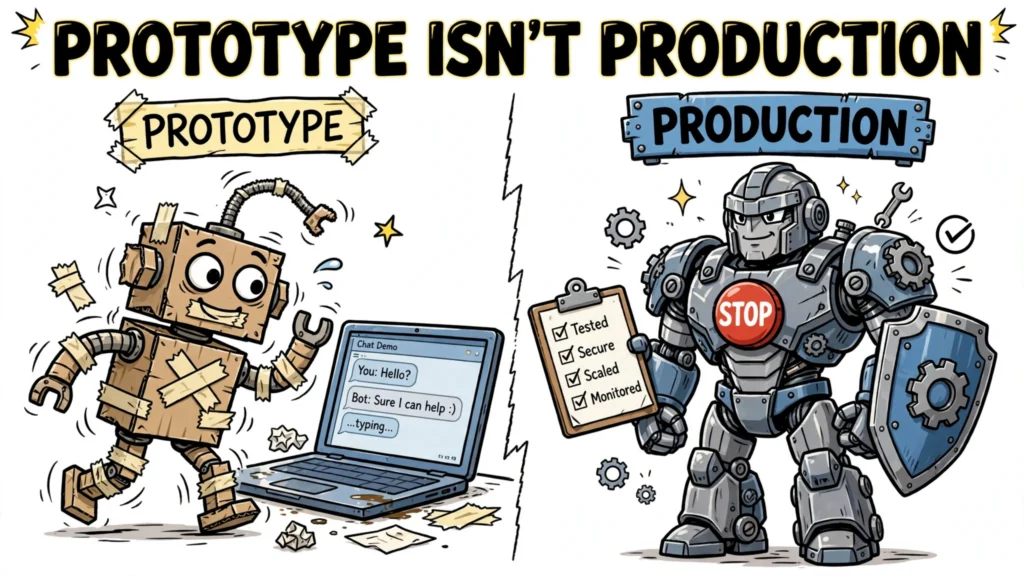
The Production-Hardening Checklist
Before your agent touches real users or real data, walk this list:
- Stopping conditions: max iterations, timeout, and an explicit definition of done. Test the failure path — the agent should report “could not complete” gracefully.
- Tool contracts: strict typing, minimal nesting, plain names, documented side effects. Each tool scoped to the agents that need it.
- Memory tiers: working context for the run, durable checkpointed state for anything that must survive restarts or human approval pauses.
- Guardrails: input and output checks that fail fast and log loudly. Prompt-injection handling on every user-facing input.
- Approval points: a human confirms every irreversible action, with the approval gate placed before the side-effecting step executes — never after. Earn autonomy over time; never start with full autonomy.
- Idempotency and bounded retries: side-effecting tools carry idempotency keys, per-tool timeouts, and retry limits; uncertain outcomes are verified before re-execution so a timed-out write can’t execute twice.
- Evaluation: unit tests for the deterministic parts, LLM-as-judge for judgment, side-effect checks for real-world actions.
- Tracing: every run produces a trace you can inspect. Sampling and alerting on failure patterns.
- Cost discipline: priced per run, model matched to task difficulty, token budgets pruned.
- Credentials: agent-scoped credentials with least privilege — the agent’s API keys should open exactly the doors the agent needs, and nothing else.
FAQ: Building AI Agents
Should I start with a framework or build the loop myself? Build the loop yourself for your first agent — you’ll understand the failure modes. Reach for a framework when you need durable state and human approval (LangGraph), guardrails and tracing (OpenAI Agents SDK), or hierarchical agents with evals (Google ADK).
How many agents do I need? One. Start with a single agent plus tools, and add more only when the work justifies it: independently parallelizable subtasks or specialized roles that cross a security, compliance, or ownership boundary.
How do I stop an agent from looping forever? Give the loop an explicit stopping condition: a max-iteration count, a timeout, and a terminal state that reports failure gracefully. Choose the retry and turn limits from your workflow’s cost and latency budget — a secondary tutorial suggests 3 to 5 retries as an illustrative configuration, not a universal standard. Test the stopping condition, not just the happy path.