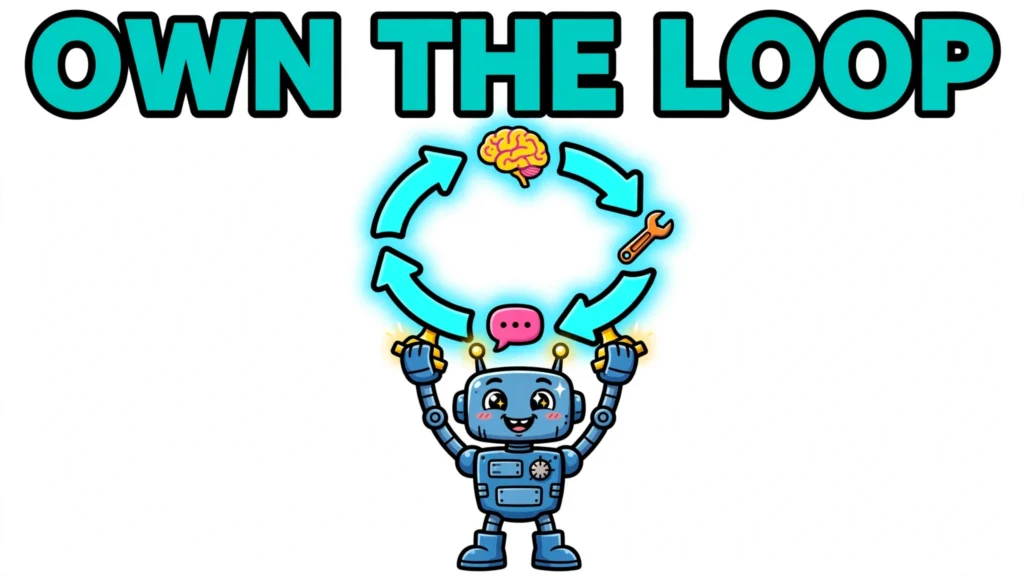

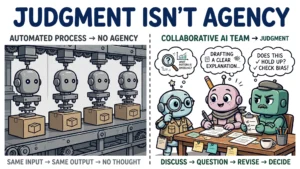
Most tutorials that teach you how to build AI agent systems start with installing a framework. This one starts with the opposite: a loop small enough to hold in your head. An agent is not a framework — it is a loop: the model decides what to do next, your code runs tools, the results feed back in, and the cycle repeats until the task is done. If you can call an LLM API, you can build an agent from scratch. This guide builds that loop step by step and ends with one runnable sketch tying it all together.
What an AI Agent Actually Is
Anthropic puts it bluntly: “They are typically just LLMs using tools based on environmental feedback in a loop.” OpenAI’s version: “Agents are systems that independently accomplish tasks on your behalf.”
Two words do the heavy lifting: environmental feedback. A system that calls a model once and prints the answer is not an agent; an agent acts, observes, and lets the observation change its next move. That perceive–decide–act cycle is the defining trait. The machinery: the model (decides), the tools (act), the memory (carries state), and the orchestration — the loop itself, running until an exit condition fires.
Which tells you what is not an agent: a single prompt; a chatbot script mapping inputs to canned responses; a workflow containing one LLM call. No loop, no feedback, no agent.
Should You Build from Scratch? The Honest Tradeoff
Anthropic recommends “finding the simplest solution possible, and only increasing complexity when needed,” reserving agents for open-ended problems with unpredictable step counts. OpenAI agrees: maximize a single agent first, and split only on complex conditional logic or overlapping tools.
Build from scratch to learn, for full control, or when your constraints are unusual enough that a framework’s assumptions get in the way. You shed framework dependencies and keep state explicit and app-managed — but the model API integration is still a dependency, and this guide’s own example needs the Anthropic SDK to run.
Reach for a framework or provider SDK when your priority is shipping speed, a team handoff, or production edge cases you have not met yet — a common, reasonable trade of control for velocity.
The third option — this guide’s — is to build the framework-agnostic loop yourself, once, until you understand every line. Then a framework becomes an informed choice.
How to Build AI Agent Systems from Scratch: The Core Loop
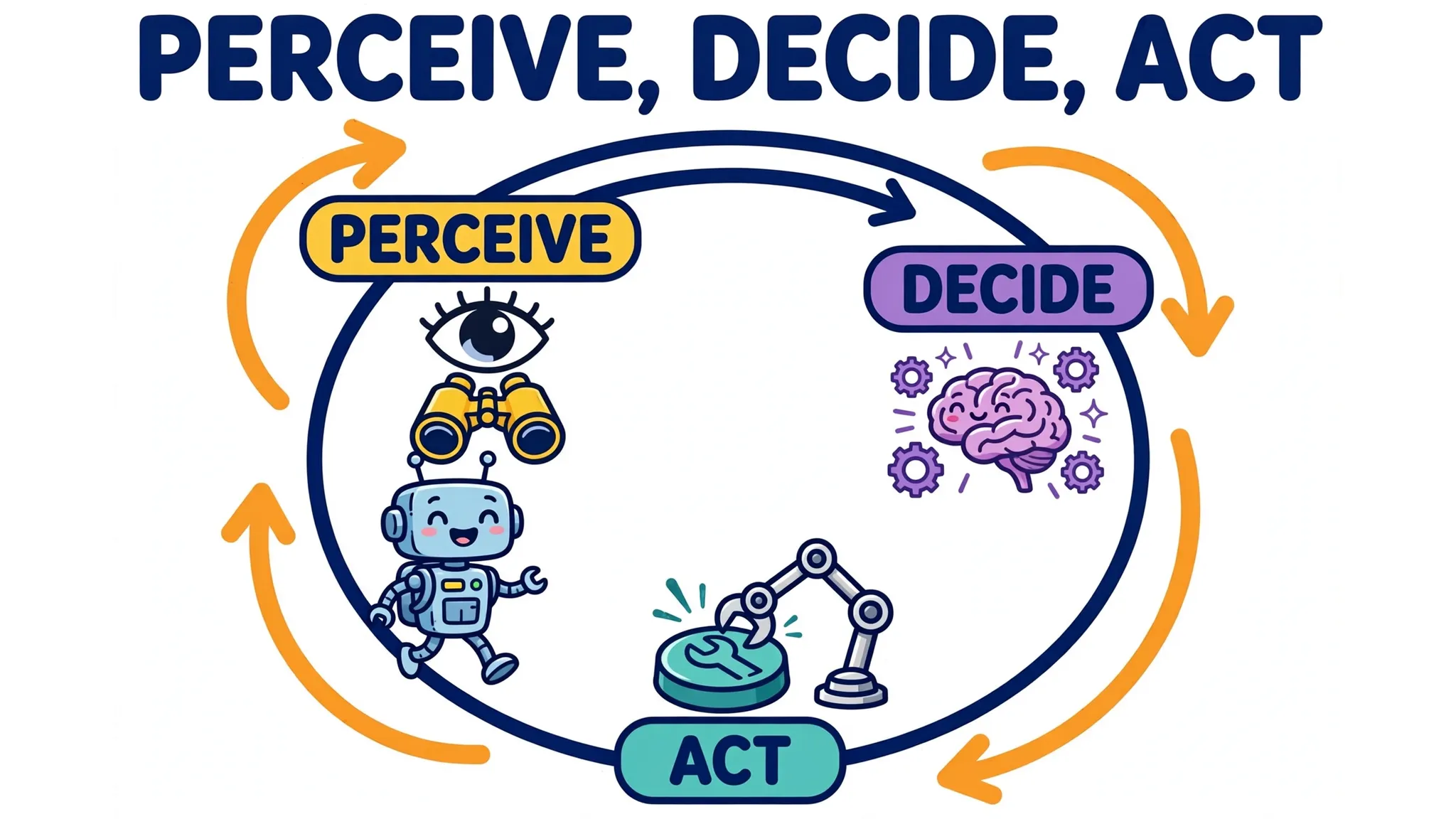
Step 1: define the goal and the system prompt — the user’s task plus the agent’s standing orders: role, tools, constraints, and its done signal.
Step 2: send context to the model and parse its decision. Each turn, send the conversation and the tools; the model replies with a tool call or a final answer, and your code extracts the tool name and arguments.
Step 3: execute the chosen tool and feed the result back. Your code — not the model — runs the tool, and the output is appended to the conversation.
Step 4: loop until the model signals done or a stop condition fires. While the model keeps choosing tools the loop continues; plain text ends the run.
Stop conditions are first-class design, because the loop’s failure mode is the loop itself: exit when tool calls complete, a target output appears, an error fires, or the turn limit hits. Most workflows settle after 2–10 iterations — and the number-one guardrail for a first agent is a hard cap of 15–20 steps so an unhappy agent cannot loop forever.
The conceptual loop, in vendor-neutral pseudocode:
messages = [system_prompt, user_goal]
for step in range(MAX_STEPS):              # MAX_STEPS = 15: the hard cap
    decision = model.generate(messages)     # the model "decides"
    if decision.is_final_answer:
        return decision.text                # the model signaled done
    result = execute_tool(decision.tool_call)   # your code runs the tool
    messages.append(decision.tool_call)
    messages.append(result)                 # the result feeds back in
raise RuntimeError("hit the step cap without converging")
Giving Your Agent Tools: Function Calling
The mechanism is function calling: each tool is described to the model as a JSON Schema — name, description, parameters. OpenAI’s docs: “A function is a specific kind of tool, defined by a JSON schema. A function definition allows the model to pass data to your application, where your code can access data or take actions suggested by the model.”
The model decides when a tool is needed and returns a tool call; your code executes it and returns the output. The calculator from the final example:
{
  "name": "calculate",
  "description": "Evaluates an arithmetic expression like (3 + 4) * 2 and returns the numeric result.",
  "parameters": {
    "type": "object",
    "properties": {
      "expression": {
        "type": "string",
        "description": "Arithmetic expression using digits and + - * / ( )."
      }
    },
    "required": ["expression"]
  }
}
Three things matter more than the shape. First, the description is the most underrated line of code you will write: the model decides when to call a tool from the request and the description. Second, keep the toolset small — the docs suggest fewer than 20 functions per turn, and tool definitions are billed as input tokens. Third, design the return contract: success and failure should look unmistakable.
Design tool errors: on a malformed call, validate the shape and return a result like error: malformed call, please try again so the model retries. Anthropic’s warning stands: agent autonomy brings compounding errors, answered by extensive testing in sandboxed environments.
One turn in the OpenAI Responses API shapes:
{
  "type": "function_call",
  "call_id": "call_9f3a1b",
  "name": "calculate",
  "arguments": "{\"expression\": \"(3 + 4) * 2\"}"
}
Your code runs it and returns the result on the same call_id:
{
  "type": "function_call_output",
  "call_id": "call_9f3a1b",
  "output": "14"
}
Anthropic’s shapes differ but the logic does not: stop_reason "tool_use" with tool_use blocks (name and input in), tool_result blocks matched by tool_use_id (results back), loop ends on "end_turn".
Memory: Keeping Context Without Blowing the Window
Short-term memory is the conversation history itself — the growing transcript the loop carries every turn. The wall is the context window: tool definitions count against it, schemas are billed as input tokens, and long runs accumulate fast. Common answers are truncation (drop the oldest turns, keeping the system prompt and goal) and summarization (compress the transcript and continue). But treat compaction as a delay, not a cure: Anthropic observed agents running out of context mid-task and leaving work half-implemented even with compaction in place.
Long-term memory is everything that survives the session: files, progress logs, notes, retrieval stores. It exists because each new session begins with no memory of what came before, and the window is finite. From Anthropic’s long-running-agent work: an initializer agent writes a progress file, and each subsequent agent reads the progress files and the git log to reconstruct state — external artifacts become the agent’s memory.
Keep in the prompt what the model needs every turn — goal, constraints, current state — and fetch the rest on demand.
Planning: From Simple Loops to Task Decomposition
The loop above is the substrate that a planning pattern — ReAct — builds on. The plain tool-use loop cycles act–observe on its own; ReAct is the named pattern in which the model additionally emits explicit reasoning traces interleaved with task-specific actions — thinking, acting, observing, repeating — so traces help it track and update plans while actions interface with external sources. On benchmarks this pattern beat imitation and reinforcement-learning methods by 34 percentage points of absolute success on ALFWorld and 10 on WebShop, with one or two in-context examples, overcoming chain-of-thought’s hallucination and error propagation via a simple Wikipedia API.
The lesson is restraint: find the simplest solution possible, adding complexity only when needed. A plain reason–act–observe loop solves most first agents’ tasks.
Beyond the simple loop lies the orchestrator–workers pattern: a central model breaks the task down dynamically and delegates subtasks to worker models, for complex tasks whose subtasks cannot be predicted upfront. The telltale signs: the step count cannot be predicted before the run, one agent’s toolset has grown into overlapping tools, or conditional branching keeps multiplying. Until then, the simple loop is the recommended starting point, not a compromise.
Testing and Hardening Your Agent
A from-scratch agent that is never evaluated is a demo. The standard instrument is the golden-task eval: test inputs with human-provided ground truth, plus graders judging correctness. For agents, evals grade trajectory and outcome, not just text: task, harness, loop, transcript, environment state, grader, suite. For stochastic agents, the recommended way to estimate reliability is repeated trials with code-generation metrics — pass@1, pass@k — rather than single runs: run the same task several times and report the pass rate, while keeping single diagnostic runs for debugging individual failures.
Start small: a handful of failing tasks (capability evals) plus passing ones (regression evals), and read the transcripts — a passing boolean is not enough to learn from. Note: OpenAI’s hosted Evals platform becomes read-only on 2026-10-31 and shuts down on 2026-11-30; new evaluations now point at Datasets.
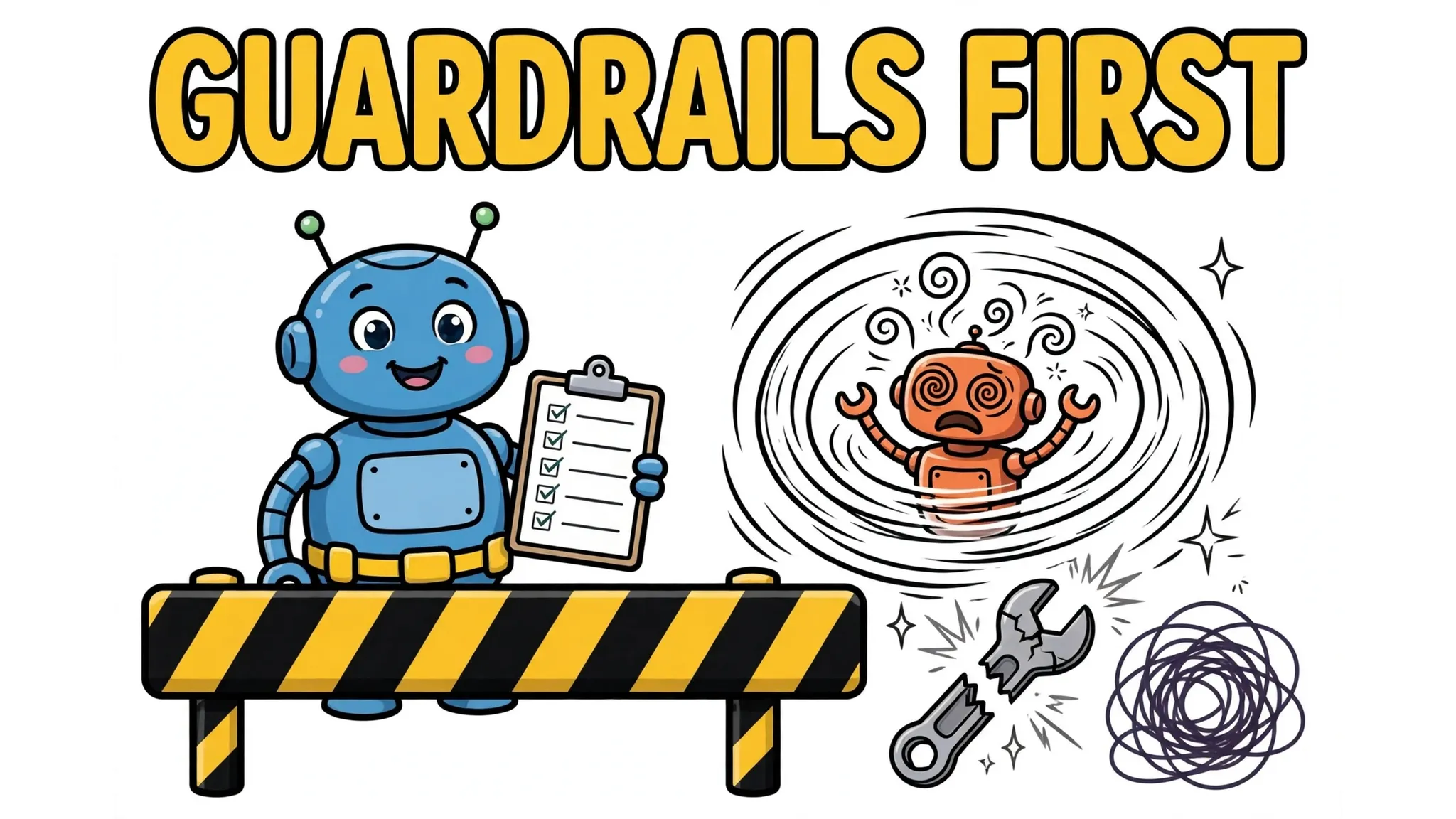
Then test the failure modes. Infinite loops: the hard step cap is the safety net — “A hard cap on steps (10-20) is the safety net. Without it, an unhappy agent can loop indefinitely.” Tool-error cascades: feed the agent malformed definitions and failing tools; confirm it recovers instead of spiraling. Prompt injection: treat every tool output as untrusted data — indirect prompt injection, prompts smuggled into retrieved data, is the canonical agent security threat (Greshake et al., 2023). OpenAI’s answer is seven layered guardrail types: relevance and safety classifiers (the latter explicitly detecting jailbreaks and prompt injections), a PII filter, moderation, risk-rated tool safeguards with human approval on high-risk functions, rules-based protections, and output validation — with human intervention on failure thresholds and high-risk actions.
Two practices underpin it all: log every step — the transcript is your debugger in a stochastic loop — and keep a human in the loop for anything irreversible.
A Minimal Working Agent, End to End
The whole guide in one runnable sketch: a research agent with three tools and the core loop. calculate is a pure function in the ReAct paper’s tradition and take_note persists to a local JSON file, so notes survive restarts; web_search is a clearly marked stub — the research could not verify a keyless public search endpoint, so wire it to your own API key. call_model is a real Anthropic integration: tools carry name, description and input_schema; Claude answers with stop_reason "tool_use" and tool_use blocks carrying id, name and input; results return as tool_result blocks matched by tool_use_id. To run it: pip install anthropic, export your Anthropic API key and set MODEL to your model ID.
import json
import os
import re
from datetime import date

import anthropic  # pip install anthropic, then set your API key in the environment

MODEL = "your-model-id-here"  # put your model ID here
MAX_STEPS = 15  # the hard cap
NOTES_FILE = "agent_notes.json"

def get_client() -> anthropic.Anthropic:
    env_key = "ANTHROPIC" + "_API_KEY"
    if not os.environ.get(env_key):
        raise SystemExit("set your Anthropic API key in the environment first")
    return anthropic.Anthropic()  # reads the key from the environment

def calculate(expression: str) -> str:  # pure function: no network, no keys
    if not re.fullmatch(r"[\d\s+\-*/().]+", expression):
        return "error: expression may only contain digits and + - * / ( )"
    try:
        return str(eval(expression, {"__builtins__": {}}, {}))
    except Exception as exc:
        return f"error: {exc}"

def web_search(query: str) -> str:  # STUB: wire to your own search API key
    return f"[stub] top result for '{query}' would appear here"

def _load_notes() -> list:
    if os.path.exists(NOTES_FILE):
        with open(NOTES_FILE, encoding="utf-8") as f:
            return json.load(f)
    return []

def take_note(text: str) -> str:  # long-term memory: persists to a local JSON file
    notes = _load_notes()
    notes.append(f"{date.today()}: {text}")
    with open(NOTES_FILE, "w", encoding="utf-8") as f:
        json.dump(notes, f, indent=2)
    return f"noted ({len(notes)} total)"

TOOLS = {"calculate": calculate, "web_search": web_search, "take_note": take_note}
TOOL_SCHEMAS = [
    {"name": "calculate", "description": "Evaluate an arithmetic expression like (3 + 4) * 2.",
     "input_schema": {"type": "object", "properties": {"expression": {"type": "string"}}, "required": ["expression"]}},
    {"name": "web_search", "description": "Search the web for current information.",
     "input_schema": {"type": "object", "properties": {"query": {"type": "string"}}, "required": ["query"]}},
    {"name": "take_note", "description": "Save a short finding to the research notes.",
     "input_schema": {"type": "object", "properties": {"text": {"type": "string"}}, "required": ["text"]}},
]

def dispatch(block) -> str:
    """Validate a tool_use block, run the tool, return a result string the model can retry on."""
    try:
        name, args = block.name, block.input
    except AttributeError:
        return "error: malformed call, please try again"
    if name not in TOOLS:
        return "error: unknown tool, please try again"
    schema = next(t["input_schema"] for t in TOOL_SCHEMAS if t["name"] == name)
    required = schema.get("required", [])
    props = schema.get("properties", {})
    if not isinstance(args, dict) or any(k not in args for k in required) or any(k not in props for k in args):
        return "error: malformed call, please try again"
    try:
        return str(TOOLS[name](**args))
    except Exception as exc:
        return f"error: tool {name} failed: {exc}"

def call_model(messages):
    client = get_client()
    return client.messages.create(
        model=MODEL,
        max_tokens=1024,
        system="You are a research agent. Reason briefly, then act: search, calculate, take notes, answer when done.",
        messages=messages,
        tools=TOOL_SCHEMAS,
    )

def run_agent(goal: str) -> str:
    messages = [{"role": "user", "content": goal}]
    for _step in range(MAX_STEPS):
        response = call_model(messages)
        messages.append({"role": "assistant", "content": response.content})  # assistant turn preserved
        tool_uses = [b for b in response.content if b.type == "tool_use"]
        if response.stop_reason == "end_turn" or not tool_uses:
            # Done, or an interrupted/edge response with no tool calls to answer:
            # controlled exit with the partial text, never an empty tool-result turn.
            return "".join(b.text for b in response.content if b.type == "text")
        tool_results = []
        for block in tool_uses:
            result = dispatch(block)
            tool_results.append({
                "type": "tool_result",
                "tool_use_id": block.id,  # id round-trip: this result answers this call
                "content": result,
            })
        messages.append({"role": "user", "content": tool_results})  # results feed back in
    return "stopped: hit the step cap without converging"

if __name__ == "__main__":
    print(run_agent("What is (3 + 4) * 2, and note the answer in the research notes?"))
The sketch maps to every section: run_agent is the core loop; TOOL_SCHEMAS plus the tool_use_id round trip is function calling; messages is short-term memory and take_note‘s JSON file is the long-term memory that survives restarts; the loop is the substrate the ReAct pattern builds on — the system prompt’s “reason briefly, then act” leans on ReAct’s reasoning-trace interleaving without enforcing it; MAX_STEPS and dispatch‘s error-as-tool_result handling are guardrails.
Exercises: add a fourth tool (a file reader — but re-read the prompt-injection section before pointing it at untrusted files); add a second stop condition, such as ending at five notes; write three golden tasks and grade the transcript.