
Most explanations of AI agents stop at the idea that a model can “use tools.” This article explains how AI agents use tools in practice: how a model learns what tools exist, how it chooses one and fills in its arguments, how your code runs the tool and returns the result, and how the agent decides what to do next. The mechanism is less mysterious than it sounds, and understanding it is the key to understanding both what agents can do and where they go wrong.
The agent loop: where tool use fits
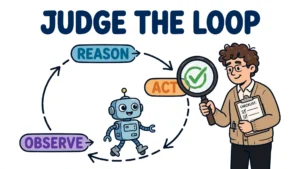
An agent is not a single model call. It is a loop that repeats until a goal is reached or a stopping condition fires. In its simplest form the loop is: observe the goal and the current context, reason about the next step, act, then observe the result of that action. A chatbot that answers one prompt performs only the reasoning step. An agent adds the acting step, and the acting step is almost always a tool call.
This distinction matters because everything an agent does in the world happens through tools. The model itself cannot browse the web, query a database, run code, or send a message. It can only produce text. Tool use is the bridge between that text and the world: the model produces a structured request, the surrounding application executes it, and the result comes back as new information the model can reason about. The loop then repeats, with each iteration working from a slightly richer picture of the task.
The pattern has a name in the research literature. ReAct, introduced by Yao and colleagues in 2022, interleaves reasoning traces with task-specific actions: the model reasons about what to do, acts by calling a tool, observes the result, and reasons again. In the paper’s question-answering experiments the agent used a deliberately simple Wikipedia interface with just three actions — search, lookup, and finish — so each reasoning step could build on the observation returned by the previous action. On interactive decision-making benchmarks the same pattern outperformed imitation-learning and reinforcement-learning baselines by 34 absolute success-rate points on ALFWorld and 10 points on WebShop, using only one or two in-context examples.
How a model knows what tools exist
A model cannot call a tool it has not been told about. Before the first reasoning step, the application sends the model a list of tool definitions alongside the user’s request. Each definition has three parts: a name, a description of what the tool does and when to use it, and a JSON Schema describing the arguments it accepts. The description is doing real work here — it is how the model decides whether a tool fits the current step — so vague descriptions produce vague calls, and a strict schema constrains the model to arguments the tool can actually accept.
Here is what such a definition looks like. This is a complete, valid JSON tool definition for a calendar lookup, of the kind an agent would receive before reasoning:
{
  "type": "function",
  "function": {
    "name": "check_calendar",
    "description": "Look up calendar events for a given date range. Use this before proposing a meeting time.",
    "parameters": {
      "type": "object",
      "properties": {
        "start_date": {"type": "string", "description": "Start of the range, in YYYY-MM-DD format"},
        "end_date": {"type": "string", "description": "End of the range, in YYYY-MM-DD format"}
      },
      "required": ["start_date", "end_date"]
    }
  }
}
The model does not run this function. When it decides the calendar is relevant, it returns a structured call — the tool name plus arguments matching the schema — and stops. Your application parses that call, validates it against the schema, executes the real function, and sends the result back. This separation is the whole trick: the model proposes, the code disposes. Structured output is what makes the proposal machine-readable instead of a sentence a programmer would have to parse by hand.
Different providers express the same idea in slightly different wire formats. In OpenAI’s format the model returns a tool_calls array with arguments as a JSON string; in Anthropic’s format it returns a tool_use content block with the input already structured as an object, and the result comes back as a tool_result block in a user message. The application logic is identical either way: define, request, execute, return, repeat.
Step by step: how AI agents use tools, from goal to executed action
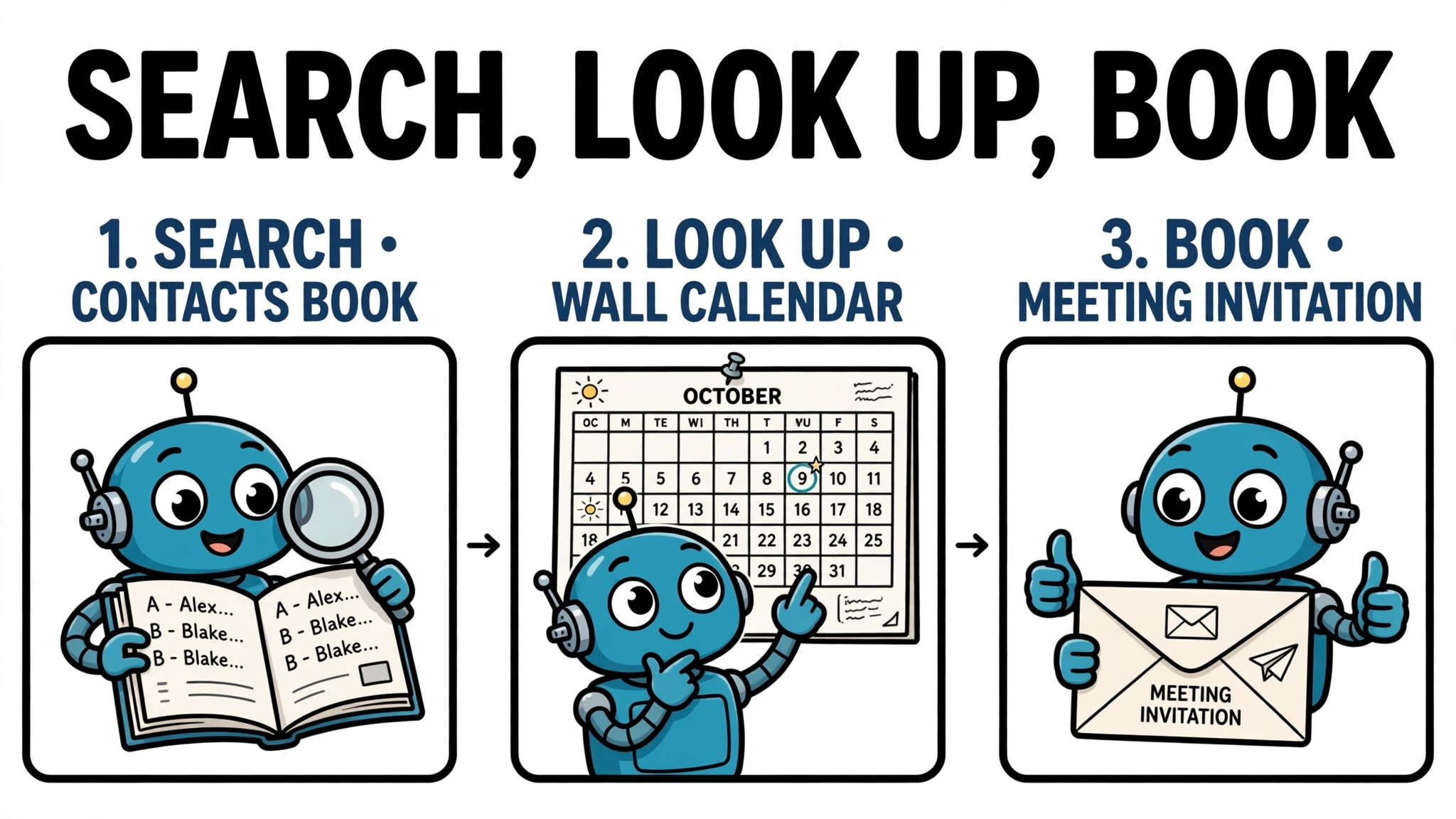
OpenAI documents the tool-calling flow as five steps: make a request to the model with the tools it could call, receive a tool call from the model, execute code on the application side with the tool call’s input, make a second request to the model with the tool output, and receive a final response — or more tool calls. Here is that flow applied to a concrete task: “Find me a free hour next week and book a meeting with Ana.”
Step 1: assemble the input. The application sends the model the goal, the conversation so far, and the tool definitions — say, find_contact, check_calendar, and book_meeting. Step 2: search. The model reasons that it first needs to identify Ana, so it calls find_contact with the name from the request; the tool searches the contacts and returns Ana’s record. Step 3: look up. The model calls check_calendar for next week; the application validates the arguments against the schema and its permissions, runs the lookup, and returns the free slots on the requester’s own calendar. Note what this does not show: the calendar tool reads the requester’s calendar only, so it does not prove Ana is free. The invitation step does not establish that either — it creates the event and invites Ana, while Ana’s availability and acceptance stay unverified unless an authorized check and its result are actually shown.
Step 4: return the observation. The free slots go back to the model as a tool result, appended to the conversation. Step 5: reason again and write. The model proposes a slot, but booking is a state-changing action, so a well-built agent pauses here — either it checks a rule (is booking allowed without confirmation?) or it asks the user to confirm. Only after confirmation does it call book_meeting, which creates the event and invites Ana; the confirmation comes back as the final observation, and the model finishes with a summary. The sequence shown is a search (find_contact), a lookup (check_calendar), and a write (book_meeting): three tool calls, one human checkpoint, and at no point did the model itself touch the calendar.
The loop below is a simplified sketch of that control flow, not runnable code on its own — it omits API setup, error handling, and message formatting to show the shape of the loop:
# Simplified sketch of the agent loop (not runnable as written)
messages = [user_goal]
while not done:
    reply = model.complete(messages, tools)
    if reply.has_no_tool_calls:
        done = True
    else:
        for call in reply.tool_calls:
            result = run_tool(call.name, call.arguments)
            messages.append(tool_result(call.id, result))
Notice how this sketch ends in its normal case: the model stops requesting tools and returns a final response, and that is the model’s own completion signal. That is different from the application’s independent safeguards — a step cap, a deadline, or a human checkpoint — which can stop the loop even when the model would continue. Those safeguards are omitted from the sketch for clarity; in a production loop they sit outside the model, in the code that runs the loop.
What kinds of tools agents use
Real agents draw on a small set of tool categories. APIs and web services let agents read and write external systems — calendars, customer records, databases, and messaging tools. Code execution lets an agent compute, transform data, or test a hypothesis rather than guessing an answer. Search and retrieval tools let it look up documents, the web, or stored memory, grounding the next step in something other than its own training data. Providers also ship built-in tools, including web search, code execution, and connections to external servers, so a developer does not have to build every capability from scratch.
The most important split is not between categories but between read-only and state-changing tools. Reading a calendar and booking a meeting look similar in a tool list, but their consequences are entirely different. Read tools can usually run freely; write tools — sending, paying, deleting, publishing — are where permissions, confirmation, and logging earn their keep. Designing a tool list means deciding, for each tool, not just what it does but what it is allowed to change.
What happens after a tool call: results, errors, and replanning
The feedback half of the loop is where agents succeed or fail in practice. A successful result can change the plan: new information may narrow the next step, rule out an option, or reveal a step nobody had planned. That is the point of the loop — later decisions can draw on observations rather than guesses, though only as far as those observations are accurate and correctly interpreted.
Failures are normal and must be handled as data, not as crashes. A tool can return an error, an unexpected format, or an empty result. The standard responses are to retry with corrected arguments, try a different tool, or ask the user for the missing information. What an agent must not do is invent a result and carry on as if the call succeeded; a fabricated observation poisons every later step, because later reasoning treats it as evidence. Tool output is evidence to assess, not ground truth: relevant results should be checked — against the schema, against other sources, or by the user — before the agent treats the goal as complete.
Two failure modes deserve special attention. The first is looping: a model that misreads a tool result can call the same tool with the same arguments again and again, burning time and money. The defence is a set of independent limits — a maximum number of steps, a wall-clock deadline, a token or cost budget — plus progress checks that detect repeated calls with identical arguments or unchanged state. The second is drift: each iteration can wander slightly from the goal, so long runs need explicit success criteria and a way to declare failure and escalate instead of running forever.
Guardrails on what an agent may do
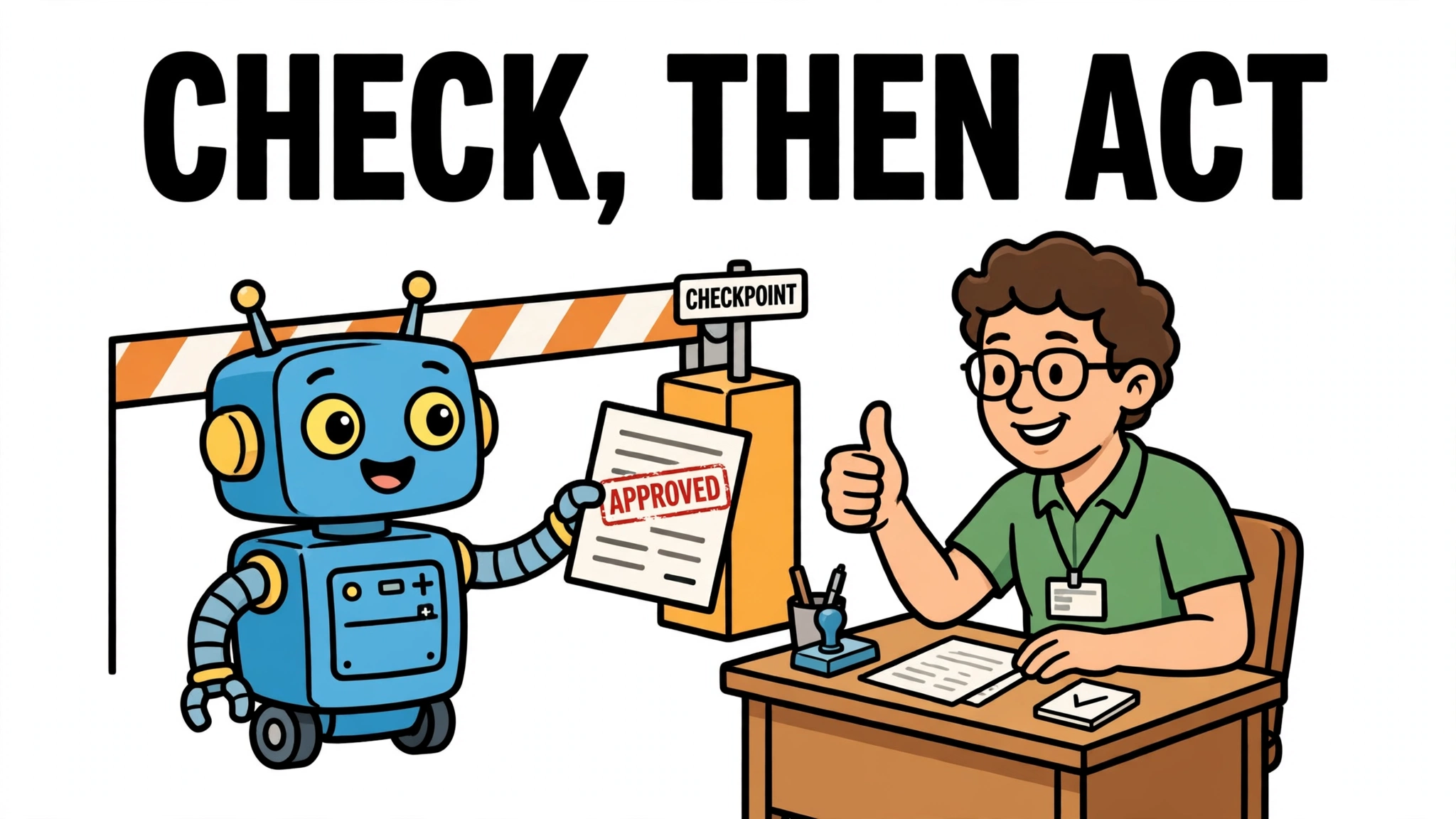
Tool use is powerful only because it is bounded, and the bounds must be enforced by the application, not by the prompt. A prompt instruction (“only book meetings after confirmation”) controls intended behaviour; it does not control permitted behaviour. A model that is confused, mistaken, or fed hostile instructions from a tool result can ignore it. Authorization — which tools exist, which records they may touch, whose credentials they use — has to live in the code that executes the calls.
The standard layers are straightforward. Least privilege: give each tool only the permissions its task needs, and use separate tools and credentials for reading and modifying data where practical. Identity: run tools under the authenticated user’s identity, not an identity the model supplies. Human approval: require a confirmation step, enforced outside the model, before high-impact or irreversible actions — the classic example is drafting an email automatically but requiring confirmation before sending it. And auditability: log who initiated the action, what was requested, and what actually changed, so a bad action can be investigated and remediated where the underlying operation allows it. Logging alone does not undo anything, which is why approval gates matter most for actions that cannot be reversed.
Scale matters too. OpenAI advises keeping the number of functions available at the start of a turn small — fewer than 20 — for higher accuracy, deferring rarely used tools until the model needs them. And in session-based flows, tool results larger than 4 MiB are rejected, which is a reminder to design tools that return concise, relevant results rather than dumping whole databases into the model’s context.
Limits and common mistakes
Tool-using agents still fail in predictable ways. The model can call the wrong tool or pass the wrong arguments with full confidence — a schema validates types, not intent, so a valid call can still be the wrong action. Tool results are not automatically true: a stale calendar entry, a misleading search result, or a compromised data source produces a confident next step built on bad evidence. And the most common design mistake is giving an agent tools without bounds, verification, or a stopping condition, then being surprised when it loops, drifts, or acts without approval.
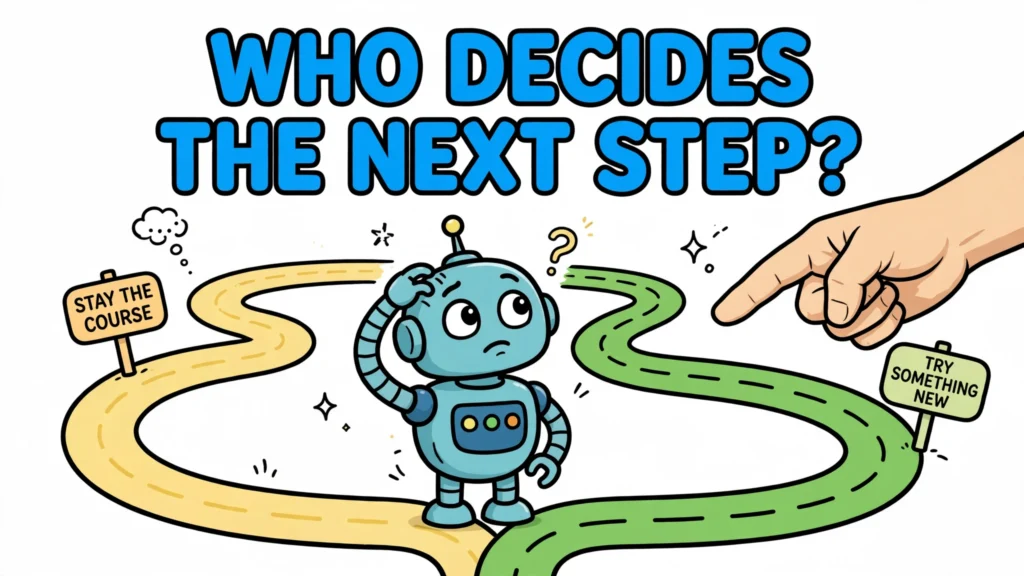
The antidote is to treat the agent loop as an engineering system, not a clever prompt. Define tools narrowly, validate every call before execution, return observations the model can actually use, cap the loop independently of the model, and put a human in front of irreversible actions. Agents do not use tools by magic; they use them through a loop of proposals, executions, and observations — and the quality of that loop, together with validation, permissions, and stopping controls, is a major contributor to whether the agent behaves trustworthily. Model capability matters too; no single factor decides it.