

What executing an action means for an agent
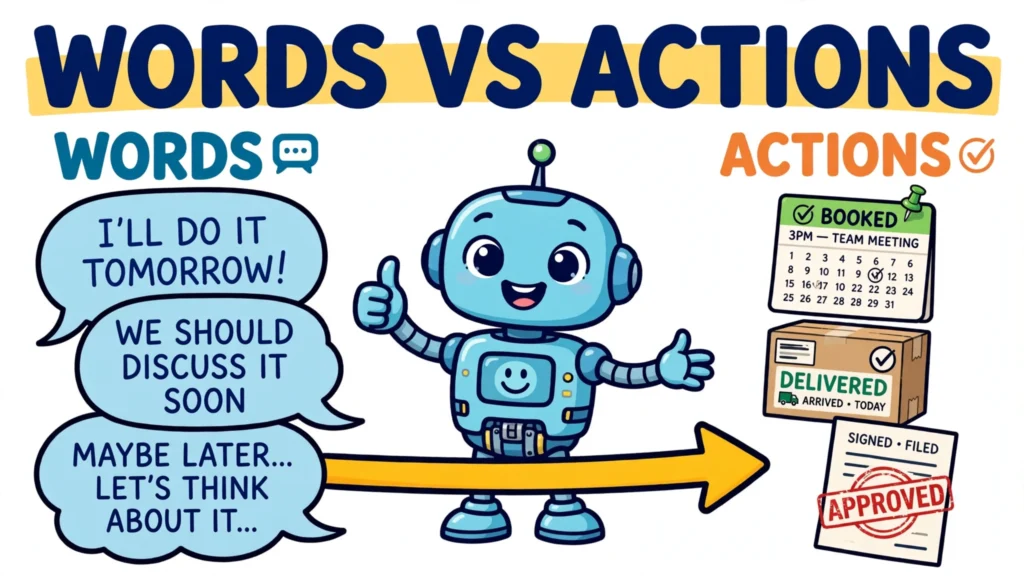
When an AI agent books a meeting or updates a database, it turns words into effects. That process — agent tool execution — is the step-by-step loop by which a model decides to act, calls a tool or API, reads the result, and decides what to do next. That is the difference between a text-only answer and an application that executes actions on the model’s behalf.
The model itself never executes anything. OpenAI’s guide puts it plainly: “Tool calling is a multi-step conversation between your application and a model via the OpenAI API.” The model produces a structured request naming a tool and its arguments; your application parses it, runs its own code, and sends the result back. The action happens outside the model, in code you control.
Tools are the agent’s hands: APIs, databases, file systems, browsers, code execution. A function, in OpenAI’s words, is “a specific kind of tool, defined by a JSON schema. A function definition allows the model to pass data to your application, where your code can access data or take actions suggested by the model.” Answering stays inside the model; acting leaves it.
The research behind the loop is ReAct (Yao et al., 2022): interleaving reasoning traces with task-specific actions lets the model “induce, track, and update action plans as well as handle exceptions, while actions allow it to interface with external sources, such as knowledge bases or environments, to gather additional information.” On ALFWorld and WebShop it beat imitation and reinforcement-learning baselines by 34 and 10 percentage points of absolute success rate.
The execution loop, step by step: agent tool execution
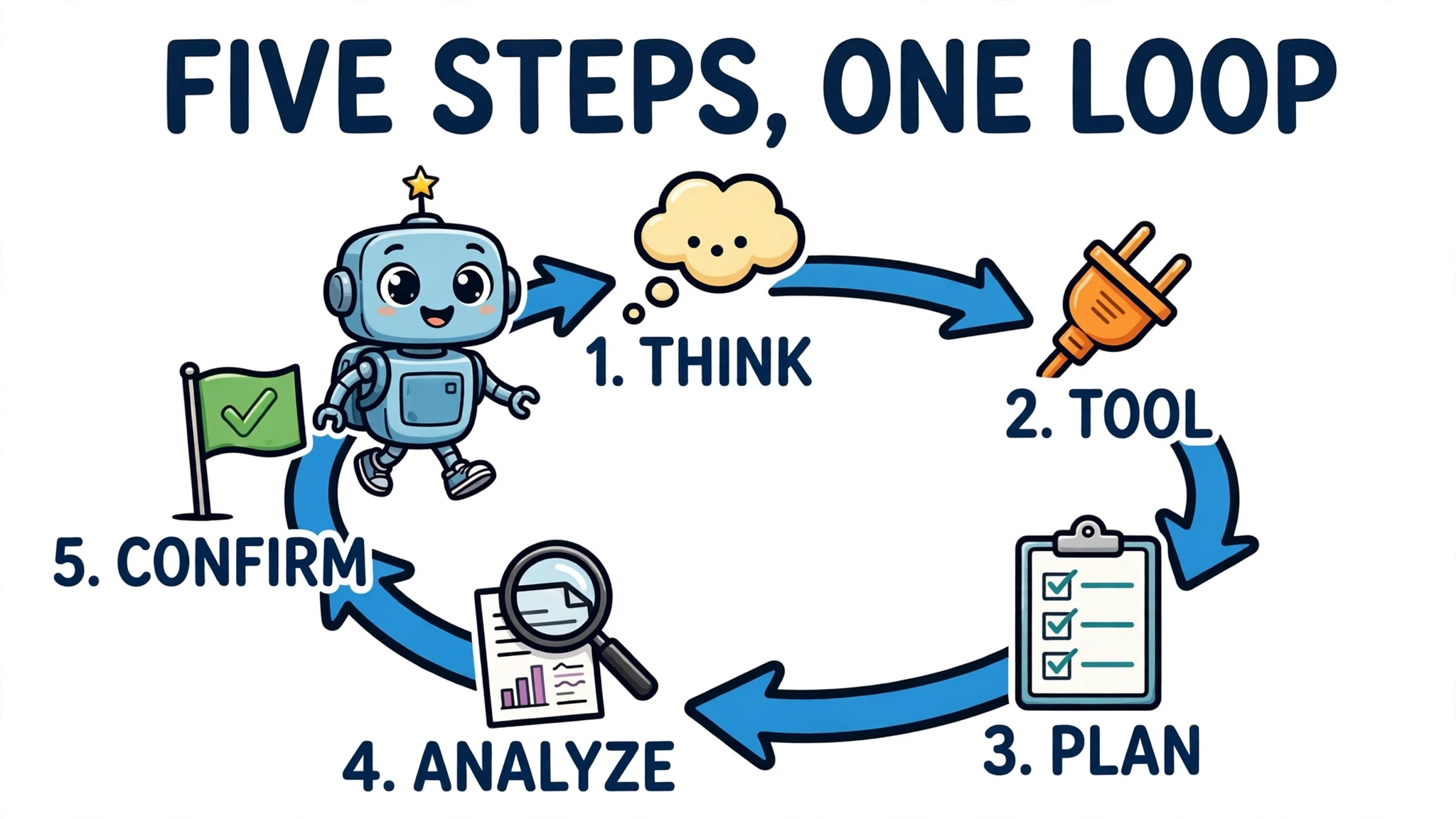
OpenAI defines tool calling as a five-step flow: the application sends a request with the tools the model could call; the model replies with a tool call; the application runs its own code with the call’s input; it sends the output back; the model answers — or calls more tools, and the loop runs again.
Anthropic’s tool use works the same way at the protocol level. Tools are declared as JSON Schema; Claude returns a tool_use block, the application runs the function locally and returns the result as a tool_result matched by tool_use_id, and the model resumes. The loop ends when the stop reason stops being tool_use.
LangGraph makes the loop explicit as a graph: an assistant node decides the next action, a tools node executes the calls, and conditional edges route on whether the model emitted a tool call, looping back until the work is done. In short: reason, act, observe, repeat. The loop is:
- Perceive the goal and the current state.
- Reason about the next step and select a tool.
- Format arguments against the tool schema.
- Execute the call and observe the result.
- Decide: continue, retry, replan, or stop.
How the agent picks the right tool
The agent chooses from the declared tools: a name, a description, and a JSON Schema for the parameters. In LangChain’s structured tools, the name identifies the tool, the description is the instruction manual for when to use it, and the argument schema communicates the inputs and validates them before execution.
That makes the descriptions decisive. OpenAI’s guide advises keeping fewer than 20 functions available at the start of a turn, with clear names and parameter descriptions, and a system prompt saying exactly when — and when not — to use each function. Anthropic’s context-engineering guidance makes the same point more sharply: “If the human engineer can’t definitively say which tool should be used, an AI agent can’t be expected to do better.”
Overlapping tools are a common trap: give the agent read_file, read_local_file, and file_reader and it spends attention on disambiguation before doing any real work. Selection and routing differ — one agent choosing versus a router dispatching — but both fail the same way when the menu is muddled. And when no tool fits, a good agent says so instead of forcing the wrong one.
How arguments are built and validated
The model builds the call: a JSON object of arguments matching the schema. With OpenAI’s strict:true mode the arguments are guaranteed to match; without it, OpenAI recommends validating with a library like Pydantic. LangChain’s structured tools validate arguments against the schema before the tool runs — a call that breaks the declared rules never reaches the API.
The common failures are mundane: a wrong type, a missing required field, or an invented value — a date that does not exist, an ID from another system. A value can still satisfy the schema and be wrong, so the application must check that dates exist, IDs are real, and the action is permitted before executing. On Anthropic’s API, a tool_result whose tool_use_id does not match the tool_use block it answers returns a 400 invalid_request_error: the protocol itself refuses to let results and calls get crossed.
A tool definition, as a JSON schema the model can read:
{
  "name": "search_calendar",
  "description": "Find free time slots in a calendar within a date range.",
  "parameters": {
    "type": "object",
    "properties": {
      "start_date": {
        "type": "string",
        "description": "First date to search, YYYY-MM-DD."
      },
      "end_date": {
        "type": "string",
        "description": "Last date to search, YYYY-MM-DD."
      }
    },
    "required": ["start_date", "end_date"]
  }
}
The call the model emits against that schema:
{
  "name": "search_calendar",
  "arguments": "{\"start_date\": \"2026-11-02\", \"end_date\": \"2026-11-06\"}"
}
A worked example: one task, several tool calls
The loop is easiest to see in one task that needs several calls with the four illustrative tools chosen for this example: book a team meeting and notify the attendees. A single higher-level tool could hide the whole job behind one call; with these four tools, the work has to be split — later calls consume relevant earlier results and the original task inputs. If the room check finds nothing free, the agent re-runs the calendar search for the next slot instead of failing. The tools are illustrative, not any vendor’s real API.
The sequence as an illustrative fragment:
[
  {"step": 1, "tool": "search_calendar", "arguments": {"start_date": "2026-11-02", "end_date": "2026-11-06"}, "result": {"free_slots": ["2026-11-03T10:00", "2026-11-03T14:00"]}},
  {"step": 2, "tool": "check_room_availability", "arguments": {"slot": "2026-11-03T10:00"}, "result": {"room": "Room 4B", "available": true}},
  {"step": 3, "tool": "create_event", "arguments": {"slot": "2026-11-03T10:00", "room": "Room 4B", "title": "Team sync"}, "result": {"event_id": "evt_9f31", "status": "created"}},
  {"step": 4, "tool": "send_notification", "arguments": {"event_id": "evt_9f31", "message": "Team sync booked"}, "result": {"delivered": 6, "failed": 0}}
]
Notice where the state lives: the slot from step 1 feeds step 2 and step 3; the event ID from step 3 feeds step 4. LangGraph’s checkpointing makes this durable: a checkpointer saves a snapshot of graph state at every step, scoped to a thread, so a run can pause, resume, or replay from any point and survive failures. If the run crashes after creating the event but before notifying anyone, it resumes from the checkpoint — and a well-built agent checks whether the event already exists before creating it again.
What happens when a tool call fails
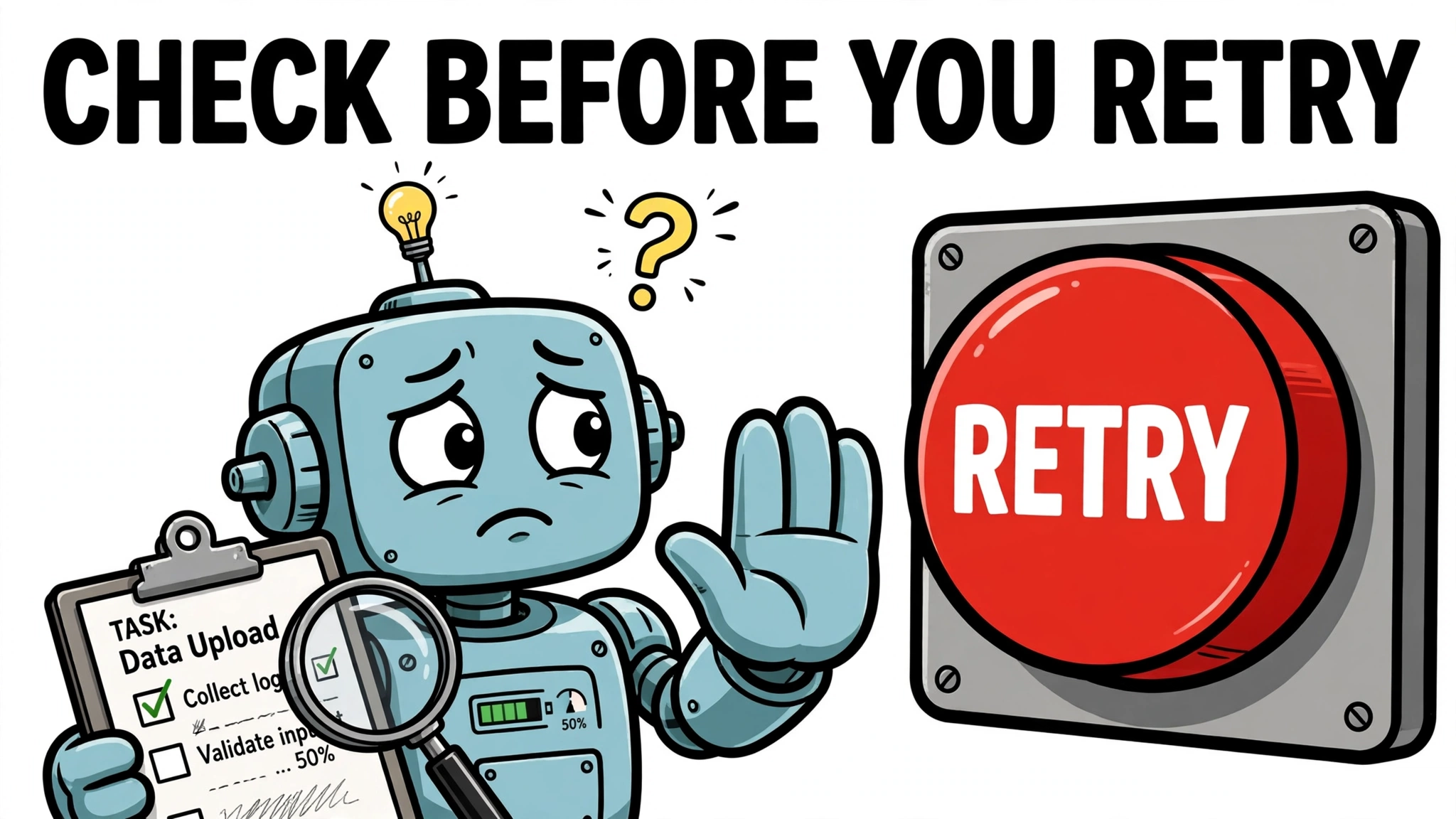
Tool calls fail, and the failure modes are specific: timeouts, permission errors, bad arguments, malformed outputs. How the failure is reported decides whether the agent can recover. MCP splits two kinds: protocol errors (an unknown tool, invalid arguments) versus tool execution errors, reported in the result with an error flag set. Anthropic’s tool use has the parallel mechanism: the failure comes back as a tool_result with is_error set, and the model reads it and chooses the next move.
“For an agent the error is not a log entry. It is the next instruction.” Good tool errors say what failed in task terms, which input caused it, whether the same call can succeed, and what to try instead — Anthropic’s guidance is that error responses should offer specific and actionable improvements rather than opaque codes.
The hardest case is the timeout after a side effect: the call may have completed, but the agent never heard back. The honest error says the state is unknown and names the check to run first — look up the record, then decide — instead of inviting a duplicate retry. One rule covers every failure: never claim success the tool did not confirm.
Some retries are safe to automate. The OpenAI Python SDK retries connection errors and HTTP 408, 409, 429 and 5xx responses up to two times by default, when the body can be resent safely — but billing and spend-limit errors must not be retried, because they need an account change. Anthropic’s SDK retry defaults were not verified from official documentation for this article, so no count is given here.
MCP, introduced by Anthropic in November 2024 and donated to the Agentic AI Foundation in December 2025, standardizes how hosts discover and call tools: “All messages between MCP clients and servers MUST follow the JSON-RPC 2.0 specification.” Secondary accounts of the 2026-07-28 revision describe a stateless core — the old initialize handshake and session IDs gone, servers discovered with a new server/discover method, and every request carrying its own protocol version and client capabilities in _meta. Those details come from secondary write-ups and a draft-mirror spec, not the canonical specification, so treat them as the current reported state and re-check the canonical changelog before relying on them. A tool call under that reported revision looks like this. The envelope is a partial illustration: it shows the method, the tool name, and the arguments, and its metadata carries only the protocol version — the client capabilities the revision also requires are omitted here:
{
  "jsonrpc": "2.0",
  "id": 1,
  "method": "tools/call",
  "params": {
    "name": "search_calendar",
    "arguments": {"start_date": "2026-11-02", "end_date": "2026-11-06"},
    "_meta": {"protocolVersion": "2026-07-28"}
  }
}
Server discovery and tool listing are different steps: the client first discovers the server with server/discover, then lists its tools with tools/list. The arguments above match the search_calendar schema shown earlier.
Guardrails that keep execution safe
An agent that can act needs controls on what it may do. The strongest pattern is human-in-the-loop: “Use the human-in-the-loop (HITL) flow to pause agent execution until a person approves or rejects sensitive tool calls. Tools declare when they need approval, run results surface pending approvals as interruptions, and RunState lets you serialize paused runs and resume them after decisions are made.” Approval rules fail closed when arguments cannot be safely inspected.
Claude Code’s auto mode is the classifier version of the same idea. Since 14 August 2026 it has been the default for new Pro, Max and Team sessions: each tool call goes to a classifier screening for irreversible, destructive, or out-of-environment actions, and after three blocked calls in a row — or twenty in a session — it falls back to manual approval. In Anthropic’s study of 1,053 testers, auto mode caught 89% of deliberately dangerous commands, against 13.6% for human reviewers; users approved 97% of prompts and rejected 3%.
But a classifier is a filter, not a security boundary. As one analysis puts it, “A classifier does not get tired of clicking yes” — because it judges one action at a time, a chain of individually reasonable steps can pass every check. The real boundary is OS sandboxing plus locked network egress. MCP adds its own rules: hosts must obtain explicit user consent before invoking any tool, and tool descriptions must be treated as untrusted unless they come from a trusted server — hidden instructions in a tool description are a named attack, tool poisoning.
One careful note: neither the OpenAI function-calling guide nor the Anthropic tool-use material verified for this article documents an idempotency key on tool calls. Approval gates, scopes, and idempotency are controls the developer builds at the application level — unique operation IDs, check-before-write, approval declarations — not features the model APIs supply.
Common mistakes and limits
Three patterns cover the mistakes builders hit when they wire up tool execution. The first is over-calling: giving the agent too many tools, or letting it call tools it does not need, burns context and budget on noise. OpenAI’s advice to keep fewer than 20 functions in play at the start of a turn is a guard against exactly this.
The second is context bloat: tool outputs are tokens, and a large result crowds out the goal it was meant to serve. Long sessions need compaction and note-taking.
The third is the silent failure: a tool that returns success without doing the job, or an output the agent takes at face value. The defence is the check-first habit the timeout case teaches: verify the effect — look up the record, read back the change — before reporting success.
Once the loop is visible, agent tool execution is not mysterious: the model reasons, picks a tool, builds a validated call, and the application runs it and returns the result. The reliability comes from the unglamorous parts — clear descriptions, validated arguments, errors written as instructions, guardrails that fail closed. Get those right, and the agent becomes a system that acts — carefully, visibly, and only where it is allowed to.