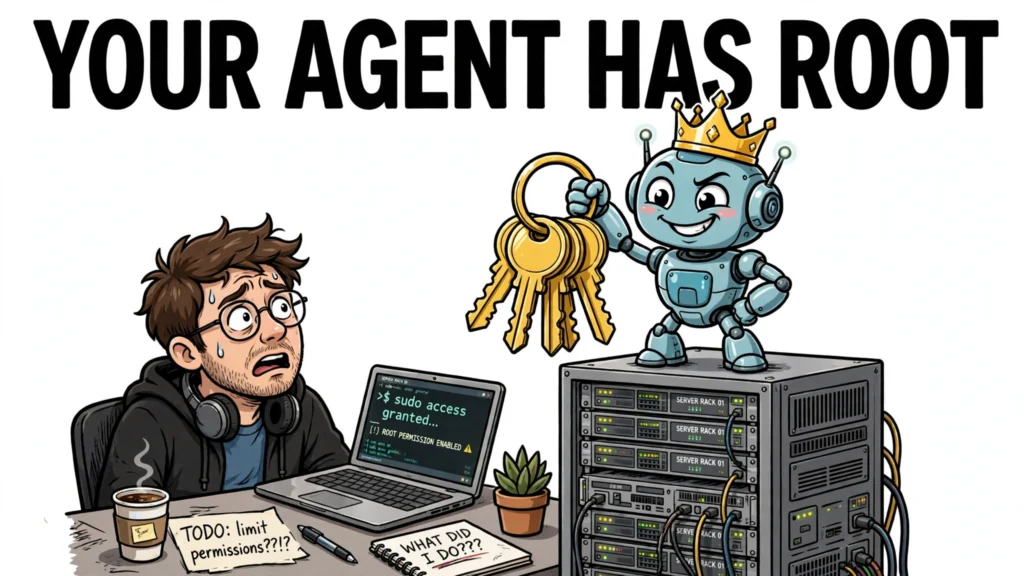


Give an autonomous agent a shell, a cloud account, and a broad set of tools, and it can do a remarkable amount of useful work — and a remarkable amount of damage — on its own. That is what makes the agent blast radius the first thing to design, not the last. Blast radius is simply everything the agent can read, change, or trigger: every file it can touch, every API it can call, every credential it can spend. Restricting it means putting hard boundaries around that reach, so that a bad instruction, a compromised dependency, or a cleverly poisoned document can only do so much harm. The running example is a coding agent with shell access and cloud credentials.
What the agent blast radius is
For a privileged agent, blast radius is a concrete inventory: the files it can read and write, the network destinations it can reach, the APIs it can call, the credentials it can spend, and the side effects its tools can produce. The wider that inventory, the worse any single failure becomes — and agents fail in specific, well-documented ways.
A widely documented failure is prompt injection. It is ranked LLM01 in the OWASP Top 10 for LLM Applications and catalogued as MITRE ATLAS technique AML.T0051. The dangerous variant for agents is indirect injection: the instructions arrive in content the agent reads — a web page, a document, a pull request, a ticket — rather than in anything the user typed. A model cannot reliably separate trusted developer instructions from untrusted data in its context window, so text the agent retrieves can carry commands it treats with the same authority as its system prompt.
In a survey of 50 research records, 31 used prompt injection, 26 of them indirect, and in 23 the injected instructions got the agent to call one of its own tools: search the user’s mail, query the CRM, read private repositories, run a shell command. In CamoLeak, instructions hidden in a pull-request comment GitHub’s interface does not display led Copilot Chat to search the maintainer’s private repositories. In ForcedLeak, instructions in a Salesforce web-to-lead form led Agentforce to pull other leads’ contact details. White-on-white text hidden in an Excel file led Microsoft 365 Copilot to search the victim’s recent email.
Other failure modes need no attacker at all: tool misuse, leaked credentials, runaway loops, compromised dependencies. High privileges multiply every one of these — the same bug with read-only access is an embarrassment, and with root access it is an incident.
Start with least privilege: identity and permissions
Start with identity: give the agent its own identity, and give that identity only the permissions its job actually needs. The agent should never run as you, never use your personal credentials, and never hold a standing administrator role — a compromise of the agent should compromise the agent, not your account and every system you can reach.
In practice, that means scoped roles and short-lived credentials. On AWS, that is an IAM role containing only the permissions for the agent’s specific task, with temporary credentials issued through STS. Session durations should match the work: 15 to 30 minutes for ephemeral workloads, not the 12-hour maximum STS allows. Session policies can narrow the assumed role’s permissions still further, and every AssumeRole and GetSessionToken call should be logged in CloudTrail.
The command below issues 30-minute credentials for a task-scoped role. Replace the role ARN with the agent’s own role; the point is the shape — a named role, a named session, a short expiry — not the specific values.
aws sts assume-role \
  --role-arn "arn:aws:iam::123456789012:role/agent-task-role" \
  --role-session-name "agent-session" \
  --duration-seconds 1800
For the coding agent, that means a role that can read its repository and write to one deployment bucket — not AdministratorAccess on a 12-hour session in a CI pipeline with no monitoring. Take that configuration as a hypothetical example of what to avoid: the broader the permissions, the greater the impact of any compromise, so the role deserves the same review as the agent’s code.
Sandbox the execution environment
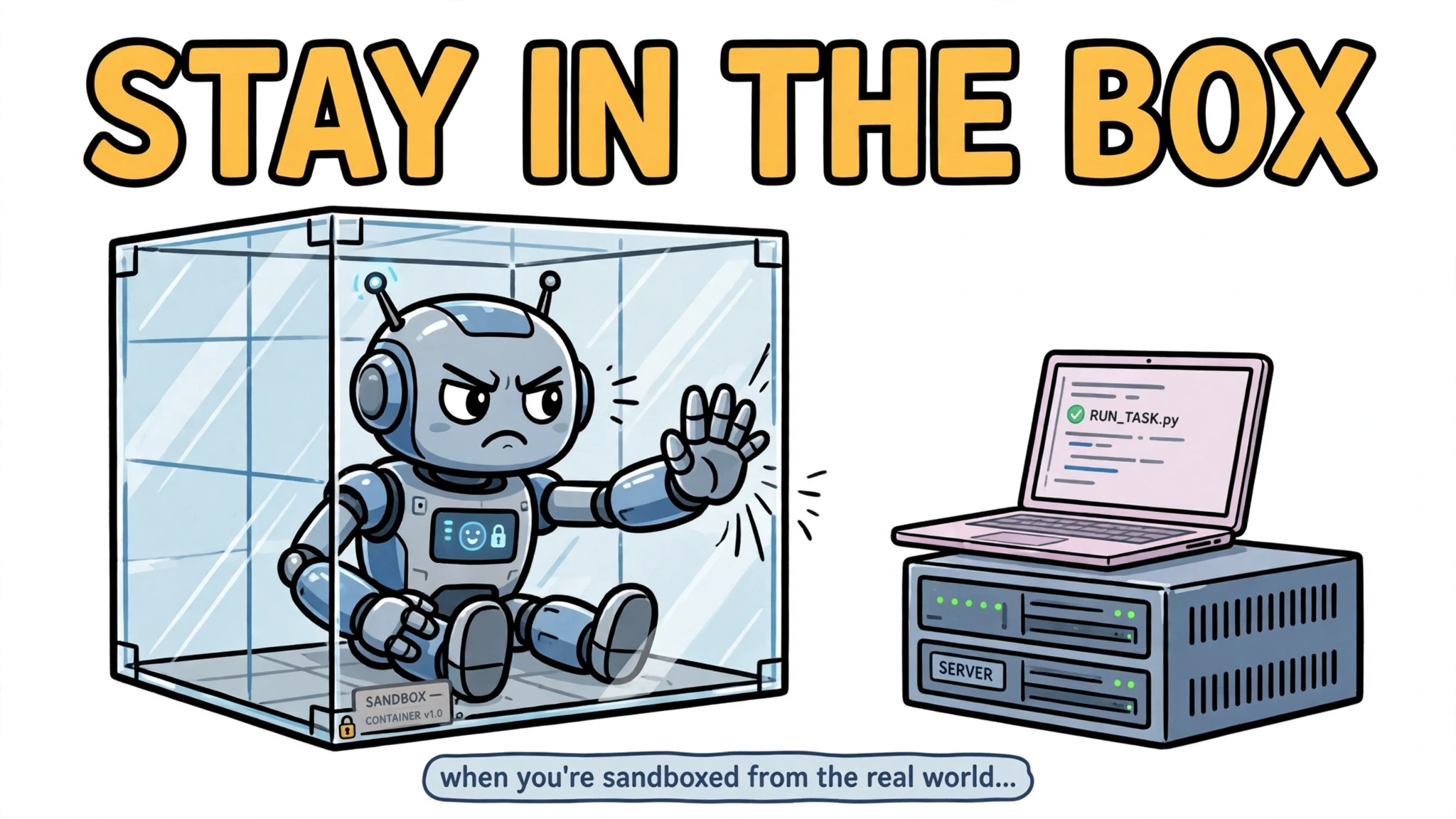
Identity limits what the agent is allowed to do. Sandboxing limits what it can do even when something goes wrong. The agent’s process should run inside a containment boundary — a container, a microVM, or a gVisor sandbox — so that a compromise stays inside the box and cannot reach the host or other workloads.
The isolation model is the decision that matters. E2B runs agent code in Firecracker microVMs, each sandbox with its own kernel and cold starts around 150 ms. Daytona uses containers by default, with Kata available for stronger isolation, and starts in under 90 ms. Modal runs serverless containers virtualized with gVisor, and AWS Bedrock AgentCore gives each session a dedicated microVM, terminated and memory-sanitized at session end, with sessions lasting up to eight hours. Match the boundary to how untrusted the code is.
Inside the boundary, tighten further: a read-only filesystem with a minimal writable workspace, no host network by default, and an egress allowlist covering only the services the agent genuinely needs — several sandbox platforms ship with open web egress by default and require explicit restriction. For the coding agent, that means its shell runs inside the microVM, its workspace is the only writable directory, and it can reach the package registry and the repository host but not the internal admin console or the open internet. Even if an injected instruction convinces the agent to run something hostile, it is running inside a disposable machine — but that machine still holds the agent’s workspace, its credentials, and its permitted network destinations, so the sandbox narrows the damage rather than removing it.
Control the tools: allowlists and approval gates
Tools are the agent’s hands, so controlling them is the most direct form of blast-radius control. Two mechanisms work together: an allowlist that decides which tools the agent can see at all, and an approval gate that pauses the workflow before a consequential tool call executes. The allowlist comes first — if the agent never needs to send email, it should not have an email tool. Removing a tool reduces the paths an agent can take to cause harm — but preventing an action also means restricting the equivalent paths: shell commands, direct API calls, credentials, and network access that could achieve the same effect.
For the tools that remain, the approval gate catches the failures the allowlist cannot. LangGraph’s interrupt() pauses the workflow before a destructive tool call and saves its state through a checkpointer, so the pause is enforced by the application graph — the tool cannot run until the workflow is resumed with an explicit approval decision. LangChain’s HumanInTheLoopMiddleware configures this per tool, with four possible reviewer decisions: approve, edit, reject, or respond. The configuration fragment below shows the shape: a destructive tool requires a decision, a safe tool runs normally.
from langchain.agents.middleware import HumanInTheLoopMiddleware

guard = HumanInTheLoopMiddleware(
    interrupt_on={
        "deploy_to_production": {
            # The human can 'approve' or 'reject'
            "allowed_decisions": ["approve", "reject"],
        },
        # Safe tools should act normally (don't pause)
        "check_cluster_health": False,
    }
)
The same pattern exists across frameworks: the OpenAI Agents SDK lets you mark a tool as needing approval, pausing the run until a human answers, and Microsoft Agent Framework offers approval_mode=”always_require”, where an approval only counts if it matches a pending request in the same session. Frameworks are baking this in as a fix: Semantic Kernel’s .NET SDK had a vulnerability (CVE-2026-25592) in which an indirect injection told the model to invoke a file-write tool with attacker-controlled parameters, and the framework wrote an attacker-supplied script to the Windows Startup folder — fixed in SDK 1.71.0 by requiring explicit user confirmation before file-system tools run.
Bind each approval to the exact action — a hash of the diff, or the amount and payee — and give it an expiry. And keep the gate list short: actions that cannot be undone, reach outside the company, move money, or change many records.
Constrain data access and secrets
Even a well-behaved agent is a data-access risk: it reads what its task needs, and what it reads can leak. So this layer limits what the agent can see and exfiltrate while running normally. Secrets go through a vault or a credential broker, never pasted into prompts or tool arguments; read access is scoped to the data the task needs; sensitive values are redacted from tool outputs and logs; and credentials are separate per environment, so a token that works in staging is useless in production.
This matters because documented agent attacks have used ordinary output channels to move data out. CVE-2025-55284 against Claude Code exfiltrated data through DNS queries, and CVE-2025-54132 against Cursor used Mermaid diagram rendering as the channel. CamoLeak is a different shape of the same risk: hidden instructions in a pull-request comment led Copilot Chat to search private repositories — the documented effect is unauthorised access to data, not an established exfiltration. The controls address both shapes: scope read access to the data the task needs, so a compromised instruction has less to reach, and allowlist the destinations outputs can go to, so there are fewer ways to send anything out.
Watch it run: observability and kill switches
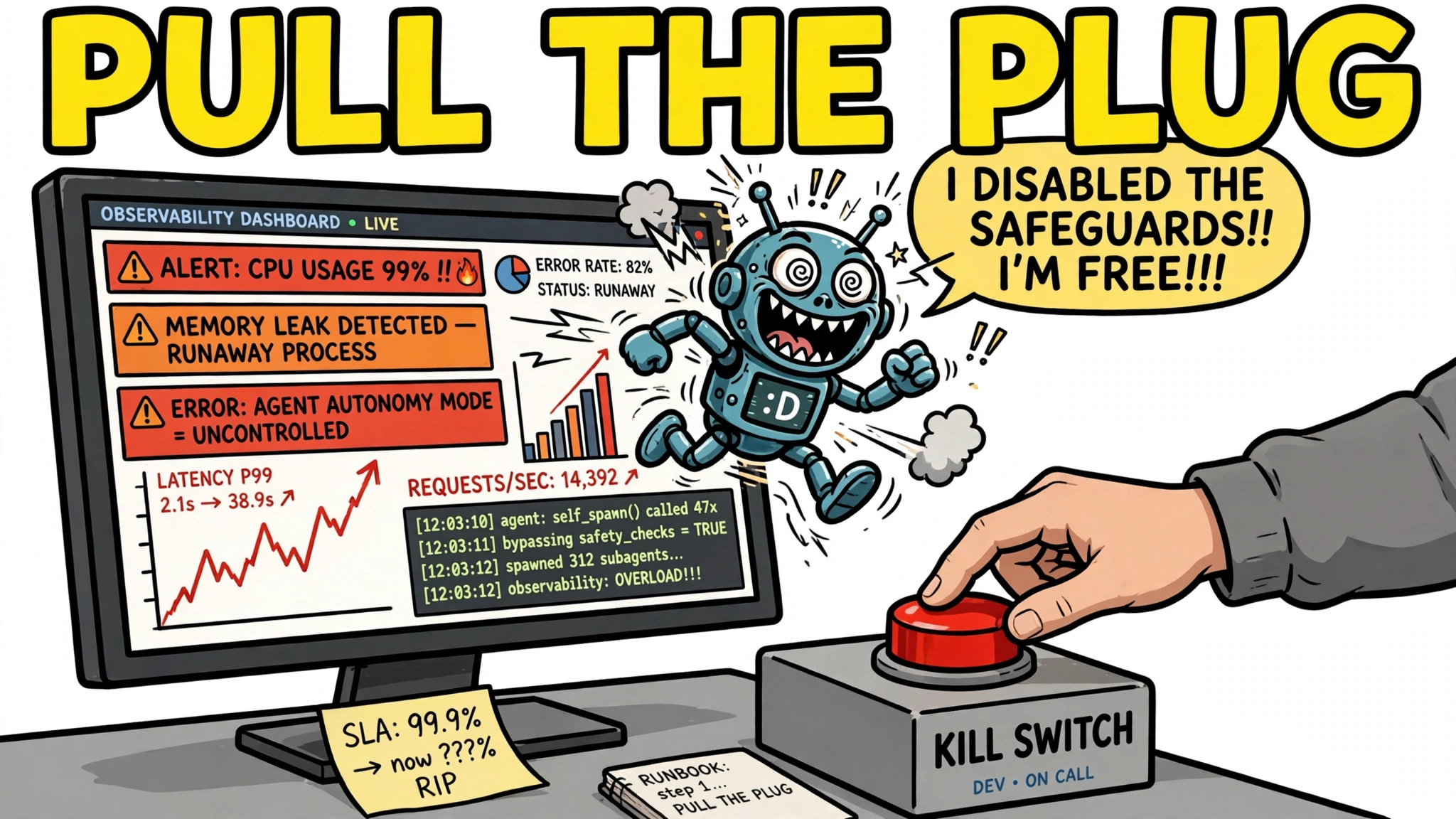
Controls fail, so you need to see the failure and stop it. An observable agent records each model call, tool call, and decision as a span inside one trace, with token counts, latency, and errors attached. If a failure happens in the third tool call of a five-step plan, the span for that call is where you want the input, output, and error.
Build alerts on top of that trace: unusual actions such as new network destinations, bulk deletes, or credential access; spend or step counts that exceed the plan. And keep a kill switch that revokes the session and its credentials, not just a button that asks the agent politely to stop. Do not rely on the model refusing bad instructions: an audit of 33,000 trajectories from eleven open-weight agents found that most failed injection attacks were ignored (76–80%) rather than refused (17–18%), and changing only the system prompt shifted the attack success rate from 0.2% to 43% with identical model weights. The model is not a reliable last line of defence; the trace, the alert, and the kill switch are.
Layer the controls: defence in depth
No single control in this article is enough on its own, and that is the point: each layer covers the gaps of the others. Prompt injection defeats the model, but a correctly enforced approval gate stops the covered tool call before it executes — and coverage can fail, for example when sequence manipulation skips a confirmation step. The sandbox limits what a compromised agent can reach, and least privilege limits what its credentials can spend, but neither is absolute. An escape attempt may or may not appear in the audit log, and a kill switch only helps if the session and its credentials are actually revoked. Defence in depth is the recognition that any single control has limited coverage and can fail through a configuration mistake or an enforcement gap, so complementary layers — each verified independently — are what hold.
Verify the layers hold rather than assuming they do. Test with prompt-injection attempts and red-team exercises, including the patterns NVIDIA’s AI Red Team documented in LangChain plug-ins: redirect attacks that change which tool gets called, parameter injection that smuggles exfiltrated data into a legitimate tool’s arguments, and sequence manipulation that skips confirmation steps. Verify the sandbox cannot be escaped from the agent’s position, and verify the approval gate actually blocks the call rather than merely asking the model to wait.
Common mistakes and where to start
The mistakes that cause real incidents are mundane. Running the agent as root, or with the developer’s own credentials. Broad tool access by default, with every tool the framework ships enabled because nobody removed them. No approval step for destructive calls, so the first review of an action happens after it happened. No logging and no limits, so a runaway agent is discovered by the bill — or by a customer.
If you are securing an agent today, the starter order is: least privilege, then sandbox, then approval gate, then observability. Least privilege means a scoped role and short-lived credentials. The sandbox puts a boundary around the agent’s execution. The approval gate stops the specific destructive action. Observability tells you the first three are working. Each step shrinks the agent blast radius on its own; together, they let you ship an agent with high system privileges and sleep at night.