


What Counts as a Business Use Case for an AI Agent
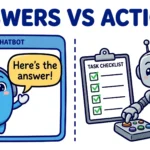
Business leaders keep asking the same question: where do AI agents actually work today? This article maps the AI agent use cases that are already running in real businesses — function by function, with what the agent does, what it hands to a human, and what the evidence says. An AI agent is not a chatbot and not a script. It is a system that takes a goal, plans a sequence of steps, uses tools and business systems to carry them out, and reports back. The difference matters: a chatbot answers, a script repeats, and an agent finishes work. Three traits mark a task as agent-shaped — open-ended inputs, multi-step work, and tool use. A refund request is agent-shaped when the system has to look up the order, check the policy, issue the refund and update the record. A fixed FAQ lookup is not.
The market is moving faster than most organisations. McKinsey’s State of AI 2025 survey found that 88% of organisations now use AI in at least one business function, 62% are experimenting with AI agents, and 23% are already scaling an agentic system somewhere in the organisation. But depth is rare: in any single business function, no more than 10% of respondents report scaling agents, and IT and knowledge management lead adoption. The gap between experimenting and scaling is the story of this article — so each use case below is presented with the evidence behind it: measured results where case studies exist, vendor capabilities where those are the evidence, and survey figures where they describe the market rather than any single deployment.
Customer Support and Service
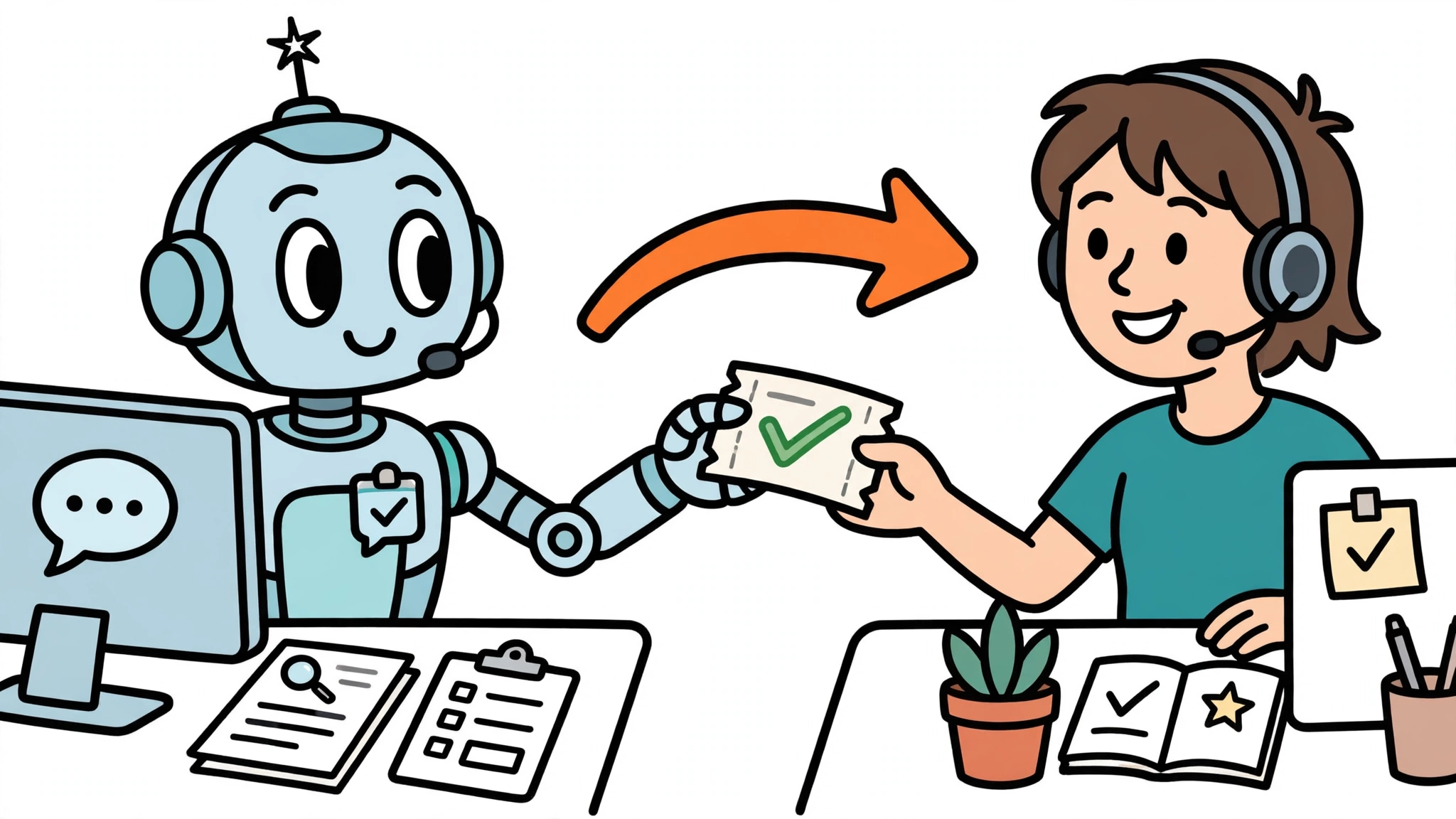
Support is the most deployed use case, and the most measurable. The leading platforms — Zendesk, Intercom Fin, Salesforce Agentforce and Freshworks Freddy — all sell agents that resolve tickets end to end rather than merely deflecting them: they read the knowledge base, look up the order, issue a refund, update a subscription or change a record, and close the ticket inside the same conversation. Zendesk says its AI agents can fully resolve more than 80% of interactions autonomously, with a handover to a human always possible — a vendor claim. A Superkind roundup of support agents puts top agents at around 70% resolution on in-scope queries, while noting that the figure depends entirely on which tickets are counted and how good the knowledge base is. Gartner expects agentic AI to resolve 80% of common customer issues autonomously by 2029.
What separates a good deployment from a bad one is the escalation. A Genesys survey of customer experience leaders found that 48% of organisations pass no data at all between the virtual agent and the human agent when a conversation escalates — so the customer starts from scratch, and trust in the whole channel drops. The same research found that 84% of consumers will give a virtual agent at most three attempts before giving up on it. The practical rule is simple: an agent should escalate with the full transcript, the order data and a summary of what it already tried, and the escalation should be a designed path, not a dead end.
Pricing has followed the work. Support agents are now mostly sold per outcome rather than per seat: Intercom Fin charges $0.99 per resolved conversation, Zendesk charges $0.99 per additional automated resolution beyond its included allowance, and Salesforce Agentforce bills per action through Flex Credits. That makes the business case easy to test — you can measure cost per resolved ticket against cost per human-handled ticket — but it also makes the definition of “resolved” a contract term worth reading.
Sales and Revenue Operations
In sales, agents do the research and administration that eats a rep’s day. Salesforce’s Agentforce automates lead qualification, sales opportunity updates and customer record updates inside the CRM, routing work by skills and availability, and multi-agent solutions became generally available in the Winter ’27 update in October 2026. The pattern is the same across vendors: the agent researches a lead and enriches the record before outreach, drafts follow-up messages for a human to review, and keeps the CRM current by logging calls, deduplicating records and updating pipeline stages.
The boundary here is trust. An agent can prepare outreach; sending it without review is a different decision, and keeping a human on the send button for anything that reaches a prospect is the safer default until a team has evidence its drafts are good enough to send unchecked. The same applies to pipeline updates: an agent that logs what happened is useful, an agent that moves a deal stage on its own needs a clear rule about what evidence justifies the move. Sales is a good second use case precisely because the stakes are visible and the feedback loop is fast — you know within days whether the agent’s drafts are being used or rewritten.
Internal Operations and Back Office
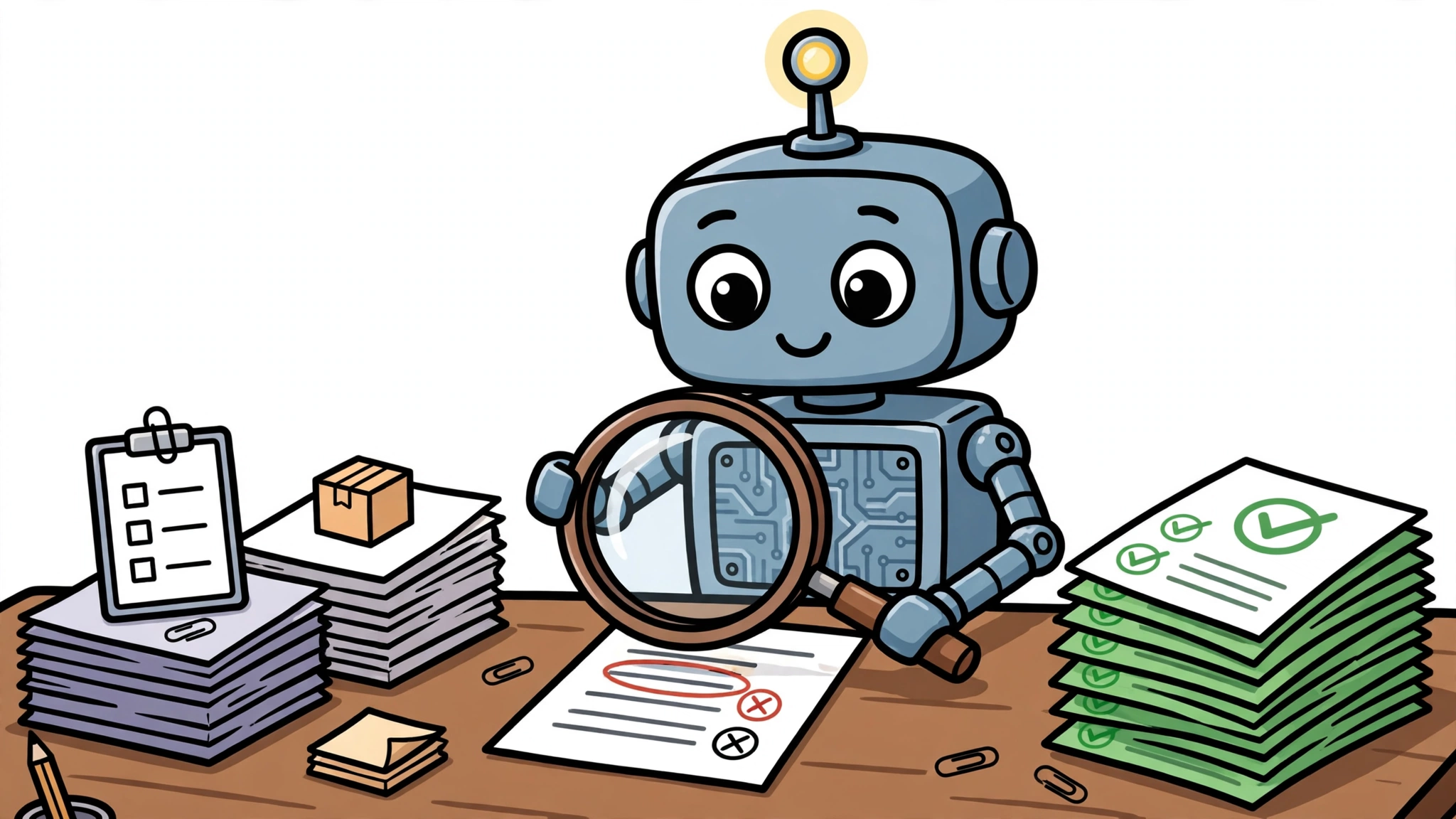
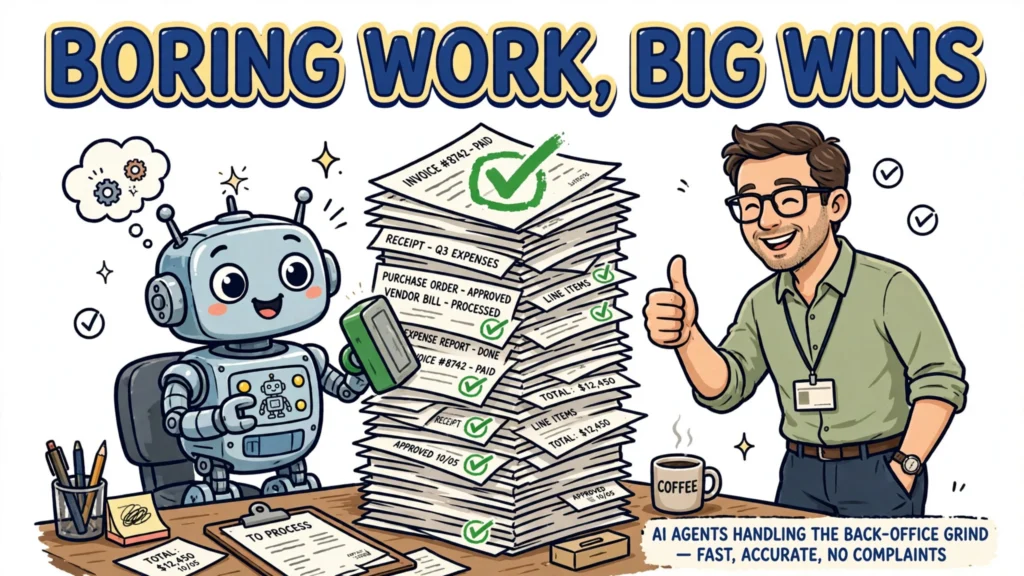
The quietest use cases are often the most valuable. In finance, AI invoice-processing systems extract fields from unstructured invoices, run three-way matches against purchase orders and goods receipts, and flag mismatches with a written explanation. Two published case studies show what that looks like in practice. A European automotive R&D centre cut its invoice billing cycle from three days to under ten minutes with a system that maps supplier invoice PDFs directly to ERP data and teaches itself new formats. A mid-market distributor processing 4,200 invoices a month cut its average cycle time from 11.3 days to 2.0 days — an 82% reduction — with first-pass extraction accuracy of 94% on non-standard vendors, 98% of three-way matches completing without human review, and late-payment penalties falling from $180,000 a year to $14,000.
The distributor’s case study carries the detail that matters most: “We kept humans in the loop for the first 60 days. Every AI decision was reviewed by a clerk during the pilot.” The same document-understanding pattern extends to HR — candidate screening support, onboarding checklists, policy questions — and to procurement, where agents extract contract terms and flag exceptions. None of this is glamorous. The invoice results are measured: in the published cases cycle times fell from three days to under ten minutes in one deployment and from 11.3 days to 2.0 days in the other, and most matches completed without review. The HR and procurement tasks follow the same pattern — high-volume, rules-shaped work — but they are candidate applications that still need evaluation against a team’s own volumes and exception rates before anyone claims the same result.
Software and IT Operations
Engineering is where agent adoption is furthest along. Coding agents now open and merge real pull requests in production repositories: the GitHub Copilot coding agent opened 1,734 pull requests in the dotnet/runtime repository between its first pull request on 19 May 2025 and the end of October 2026, of which 1,205 were merged. Beyond code, agents triage incidents by gathering logs, proposing runbook steps and opening tickets, assist with code review and test generation, and handle routine infrastructure changes such as access requests under approval gates.
The same evidence that shows the scale also shows the risk. GitHub’s 2026 Octoverse report found that 41% of AI-generated code ships to production without meaningful human review, and test code ships unreviewed at 71%. Meanwhile 78% of professional developers used AI coding assistance in 2026, but only 12% ran fully autonomous agents. The gap between assistance and autonomy is the point: in IT, the productive use case is an agent that prepares the work and a human who remains accountable for shipping it. Anthropic’s own Claude Code team puts it bluntly: “An agent’s approval never counts as a person’s, either.”
Knowledge Work and Decision Support
The use case most readers will try first is also the simplest: research, summarisation and reporting. An agent can assemble a briefing pack from internal documents before a meeting, summarise a competitor’s announcements with cited sources, or draft a report where the human remains the accountable author. McKinsey’s survey found knowledge management among the functions where agent adoption is furthest along, which makes sense — the work is bounded, the output is a document a human reads before it goes anywhere, and the failure mode is a wrong paragraph rather than a wrong transaction.
The discipline here is sourcing. An agent that summarises without citations is a liability; an agent that returns every claim with its source is a research assistant. The same applies to report drafting: the agent’s draft is a starting point, and the person whose name goes on the report is the person who checked it. Teams that treat the agent as a junior analyst — fast, thorough, and wrong in ways a senior would catch — get the most from it.
Choosing Where to Start: A Practical Framework for AI Agent Use Cases
With the map in hand, the question becomes where to begin. Two axes decide it: value and risk. Value is the volume of the work multiplied by the time it takes a human today. Risk is reversibility multiplied by blast radius — how hard the action is to undo, and who it reaches. The best first pilot sits in the high-value, low-risk corner: high-volume, low-stakes, well-instrumented work where the agent’s output is checked before it matters. Invoice matching and ticket triage qualify. Sending a refund to the wrong customer does not, at least not in week one.
Before the pilot starts, three things need to exist: a success metric (cost per resolved ticket, cycle time, hours returned), a named owner, and kill criteria — the conditions under which the pilot stops. The kill criteria matter more than the success metric, because a pilot without an exit becomes a permanent experiment. McKinsey’s finding is the warning here: the strongest predictor of AI impact is fundamental workflow redesign, yet only 21% of organisations using generative AI have redesigned any workflows. An agent layered onto a broken process automates the breakage. Redesign the workflow first, then hand the agent the redesigned steps.
Limits and Common Mistakes
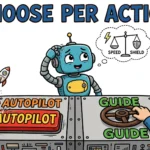
Agents handle badly the things that need judgement in novel situations: a complaint that is really a legal threat, a supplier dispute with no precedent, a hiring decision. They also fail on high-stakes, irreversible actions — and those are the actions where human approval belongs. Whether a step needs advance approval is decided per action, by how reversible it is, how far its effects reach, and how much reliability the agent has demonstrated — not by a blanket rule covering every payment, access grant or customer message. OpenAI’s practical guide to building agents names two triggers for human intervention: exceeding a failure threshold, such as too many retries, and high-risk actions that are “sensitive, irreversible, or have high stakes” — which should trigger human oversight “until confidence in the agent’s reliability grows.”
Human-in-the-loop is a decision made per action, not per agent. Each action the agent takes can sit in one of four modes: act and log, act and notify, approve before, or never — chosen by reversibility and blast radius. The tooling now ships this way by default: Anthropic’s Claude Code uses tiered permissions in which reads inside the working directory need no approval while shell commands, file edits and most web fetches ask first, and the mode that skips prompts is reserved for isolated environments. That tiered setup is one implementation of human-in-the-loop control, in which a person approves, reviews or is notified about specific actions instead of trusting the agent end to end. OpenAI’s Agents SDK lets tools declare that they need approval, pauses the run, and serialises the state so it can resume after the human decides.
The common mistakes follow from ignoring all of this: no human oversight at all — neither advance approval for consequential actions nor monitoring of the actions the agent takes on its own — no evaluation of what the agent actually did, and automating a process that was already broken. Some tasks should not be handed to an agent at all; knowing when to avoid using AI agents is part of choosing where they belong. Then there are the costs nobody budgets for: the oversight time itself, the tooling and integration work, and the model updates that quietly change the agent’s behaviour. And one measurement trap: coding-agent benchmarks such as SWE-bench Verified are measured under controlled conditions, and vendors report their best-case scores — production reality includes rate limits, context truncation and flaky tool-call loops, so any evaluation has to run against your own codebase and your own tickets. The use cases in this article are real, and they are working. They work because someone drew the boundary, measured the outcome, and kept a human in the loop where it mattered.