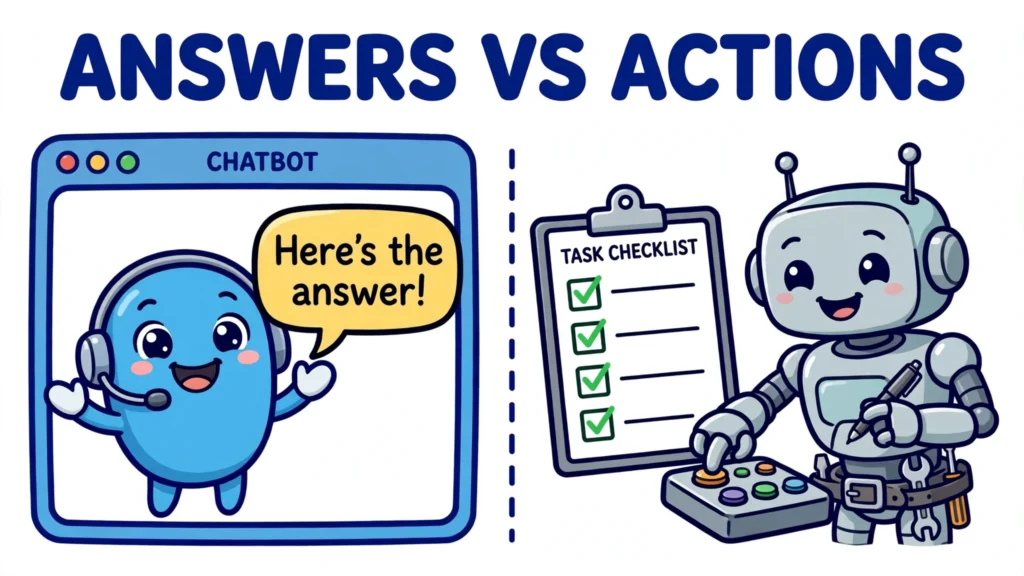
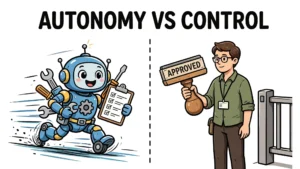

If you have spent any time with chatbots and then heard someone talk about AI agents, you have probably wondered whether the two terms mean the same thing. They do not, although the boundary between them is blurrier than most product pages admit. The AI agent vs chatbot distinction is best approached as a set of indicators, not a single dividing line: does the system mainly produce text for you to act on, or does it also choose and adjust steps toward a goal you gave it, using tools along the way? Terminology here is still unsettled, so this article treats those questions as useful guides rather than a strict definition.
This article answers that question in plain terms. It defines each side, compares them directly, walks through how an agent works, and then deals honestly with the grey zone where a chatbot starts behaving like an agent. By the end, you will have a set of indicators you can apply to any product that claims to be an agent.
What an AI agent actually is
An AI agent is a system that autonomously performs tasks on behalf of a user, or another system, by designing its own workflow and using the tools available to it. That definition, used by IBM, captures the three things that matter: autonomy, a goal, and tools. The agent is given an objective, not a script of every step, and it works out how to get there.
An agent has a few core properties. First, it perceives its environment: it reads data, messages, files, or the results of its own previous actions. Second, it reasons or plans: it breaks a goal into smaller steps and decides what to do next. Third, it acts: it calls an application programming interface, searches the web, queries a database, sends a message, or updates a record. A language model sits at the centre of many modern agents, but the model alone is not the agent. A language model on its own cannot directly interact with external tools or databases; the agent is the whole system wrapped around it, with tools, memory, and permission to act.
Autonomy comes in degrees. Some agents handle a short, well-defined task with a clear stopping point. Others work over a longer period, tracking progress toward a goal and adjusting their plan when something changes. What they share is that they do not need to be asked at every step. You set the goal and the limits; the agent chooses the next action until it finishes, hits a limit you set, or needs your input.
What a chatbot actually is
A chatbot is a conversational interface. Its job is to exchange messages with a user: you ask something, it replies, and the interaction is, in the normal case, over. That sounds modest, but it covers a wide range of systems, and the differences between them matter.
Early chatbots were rule-based: they matched what you typed against scripted decision trees and gave a pre-written answer. They were predictable, but brittle — anything outside the script confused them. Later chatbots added retrieval, answering from a set of documents rather than a fixed script. The current generation is powered by large language models, so it can understand natural language, explain ideas, draft text, and answer questions it was never explicitly programmed for. Even so, its default output is still a reply. A chatbot may look up information or draft a message for you, but in its basic form it does not change anything outside the conversation. A human, or a separate piece of software, does whatever happens next.
That is not a criticism. Answering questions well is genuinely useful, and for many jobs it is all that is needed. The mistake is to assume that because a chatbot sounds capable, it is already doing the work. Fluency is not agency.
AI agent vs chatbot: the key differences
The comparison is easiest to see side by side, across the dimensions that actually change what a system can do for you.
| Dimension | Chatbot | AI agent |
|---|---|---|
| Main job | Conversation: answer, explain, draft | Task completion: reach a goal across several steps |
| Who starts each step | The user, at every turn | The system, once it has a goal and limits |
| Tools and actions | Limited or none; output is normally text | Chooses tools and takes actions in other systems |
| Planning | One reply at a time | Breaks a goal into steps, checks results, adjusts |
| Memory | Usually only the current conversation | Can retain useful information across sessions |
| When it stops | When it has answered | When the goal is reached, a limit is hit, or it needs help |
Initiative is the sharpest difference. A chatbot waits for you to guide each exchange. An agent, given a clear objective, continues working after your initial instruction, choosing its next action until it completes the task or reaches a limit you set. Tools are the second difference. A chatbot may perform a predefined lookup, but an agent can choose between several connected tools based on what the task requires, and its actions can change state elsewhere: a record updated, a ticket created, a message sent.
Memory is the third. Chatbots usually remember only what was said during the current conversation, and that context is typically lost when the session ends unless the system is connected to something that stores it. Agents can retain useful information across sessions, such as previous requests, decisions, and preferences, which is part of what lets them carry a longer task forward. Planning is the fourth: where a chatbot follows a fixed flow or answers turn by turn, an agent divides a goal into smaller tasks, completes them in order, checks the results, and changes approach when something goes wrong. That pattern of reasoning, then acting, then reasoning again is often called the ReAct pattern.
How an AI agent works, step by step
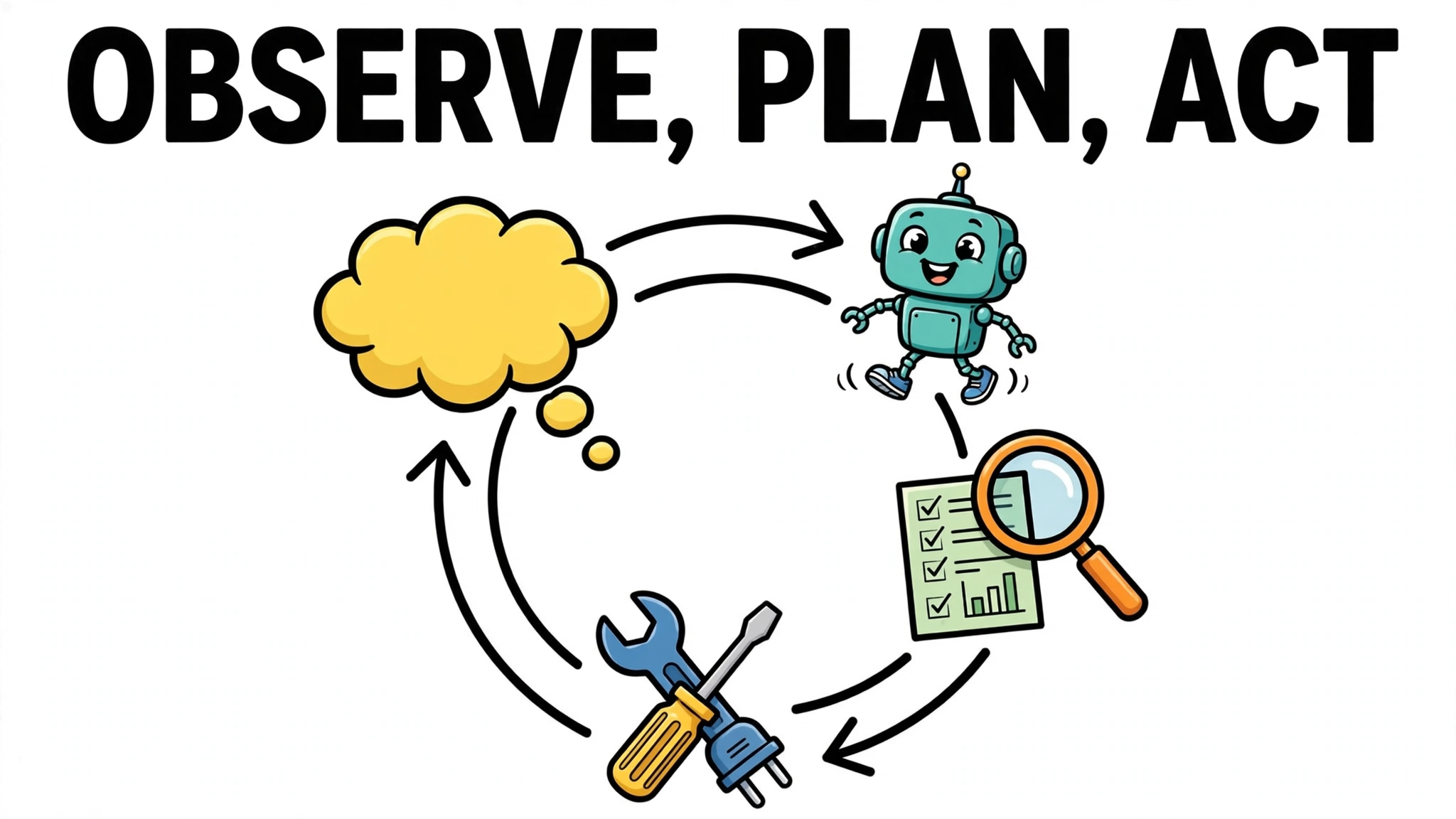
Underneath the different products, most agents run the same loop: observe, plan, act, and observe the result, repeated until the goal is reached. Here is what that looks like in practice, using the example of researching and booking a short trip — a goal with several dependent steps.
First, the agent takes the goal — say, find a workable trip for two people on given dates within a budget — and makes a plan: search for flights, check accommodation, compare the options, and hold the best combination. Then it acts: it calls a flight search tool and gets results back. It observes those results, which may rule out the cheapest option because the arrival time does not work, and adjusts the plan. It repeats the loop for accommodation, compares totals, and only then presents a summary or, if you gave it that permission, completes the booking. At each turn, the model decides the next action, the application executes the tool call, and the result is fed back into the model for the next decision.
Two details in that loop are worth noticing. The model does not execute the tool itself; it chooses a function and its arguments, and your application runs it and returns the result. And the loop is what gives the agent its power and its risk: because each step depends on the last result, a wrong early step can send the whole plan off course unless the agent checks its work or a human checks it.
The grey zone: when a chatbot starts acting like an agent
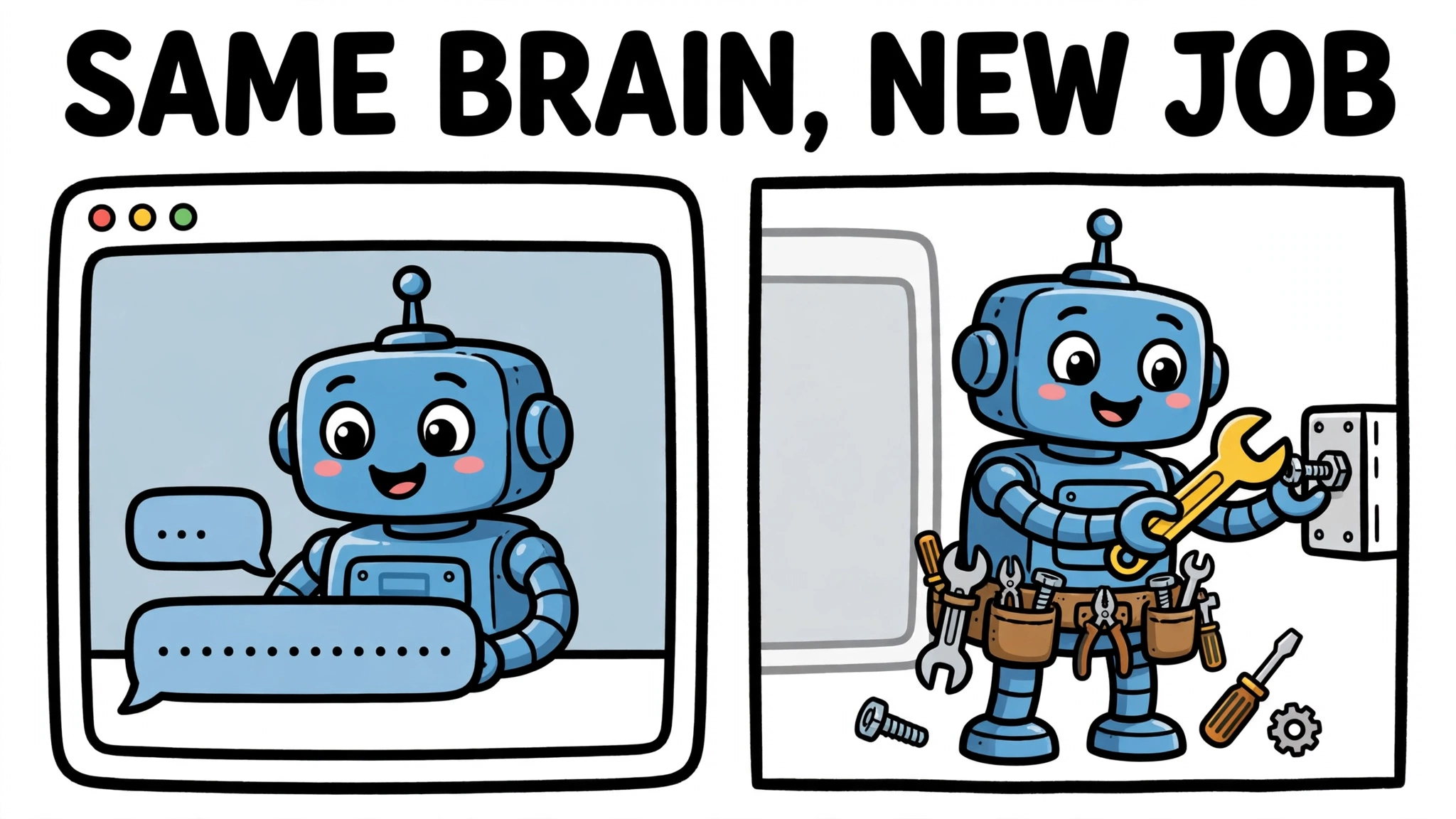
So far the distinction has looked clean. In practice it is not, because the same language model can sit in either kind of system. Take a chatbot you already use, give it tools such as web browsing and a code interpreter, give it memory across sessions, and allow it to take actions without asking you at every step, and it starts to behave like an agent. The category depends on the system wrapped around the model, not only on the model itself.
That is why vendor language is so loose. A product called an agent may be a chatbot with one added tool, and a product called a chatbot may quietly act on your behalf. Before believing the label, apply two useful indicators rather than a strict test: can it do useful work without you at every step, and does it pursue a goal by choosing and adjusting its own steps? External actions are a strong signal, but they are not required: an agent that searches, evaluates results, and returns a textual report can still be acting agentically, and a predefined workflow that changes state is not automatically an agent just because it acts. What matters most is a goal-driven, adaptive workflow — choosing steps, observing results, and adjusting — rather than any single feature. If a system only produces text for you to act on, without that goal-directed workflow, it is functioning as a chatbot, however impressive the text is.
There is also a middle ground worth naming: the tool-using assistant. It can pull information and draft actions, but it still waits for you to direct it at each turn. Asking for confirmation before a consequential change, on its own, does not make a system a non-agent: an agent may work autonomously across multiple steps while still stopping for approval before it sends, publishes, or spends. What distinguishes the assistant here is turn-by-turn direction, not the presence of a checkpoint. A checkpoint is often the right design — it keeps a human in the loop where a mistake would be costly — but a system with checkpoints can still be an agent if it otherwise pursues a goal through its own multi-step workflow.
Which one to use, and when
Choose a chatbot when the job is answering, explaining, or drafting. Customer support questions, explaining a concept, summarising a document, and drafting a first version of a message are all chatbot jobs. They are fast to run and easy to check: you read the answer and decide whether it is right.
Choose an agent when the job is a multi-step task with a clear goal and a verifiable outcome. Researching options and pulling them together, triaging a support case across several systems, or preparing a coding change that touches several files are agent-shaped jobs, because they involve steps that depend on each other and results that need checking along the way. The goal should be specific enough that you, or the agent, can tell whether it has been reached.
When in doubt, start with the chatbot version of the job. If you find yourself copying answers from one system into another, repeating the same sequence of steps, and checking each result by hand, that repeated sequence is a candidate for an agent — provided you can state the goal, the limits, and how you will check the outcome.
Common mistakes and limits
The most common mistake is calling every language-model chatbot an agent. It overstates what the system can do, and it sets up disappointment when the system turns out to be unable to act, remember, or follow a multi-step plan. Ask whether it pursues a goal through its own multi-step workflow, and what it can change outside the conversation, before you judge it.
The second mistake is treating autonomy as purely good. More initiative means more need for guardrails and checking. An agent that can send messages, update records, or spend money can also do those things wrongly, and an erroneous result early in a multi-step run can influence every step that follows. That is why agents need limits on what they may touch, a budget of steps, and a point at which they stop and ask a human. Agentic systems can maintain long-term goals and handle complex tasks, but a wrong action can also propagate further before anyone notices.
The third mistake is giving an agent a vague goal and expecting a precise result. Agents still fail: they make wrong plans, call the wrong tool, misread a result, or pursue a goal that was never well specified. A good goal, clear limits, and a check at the end are not extras. They are what make the difference between an agent that does useful work and one that confidently does the wrong work.
So, what is an AI agent, and how does it differ from a chatbot? A chatbot answers you. An agent, at its most capable, works for you: it takes a goal, plans, uses tools where they help, checks results, and keeps going until the job is done or it needs you — while remembering that the line between the two is a spectrum, and terminology is still unsettled. Knowing which one you are dealing with is the first step to using either of them well.