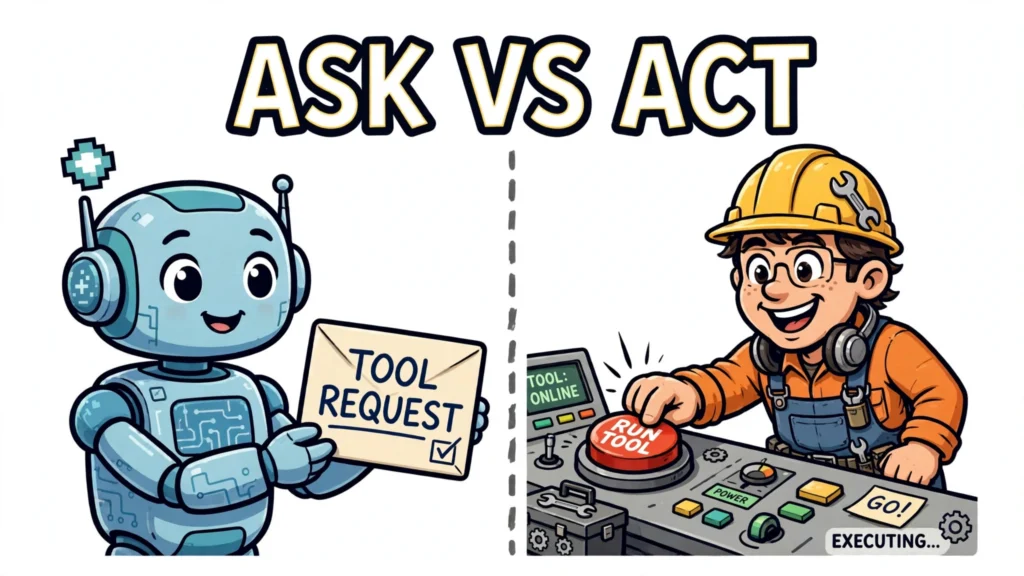


An AI agent that can only answer from its own training data is useful, but it cannot check a live system, look up a record, or change anything outside itself. That is where ai agent tool calling comes in: it is the mechanism that lets a model ask an external system to do something on its behalf, and then use the result to decide what to do next. The model does not run the tool itself. It requests a call, your code executes it, and the result comes back as a new piece of information the model can reason about.
This article explains that mechanism from start to finish: what a tool is, how the call loop works, how functions are described to a model, what happens between a model’s output and a real execution, and where the whole approach can go wrong. If you have used a language model but never built an agent that calls tools, this is the missing piece that turns a chatbot into something that can act.
What tool calling is, and why agents need it
Tool calling, also called function calling, is a way for a model to interface with external systems and access data outside its training data. Instead of answering only from what it learned during training, the model can request a function your application provides: a search, a database query, an API call, a calculation, or code execution. The request is structured, not free-form text, so your code can parse it reliably.
The division of labour is the whole point. The model decides what it needs and what arguments to pass. Your application does the actual work. That separation matters for safety as well as engineering: the model itself performs no execution. It can only ask, through the tools you chose to expose, and your code — running with the permissions you gave it — decides whether and how to carry the request out. What that code can reach depends on your implementation, not on tool calling alone.
Typical tools cover the gaps in a model’s own knowledge. A search tool fetches current information. A database tool looks up a specific record. An API tool reads or changes state in another system. A calculator or code-execution tool handles arithmetic and logic that a model might otherwise get wrong. A messaging tool sends a notification or drafts a message.
How ai agent tool calling works: the loop, step by step
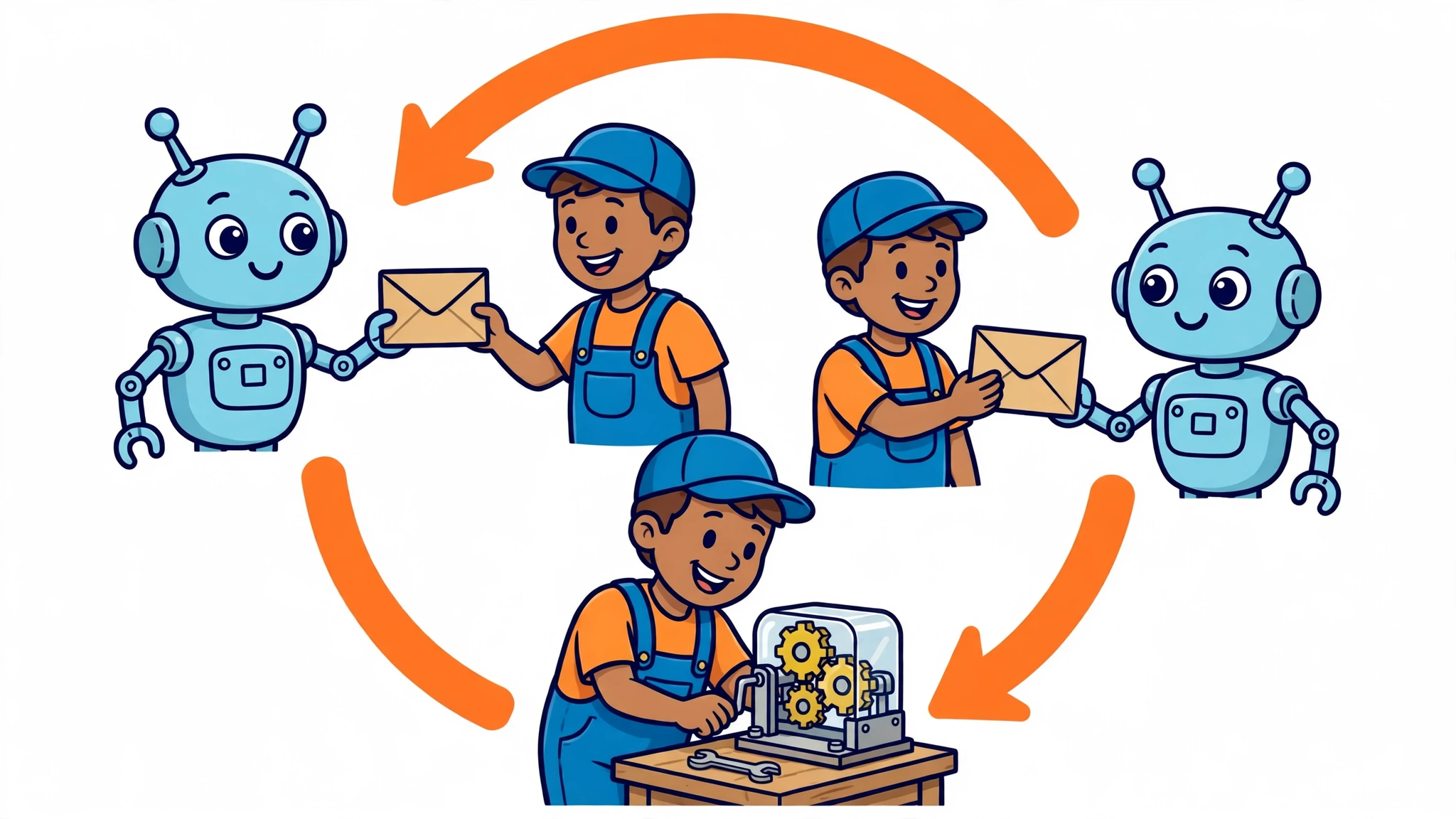
Tool calling is a multi-step conversation between your application and a model. The OpenAI documentation describes five high-level steps, and the same shape appears across providers, even when the field names differ.
First, your application makes a request to the model and includes the tools it could call. Second, the model returns a tool call: which function it wants, and with what arguments. Third, your application executes code on its side, using the input from the tool call. Fourth, your application makes a second request to the model, this time including the tool output. Fifth, the model returns a final response, or more tool calls if the task is not finished yet.
That loop can repeat. A model might call a search tool, read the results, and realise it needs a second lookup before it can answer. It might call several independent tools in one turn — parallel tool calls — and have their results resolved together. The loop only ends when the model stops requesting tools and writes a final answer, or when your application stops it: a sensible implementation always sets a maximum number of steps, because an unbounded loop is a cost and latency risk.
It helps to think of each tool result as an observation. The model proposes an action, the world (through your code) responds, and the model updates its plan.
How functions are described to the model
A model cannot call a function it does not know about, and it cannot guess a function’s arguments from its name alone. So every tool is declared up front, in a schema the model can read. A tool definition has three parts: a name, a description, and an input schema written as JSON Schema, describing the parameters the function accepts, their types, and which ones are required.
The description guides tool selection. It tells the model when the tool is appropriate, what it returns, and what its arguments mean. Vague descriptions can lead to bad calls: if two tools sound alike, the model may pick the wrong one, and if a parameter is poorly explained, the model may fill it with the wrong value. Writing good tool descriptions is therefore not documentation polish; it is part of the agent’s behaviour.
Here is a tool definition in the shape used across providers: a name, a description, and a JSON Schema for its arguments.
{
  "name": "get_weather",
  "description": "Get the current weather for a location.",
  "parameters": {
    "type": "object",
    "properties": {
      "location": {
        "type": "string",
        "description": "The city to look up, for example Lisbon."
      }
    },
    "required": ["location"]
  }
}
When the model wants the weather, it does not write a sentence about it. It returns a structured call naming get_weather and supplying arguments that should match that schema, for example location set to Lisbon. Your code receives that structured object, not prose, which gives it something definite to validate rather than text it must parse.
From a model output to a real function execution
This is the step people most often misunderstand. A function call in model output is structured text, not an execution. Nothing has happened yet. Your application must parse the call, match the name to a real function, map the arguments onto that function’s parameters, and invoke it. Only then does anything real occur: a query runs, an API responds, a record changes.
The result then has to be routed back correctly. Tool results must be matched to the call that requested them. In the Responses API that matching uses a call id; in the Claude Messages API it uses a tool result block tied to the tool use block’s id. If you lose that link — for example by sending a result without its matching id — the model cannot tell which call the result belongs to, and the conversation breaks down.
The following simplified fragment shows the shape of the loop. It is an illustration of the control flow, not a complete program: client setup, authentication, and full error handling are omitted.
# Simplified fragment: the tool-calling loop
response = model_request(messages, tools)
while response.has_tool_calls():
    messages.append(response)
    for call in response.tool_calls:
        result = execute_tool(call.name, call.arguments)
        messages.append(tool_result(call.id, result))
    response = model_request(messages, tools)
answer = response.text
Notice what the fragment does not do: it never lets the model execute anything. The execute_tool step is ordinary application code, running in an environment you control, with whatever permissions you gave it. That is why application-side execution is the place to enforce permissions and control access — though whether a given implementation is actually safe depends on how that code is written and permissioned.
A worked example: answering a question the model cannot answer alone
Suppose a user asks: “Should I take an umbrella in Lisbon today?” The model cannot answer that from training data, because the weather today is not in its weights. With a get_weather tool available, the flow runs like this.
First, your application sends the user’s question together with the get_weather tool definition. The model reasons that it needs current weather data and returns a structured call: function get_weather, argument location set to Lisbon. Second, your code validates that argument — it is a string, as the schema requires — and runs the real weather lookup. Third, your code sends the result back to the model as a tool result, matched to the original call. Fourth, the model reads the result and writes its final answer: whether an umbrella is a good idea, based on the returned forecast.
Multi-step tasks chain the same loop. Imagine a user asking for the cheapest flight option for a trip next month. The agent might first call a search tool to find candidate flights, then call a pricing tool for each option, then compare the results before answering. Each call’s result changes what the model does next. If a call fails — a service is down, or an argument is invalid — the error itself becomes a tool result, and the model can retry with corrected arguments or tell the user what went wrong, rather than inventing an answer.
Safety, validation and failure handling

Because tool calls can change the world — sending messages, updating records, placing orders — they need the same discipline as any other code that accepts untrusted input. And model output is untrusted input, even when a schema constrains it.
Validate arguments and types before executing anything, especially anything with side effects. With Structured Outputs and strict: true, arguments are guaranteed to match the supplied JSON Schema; without strict: true, that guarantee does not apply, so use a validation step before the arguments reach your code. Check ranges and business rules too: a schema can say an argument is a number, but only your code knows whether that number is a plausible quantity or a valid account id.
Scope tools to least privilege. A tool that only needs to read a record should not also be able to delete one. Destructive or irreversible actions — sending money, deleting data, contacting a customer — should require confirmation, either from the user or from an explicit policy in your code, rather than being executed on a model’s say-so alone. Keep the number of initially available functions small: a large, overlapping tool set makes mis-selection more likely and makes every request more expensive.
Handle failures as observations, not crashes. Wrap execution in error handling, and return tool errors to the model in the same way you return successes. A timeout, a missing record, or a malformed call is information the model can act on: it can retry, choose a different tool, or explain the problem to the user. What it must not do is paper over a failed tool call with a confident-sounding invented result. Returning actual successes and explicit errors gives the model a chance to recover, but it does not by itself guarantee the model will interpret the error correctly or refrain from inventing an answer — so never let your code fabricate a tool result it did not actually receive, and treat the model’s final answer as still needing checking.
Common mistakes and limits of tool calling
Tool calling does not make a model reliable by itself. The most common mistakes are all, in one way or another, about the gap between what the model proposes and what your code does with it.
The first is vague or overlapping tool descriptions, which lead the model to pick the wrong tool or fill arguments incorrectly. The second is trusting model output without validation, which turns a bad argument into a bad execution. The third is forgetting that every call costs time, tokens, and context: results accumulate in the conversation, so a long loop can grow expensive and eventually crowd out the original question. A step limit, and trimming or summarising old tool results, are practical answers.
There are limits no amount of plumbing removes. The model can misread a tool result, just as it can misread any text. It can call a tool when no tool was needed, or answer directly when it should have checked. And a tool is only as good as the system behind it: a search tool over stale data returns stale answers, however clean the loop is. Tool calling gives an agent eyes and hands. It does not give it judgement, and the judgement — which tools to expose, what they may do, and when to stop — remains yours.
Used with that discipline, though, the mechanism is straightforward and powerful: describe functions clearly, let the model request them in structured form, execute them in code you control, and feed the results back until the task is done. That loop, repeated carefully, is how AI agents use tool calling and function execution to do work beyond answering from memory.