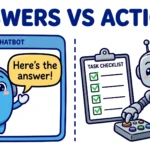
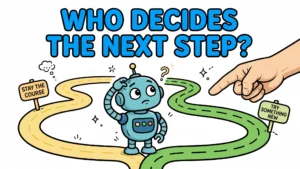
If you run a business, you have probably heard that autonomous AI agents will soon do whole jobs on their own. The reality is less dramatic and more useful. This guide maps the autonomous AI agents business use cases reported in recent surveys and vendor documentation, explains how these systems work, and shows where human approval still belongs. An autonomous AI agent is not a smarter chatbot. It is software that takes a goal, works through several steps to reach it, uses tools such as a CRM or an email system, checks its own results, and hands exceptions to a person when it gets stuck.
What autonomous AI agents are
McKinsey defines AI agents as systems based on foundation models that are capable of acting in the real world, planning and executing multiple steps in a workflow. That definition is the key to the whole topic. A chatbot responds to one message at a time. A script follows a fixed set of rules: if this happens, do that. Robotic process automation repeats a recorded sequence of clicks and keystrokes. An autonomous agent is different because it plans. Given a goal such as “resolve this support ticket” or “prepare this lead for a sales call”, it decides which steps to take, in which order, and which tools to use, and it can adjust when a step fails.
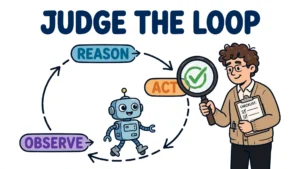
The loop is simple to describe, even if the engineering behind it is not. First, the agent perceives: it reads the ticket, the customer record, or the inbox. Second, it reasons: it works out what needs to happen next. Third, it acts: it calls a tool, updates a record, sends a message, or searches a knowledge base. Fourth, it checks the result and decides whether the goal is met, whether another step is needed, or whether a human should take over. Autonomy, in this context, means the agent runs that loop without a person driving each step — not that it runs without limits.
How autonomous agents work inside a business
Inside a business, an agent is only as useful as the systems it can reach. A support agent needs the helpdesk, the customer record, and the returns policy. A sales agent needs the CRM, the calendar, and the company’s product information. A finance agent needs the invoicing system and the approval workflow. The agent connects to these systems through tools and APIs, and every tool it can use is a deliberate permission decision, not an accident.
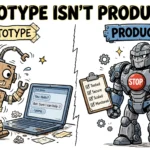
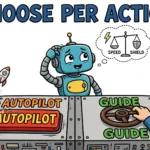
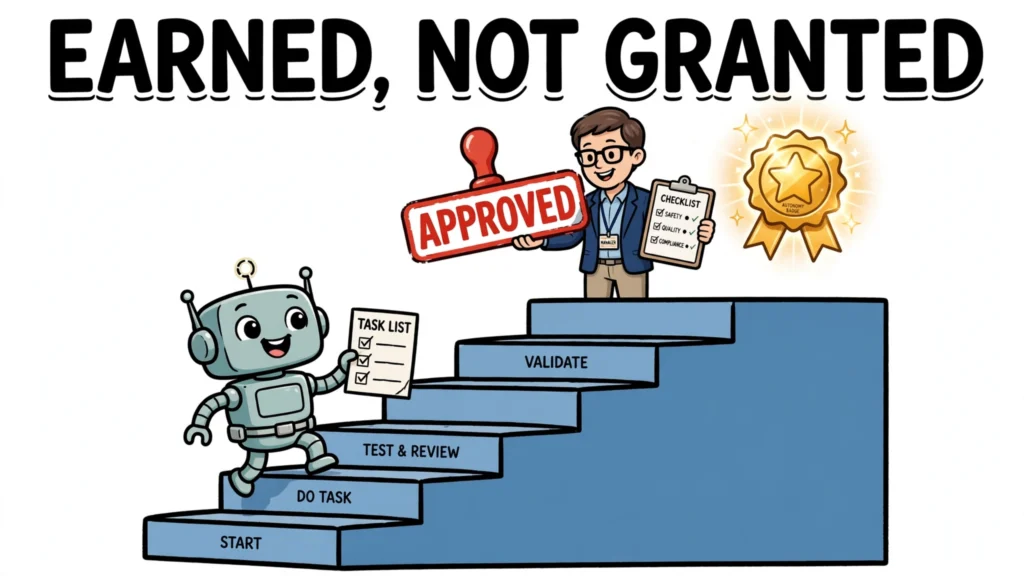
That is why the guardrails matter as much as the model. Enterprise guidance consistently describes the same controls. Access should be least-privilege, scoped to the specific task rather than handed out as a broad standing permission, and each agent should have its own identity so its actions can be traced. Approval should be risk-tiered: low-risk work such as drafting a summary can run automatically, medium-risk work such as a customer reply can be sampled and audited, and high-risk, consequential or irreversible actions such as a payment or a policy decision should require real-time human approval. Audit logs should record who approved what, what was reviewed, any changes made, and the result — and those logs must remain independently reviewable and protected against rewriting by the agent. A sensible deployment starts supervised, with humans approving consequential actions, and loosens controls only as reliability is proven.
Customer service and support
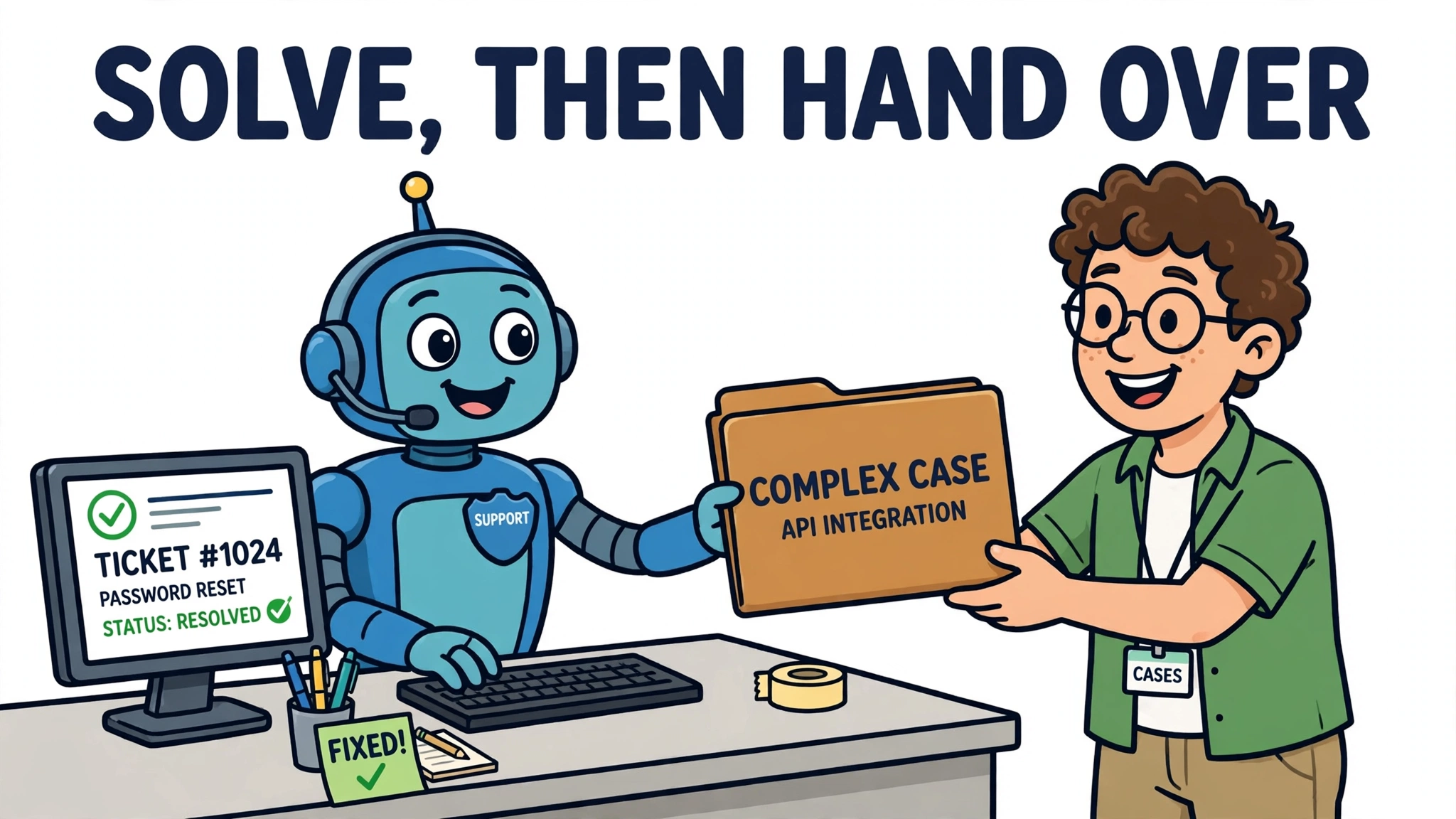
Customer service was the leading primary use case among respondents to LangChain’s 2026 survey, as reported by Sybrid. In LangChain’s 2026 State of Agent Engineering survey, as reported by Sybrid, customer service was the leading primary use case among respondents at 26.5%. The documented tasks in this area are concrete. A support agent can read a ticket, look up the customer’s account and order history, check the returns or refund policy, and resolve routine cases end to end — issuing a refund within its approved limit, arranging a replacement, or booking a repair visit. When a case is complex, disputed, or emotionally charged, the agent’s job changes: it gathers the full context, summarises what has already been tried, and hands the case to a human who does not have to start from scratch.
The follow-up work matters too, and it is easy to overlook. After a case closes, an agent can write the case summary, update the knowledge base with the answer that worked, and send a satisfaction survey. That is the kind of unglamorous, repetitive work that eats support teams’ time, and it is a candidate for agent assistance — but its reliability in any given deployment must be measured, not assumed, and answers should be checked against real policy documents, not invented. Salesforce’s Agentforce documentation lists the same pattern for customer support, alongside order management: agents handle order tracking, returns, and status updates by pulling live data from the CRM.
Sales, marketing and revenue operations
In sales, agents are best understood as preparation and pipeline machines, not as closers. An agent can research a prospect, enrich a lead record with publicly available company information, draft personalised outreach based on that research, and log every interaction in the CRM without a rep having to do the admin. It can prepare a rep for a meeting by summarising the prospect’s history, open tickets, and recent conversations, and it can keep the pipeline tidy by updating deal stages and flagging records that have gone stale.
Salesforce lists lead generation and personalised recommendations among the common autonomous-agent use cases, and the distinction matters: the agent qualifies and prepares, while the human still owns the relationship and the close. The same boundary applies in marketing. An agent can draft campaign copy, assemble a content calendar, or analyse which messages performed best, but anything that goes out under the company’s name should pass a human review first. An agent that sends unreviewed outreach at machine speed can damage a brand far faster than a person ever could.
Operations, finance and IT
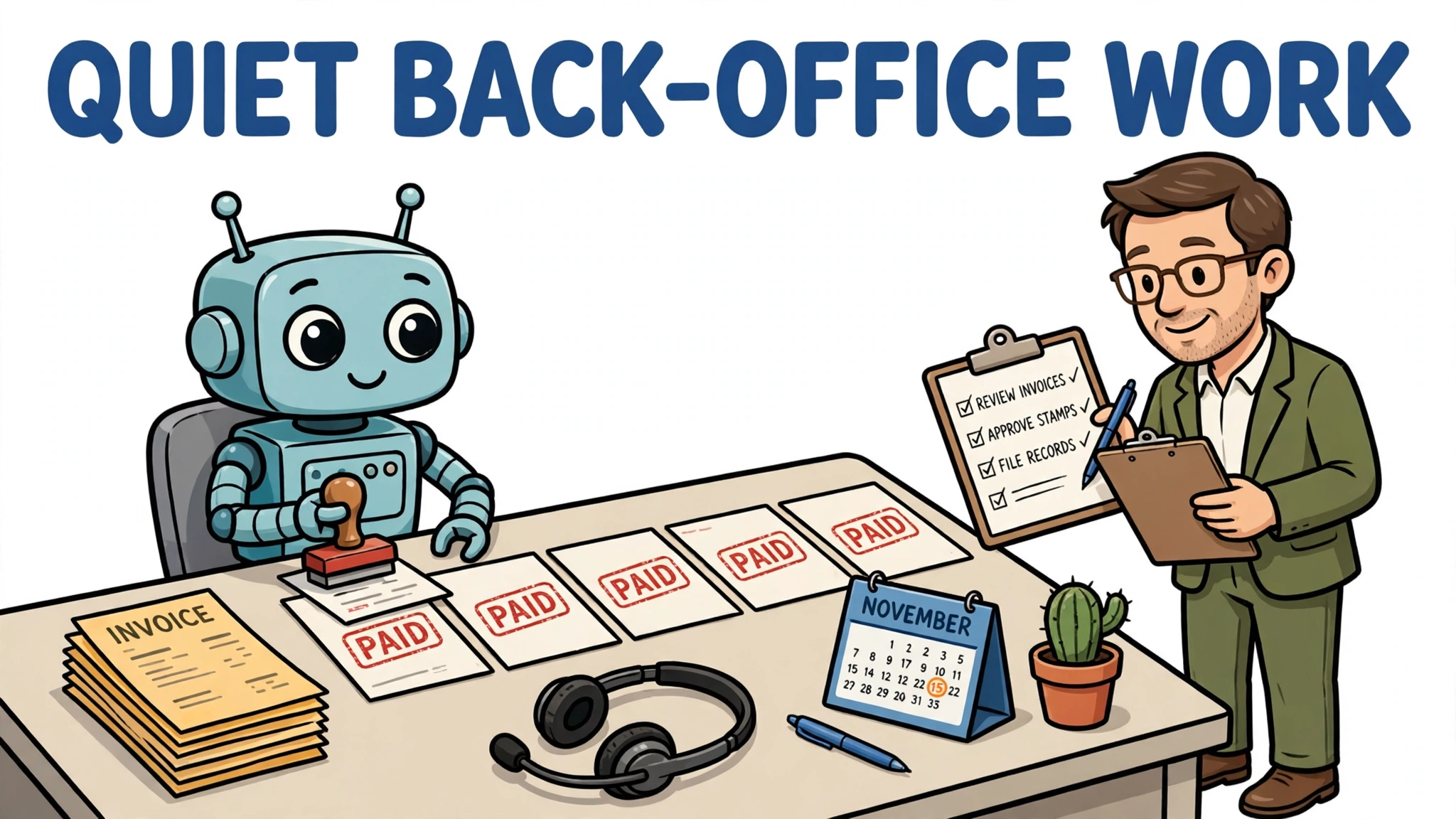
Some of the least visible possible uses for agents are in back-office work. In finance, illustrative uses include invoice processing, matching invoices against purchase orders, flagging exceptions where amounts do not line up, and preparing approvals for a human to sign off. In procurement and operations, illustrative uses include checking inventory levels, chasing suppliers for delivery updates, and following up on outstanding orders. In IT, service-desk management is an example of the commonly reported IT use category, with illustrative tasks including password resets, access requests, and incident triage before escalating anything unusual.
This fits the survey picture. McKinsey’s 2025 State of AI survey found agent use most commonly reported in IT, for example service-desk management, and in knowledge management, for example deep research. Research and data analysis was the second-leading primary use case in LangChain’s 2026 survey at 24.4%. An agent that can gather information from several documents, compare them, and prepare a report for a human to review is genuinely useful — and it is a far safer first deployment than an agent authorised to move money or change records on its own.
Where autonomous agents do not belong yet
Autonomy has limits, and naming them is part of using agents well. High-stakes decisions with irreversible consequences — hiring and firing, credit decisions, medical treatment, and legal commitments — should stay with humans. The same applies to any task where an error is costly and hard to spot, or where the underlying data is unreliable. An agent that confidently produces a wrong answer is worse than an agent that stops and asks, because its errors arrive formatted, complete, and plausible.
The data gives a reason for that caution. In McKinsey’s 2025 survey, inaccuracy was the most common negative consequence of AI use reported by respondents, at 30%. LangChain’s survey, as reported by Sybrid, found that 32% of respondents named quality a major deployment barrier, even though 57.3% already had agents in production. The failure modes are well documented in enterprise guidance: agents can misunderstand instructions, produce inaccurate outputs, misuse a connected tool, or let a small error compound across several steps. None of this means agents are unusable. It means the deployment design — permissions, approval gates, reversibility, and audit logs — is the product, not an afterthought.
Choosing your first autonomous AI agents business use case
Picking a first use case is where most of this theory turns into a decision. Start with a task that is repetitive, measurable, and reversible. Repetitive, because that is where the time saving actually accumulates. Measurable, because you need to know whether the agent is helping: time saved per case, error rate, and escalation rate are three numbers worth tracking from day one. Reversible, because your first deployment will make mistakes, and you want those mistakes to be fixable — a draft that can be corrected, a record that can be restored, a message that has not yet been sent.
Then set the controls before you set the agent loose. Keep human approval on every consequential action at first, give the agent the narrowest permissions the task needs, and keep an audit log you can actually review. Run the agent in supervised mode for a few weeks and read its failures, not just its successes: the cases it escalated, the cases it got wrong, and the cases where it was confidently wrong are the ones that tell you what to fix. Only loosen the controls when the numbers justify it.
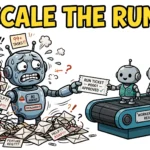
Finally, keep expectations honest. McKinsey’s 2025 survey found that 62% of respondents’ organisations were at least experimenting with AI agents and 23% were scaling an agentic system somewhere — but no more than 10% were scaling agents in any single business function. Surveys and vendor documentation describe agent work in support, sales operations, finance, and IT. They are not yet running whole businesses on their own, and the evidence-supported approach is to treat autonomy as something an agent earns, one supervised deployment at a time.