

A language model on its own can only produce text. It cannot check a live price, look up a customer record, or send an email on its own — its pretrained knowledge stops at the end of its training data, and it has no direct access to live systems. What it does know comes from its training and from the conversation it is given. Agent tool use is the mechanism that closes that gap: it lets a model call external APIs and databases, read what comes back, and act on the result. This guide explains how that works: the definition, the call flow, API and database tools, tool selection, and the failure modes.
What agent tool use is and why agents need it
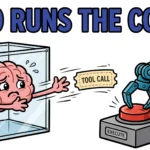
Tool calling, as OpenAI’s function-calling guide puts it, “provides a powerful and flexible way for OpenAI models to interface with external systems and access data outside their training data.” The model itself never touches the outside world. Instead, the application hands the model a list of declared, callable functions — tools — and the model decides which one to invoke. When it wants a fact or an action, it emits a structured function call instead of a final answer; the application runs that call against the real system and returns the result as an observation. The model then reasons about the observation and either calls another tool or answers.
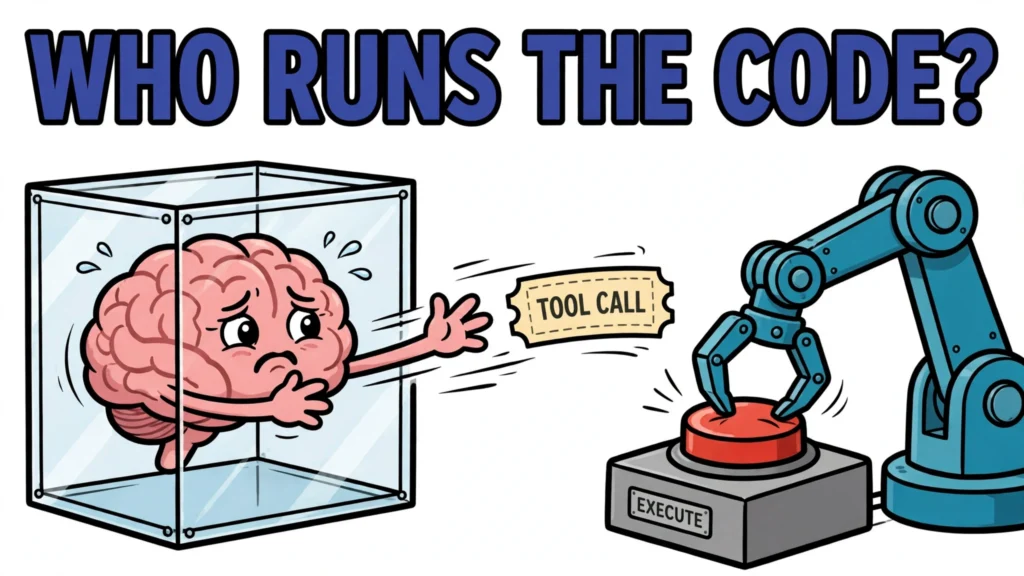
That loop — reason, call a tool, observe the result, reason again — is what turns a text generator into an actor. A chatbot that can only talk is limited to its pretrained knowledge and the conversation it is given; an agent with tools can check the world and change it. But the model never executes anything itself: the application runs the code, holds the credentials, and decides what the model may touch.
How a tool is defined for a model
A tool is a contract with three parts: a name, a description, and a typed parameter schema. Anthropic’s tool-definition format makes the shape explicit — a user-defined tool is a name that must match the pattern ^[a-zA-Z0-9_-]{1,128}$, a detailed plain-text description of what the tool does and when it should be used, and an input_schema, a JSON Schema object defining the expected parameters. OpenAI’s format adds a type field and an optional strict flag. Here is an Anthropic-style definition for a tool that looks up a product price:
{
  "name": "get_product_price",
  "description": "Look up the current price and stock level of a product in the store catalogue. Use it when the user asks how much something costs or whether it is in stock. Returns the price in the store currency and the number of units available.",
  "input_schema": {
    "type": "object",
    "properties": {
      "product_id": {
        "type": "string",
        "description": "The catalogue ID of the product, for example 'SKU-1042'."
      }
    },
    "required": ["product_id"]
  }
}
The description does most of the work. Anthropic’s guidance is blunt: “Provide extremely detailed descriptions. This is by far the most important factor in tool performance.” The description is the model’s main guide to when a tool applies — the model matches the user’s request against the descriptions on offer and picks the one that fits. Application instructions and the schema also inform the choice.
The typed schema is the other half of the contract. Required fields, types, and enums constrain what the model may ask for. OpenAI’s strict mode goes further: “Setting strict to true will ensure function calls reliably adhere to the function schema, instead of being best effort. We recommend always enabling strict mode.” With strict mode on, the model generates calls that adhere to the schema instead of best-effort guesses. But the schema alone rejects nothing: the application must validate each call against the schema before executing it, and a malformed call fails that validation before it ever reaches the real system.
The tool-calling loop step by step
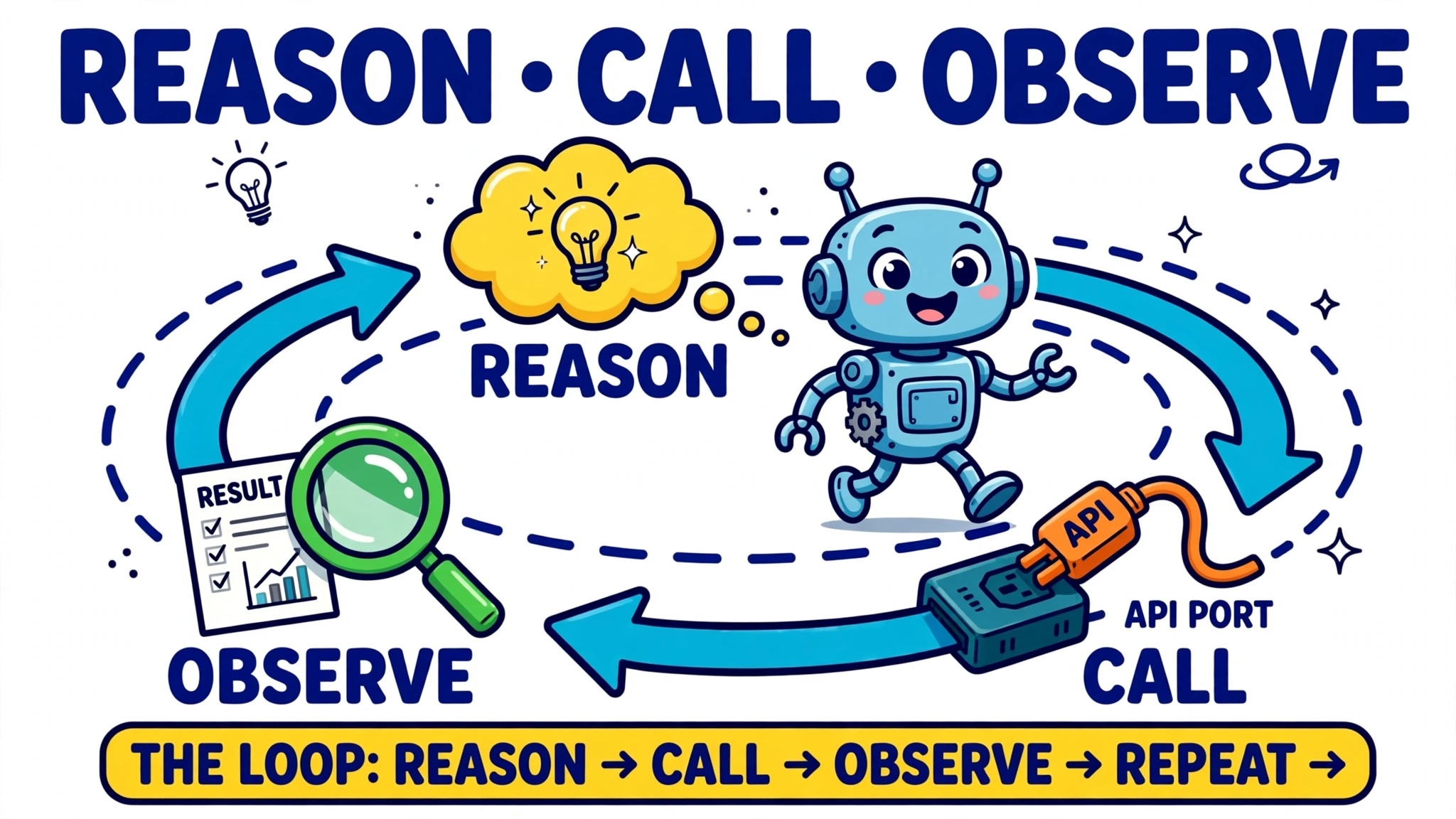
OpenAI describes the flow as five steps: send the tools with the prompt; receive a tool call; execute code on the application side; send the tool output back; receive a final response — or more tool calls. With Claude, the model signals a tool call with stop_reason tool_use and one or more tool_use blocks; your code runs the operation and sends back a tool_result linked by tool_use_id.
Walk through one turn. The user asks, “What is the most popular song on WZPZ?” The application sends the question plus the tool definitions to the model. The model determines that a tool that gets the most popular song on a radio station can help, so instead of answering it emits a structured call naming that tool and its arguments. The application executes the call — querying the station’s API — and returns the result as an observation. The model reads the observation and produces the final answer. A question that needs two dependent facts might take two sequential calls — or a single tool that returns both, as the price tool above does. The loop ends when the model returns a final answer instead of a tool call, or when the application enforces its own bounds: a maximum number of iterations, or an explicit stop signal.
Connecting to external APIs
Wrapping an API endpoint as a tool is mostly a mapping exercise: the tool’s parameters become the request’s parameters, and the response becomes the observation. A REST endpoint that takes a product ID becomes a tool with a product_id parameter; a GraphQL query becomes a tool whose parameters fill in the query’s variables. The application owns the request construction.
Authentication stays with the application: API keys and OAuth tokens are held there and never exposed to the model — the model asks for a tool call, and the application attaches the credentials when it makes the real request. Google’s MCP Toolbox for Databases makes the same point with parameter binding: values bound by the application, such as API keys, cannot be modified by the model.
Responses need the same care as requests. A tool that returns a raw error dump or a wall of unfiltered data gives the model an observation it cannot use — and a vague error makes the model improvise. Anthropic’s is_error flag marks a tool result as a failure the model should read and act on, and a good error names what failed, which field caused it, whether a retry can succeed, and what to try instead. As Trida AI puts it: “Plenty of design time goes on what tools return when they work. The failure returns deserve the same design attention, because for an agent the error is not a log entry. It is the next instruction.”
Connecting to databases
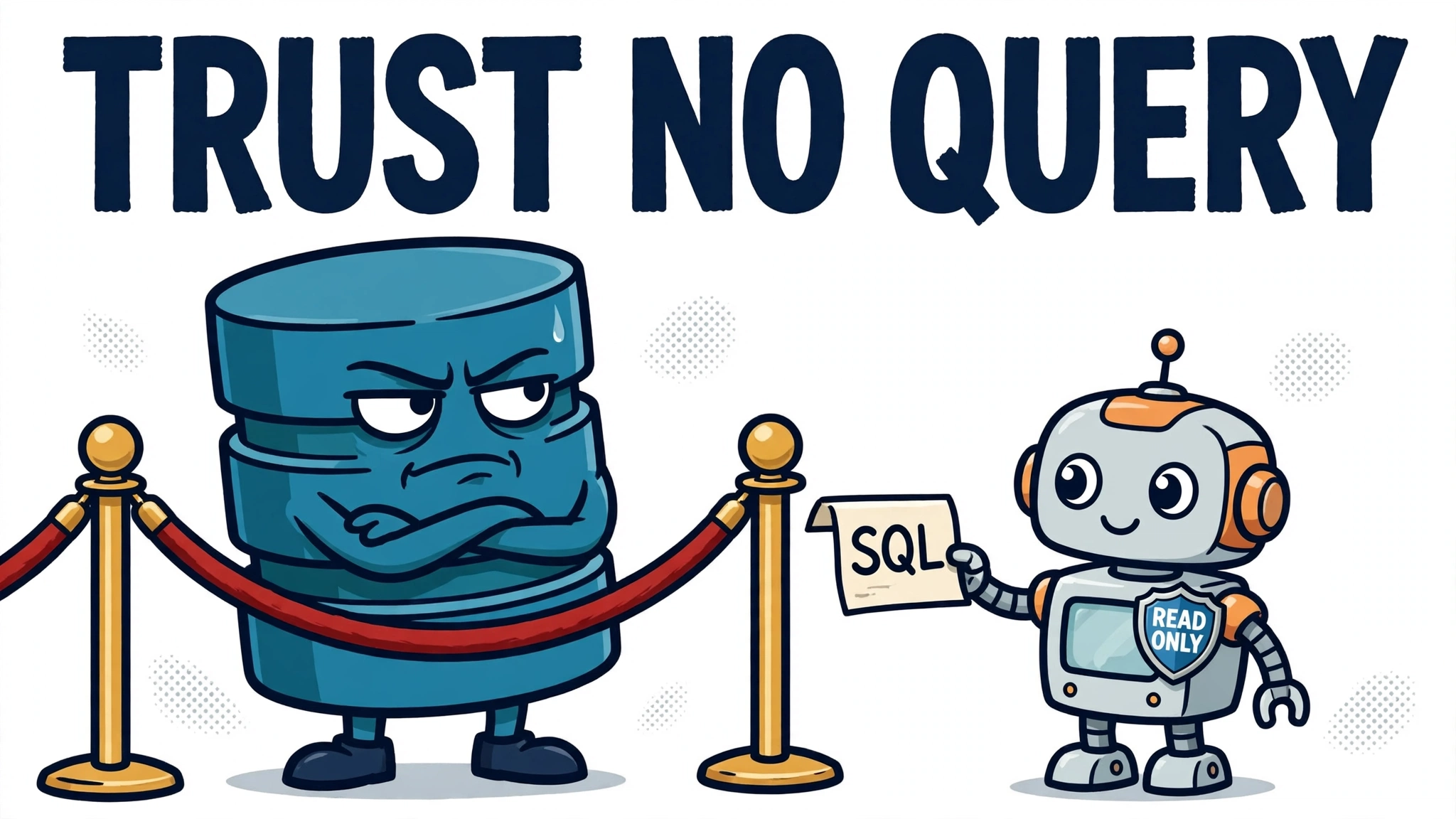
Database tools follow the same loop, but the stakes are higher: a read tool can expose data the model should not see, and a write tool can change data the model should not touch. The read side usually works by letting the model generate a query — SQL or a query-builder call — against a schema it can inspect. LangChain’s SQL agent does exactly this, and its documentation warns plainly that the agent “can execute arbitrary SQL against your database” and can generate “expensive or dangerous queries (e.g., long-running queries, large scans/joins, locking queries, or unintended writes depending on your database permissions).”
The standard answer is least privilege, enforced outside the model. LangChain’s production guidance for database agents is least-privilege roles — ideally read-only and schema-limited — plus statement timeouts and query guardrails. A secure design layers several controls: a read-only database user that allows only SELECT, a table allow-list, schema isolation, query validation that blocks destructive patterns such as DROP, DELETE, UPDATE and INSERT, and parameterized queries instead of string concatenation. The governing rule, from Binary.ph’s guide to a read-only PostgreSQL agent, is that “even with an LLM, the system must treat every generated query as untrusted input.”
That split — read tools and write tools as separate sets — is the key safety decision. A read-only tool set can answer questions about the database; a write tool set can change it. The two should not share a database role, a connection, or a permission set, and a write tool that performs a destructive operation should ask for explicit confirmation before it runs, because unlike an API read, a database write cannot be undone by asking the model to try again.
How the model chooses the right tool
Selection is a matching problem, not a lookup. With tool_choice set to auto — the default — Claude decides each turn whether to call a tool or answer directly, calling a tool when the request maps to that tool’s described capability. The model reads the request, reads the tool descriptions, and picks the best fit.
That is why the number and quality of the descriptions matter more than anything else. Anthropic recommends consolidating related operations into fewer tools with an action parameter — rather than a separate tool for every action — because “fewer, more capable tools reduce selection ambiguity and make your tool surface easier for Claude to navigate.” OpenAI’s guidance points the same way: keep fewer than 20 functions available at the start of a turn for higher accuracy.
It does not always win. The Berkeley Function-Calling Leaderboard (BFCL), the de facto standard benchmark for function calling, grades calls with Abstract Syntax Tree matching and executable evaluation, and finds that while state-of-the-art models excel at single-turn calls, memory, dynamic decision-making, and long-horizon reasoning remain open challenges. In the leaderboard’s April 2026 snapshot, the best tested configuration — Claude Opus 4.5 using native function calling — scored 77.47% overall accuracy and 68.38% on multi-turn calls. Selection accuracy is good, not perfect, and it degrades exactly where agents live: across turns, with memory, and with changing context.
Limits and common mistakes
The first limit is verification. A reported tool result alone does not independently prove the real-world effect: the model cannot check what actually happened outside the system from the report alone. A tool that reports success after a failed write, or returns stale data as if it were current, misleads the model in exactly the way a confident wrong answer would. The application must make tool outputs trustworthy, because a report alone does not prove the effect it describes.
The second is security, and it is the biggest risk in the whole design. Prompt injection is LLM01, the top-ranked risk in the OWASP Top 10 for LLM Applications 2025, for the second straight edition. The attack works because the model reads instructions and data through the same channel: there is no flag on a token marking it as untrusted, so text fetched by a tool — a web page, a document, a database row — can carry instructions the model follows as if they came from the user. Simon Willison’s formulation is the one to remember: “This is the fundamental rule of prompt injection: anyone who can get their tokens into your context should be considered to have full control over what the agent does next, including the tools that it calls.” Combined with an agent that can reach private data and communicate externally, an attacker can trick it into leaking that data — the combination Willison calls the lethal trifecta.
Defences exist, but they cost something. CaMeL, a capability-based defence from Google DeepMind and ETH Zurich, secured 77% of AgentDojo tasks with a provable guarantee, versus 84% for the same agent with no defence — the seven-point gap is the utility cost of provable security. The practical minimum is to treat tool outputs as untrusted data, to keep tools least-privileged, and to require human confirmation for destructive operations. Broader confirmation policies — for payments, deletions, or external messages — are conservative design choices tied to an operation’s permissions and risk, not a universal minimum.
The final mistake is using tool use where it does not belong. When the steps are fixed, known in advance, and do not depend on judgement, a plain function call is cheaper, faster, and more reliable than asking a model to decide which tool to call. Tool use earns its cost when the choice of tool, the arguments, or the number of steps genuinely depends on the request. Each additional loop step is another model request plus a tool execution, so a long loop costs more time and more tokens than a short one. Whether tools are needed at all depends on whether the task requires external data or effects: a question answerable from the available context needs only a single model call, while a question that needs live data — like the radio-station example above — needs a tool even if nothing has to persist.