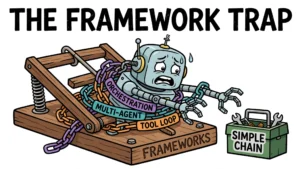

Ask what AI agents available today can actually do for you, and you will get a hundred different answers — every vendor’s marketing page calls its chatbot an “agent.” The honest answer is smaller, sharper, and more useful: a handful of real categories, each with a few leading products that have verifiable capabilities, prices, and limits. This guide maps them all — from coding agents to voice agents — and gives you a framework for picking the right one for your task.
What an AI Agent Actually Is (and Isn’t)
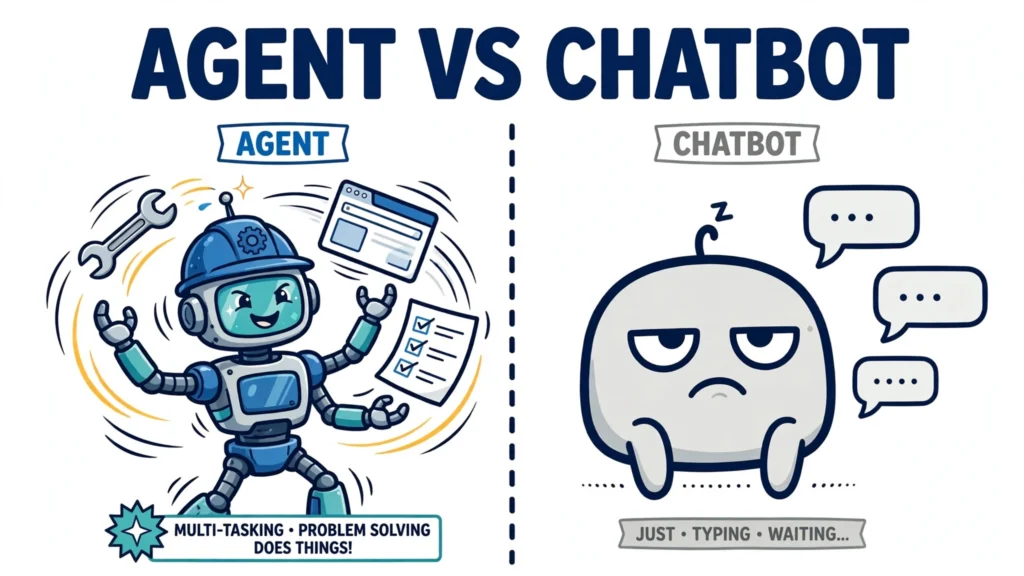
Before cataloging what exists, it helps to pin down the term, because “agent” is the most overused word in AI marketing. Anthropic’s Building Effective Agents draws the field’s defining distinction: workflows orchestrate LLMs and tools through predefined code paths, while agents let the LLM dynamically direct its own processes and tool usage.
The practitioner’s shorthand is even simpler: an agent runs tools in a loop to achieve a goal (Simon Willison’s definition). OpenAI puts it as “systems that independently accomplish tasks on your behalf.” Google’s architecture breaks that loop into three components: the model (the brain, doing reasoning and tool selection), tools (hands and senses — APIs, code execution, browsers), and an orchestration layer (memory, reasoning loops, stop/continue decisions). Put more memorably: “Models think. Agents think, decide, and act.”
And the word means different things in different places. To a vendor’s marketing team, “agent” can mean anything with a text box. To an engineer, it means that observe-think-act-observe loop with real tool calls. When you shop for AI agents, hold products to the engineering definition — otherwise you’ll buy a chatbot with a new coat of paint.
The 5 Categories of AI Agents Available Today
The landscape churns fast — products rebrand, merge, and disappear — so it helps to learn the categories, not the names. Names change; these five categories stay useful:
- General-purpose assistants with agentic abilities — conversational AI that can take multi-step actions: browse, use tools, run code, connect to your apps.
- Coding agents — agents that write, refactor, and test software, from inline assistants to fully autonomous systems.
- Research and information agents — agents that perform multi-step web investigations and return cited findings.
- Workflow and business automation agents — agents that operate business tools: CRMs, inboxes, spreadsheets, APIs.
- Specialized and enterprise agents — voice agents, customer-support agents, and DevOps incident-response tooling.
Everything that follows is one of these five wearing a different logo.
General-Purpose AI Assistants with Agentic Abilities
For casual searchers, this is the category that matters most: the assistants you already know, with agent modes that do more than chat.
ChatGPT’s agent mode was the flagship example: in 2025 it completed multi-step tasks inside its own virtual environment, equipped with a visual browser, a terminal, and connectors to apps like Gmail, Google Drive, and GitHub. A third-party 2026 report describes OpenAI folding that capability into ChatGPT Work for longer, multi-step tasks — but that transition is unverified, and OpenAI’s own help pages read as both retired and current, so check the official pages before assuming what “agent mode” does today. On pricing, 2026 comparisons report ChatGPT Plus at $20/month with agent usage capped around 40 messages a month, Pro at $200/month for roughly 400, and a budget Go tier at $8; deep research is included on paid tiers.
Claude counters with Claude Pro at $20/month ($17 on annual billing), which bundles Claude Code (its terminal coding agent), a Research feature, and Claude in Chrome. Google AI Pro at $19.99/month puts Gemini across the Workspace apps with a very large context window. Perplexity Pro at $20/month ($200/year) offers a premium model picker routing across models from OpenAI, Anthropic, Google, xAI, Moonshot, Z.ai, and NVIDIA, plus monthly Deep Research allowances.
Best fit for this category: ad-hoc knowledge work, brainstorming, drafting, and anything where you want a capable generalist on demand rather than a purpose-built tool.
Coding Agents: The Most Capable Category So Far
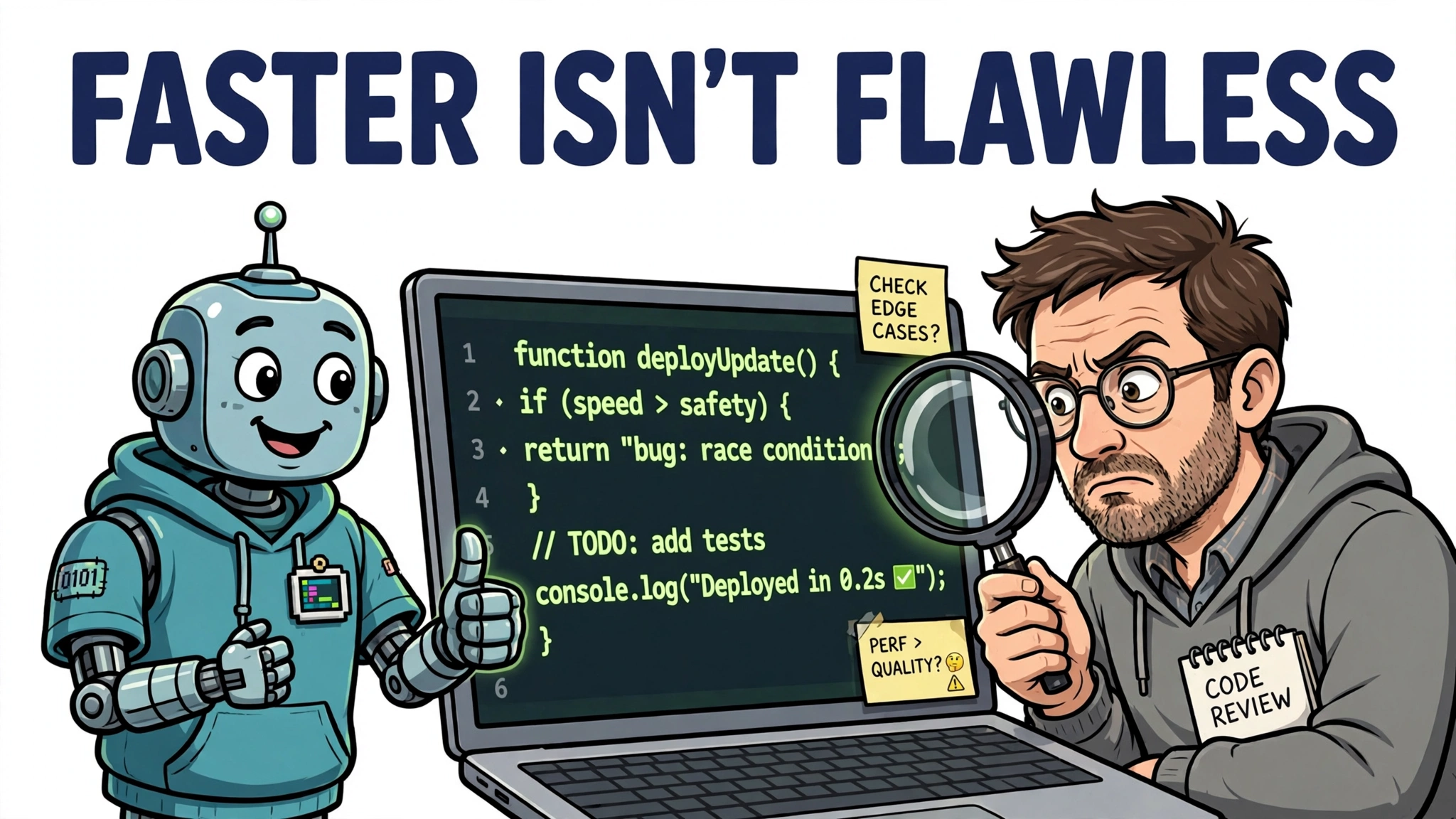
If there is one category with hard evidence of real utility, it is coding agents. They range from inline code assistants to agents that take a GitHub issue and return a tested pull request.
The 2026 lineup, as reported by pricing and feature comparisons, looks like this:
- GitHub Copilot — inline completions, chat, Agent Mode, and a coding agent that works issues into PRs; Pro around $10/month.
- Cursor — an AI-native IDE with multi-repo agents on higher tiers; Pro around $20/month.
- Claude Code — terminal-first agentic coding, included with Claude plans.
- OpenAI Codex — a cloud agent plus a local CLI, bundled on ChatGPT plans (40–400 messages/month depending on tier).
- Replit Agent — prompt-to-deployed-app, around $25/month for Core.
- Windsurf — Cascade agentic mode, around $15/month Pro.
- Gemini Code Assist — free tier offering thousands of actions per day.
- Devin — the autonomous software-engineering agent from Cognition; verify current pricing on Cognition’s own page before budgeting.
A tested 2026 selection heuristic cuts through the list: choose by your single dominant constraint — Cursor for IDE experience, Claude Code for terminal-first loops, Copilot’s coding agent for GitHub issue-to-PR cycle time, Replit for shipping a URL this afternoon.
What they handle well: scaffolding new projects, refactors across many files, writing tests. Where they still need supervision: anything where a wrong assumption compounds — architecture decisions, security-sensitive code, production data migrations. The research is encouraging (METR finds the length of coding tasks frontier agents complete autonomously at 50% reliability roughly doubling every 7 months, from ~30-second coding tasks in 2022 to 14+ human-hour tasks by early 2026) but the oversight rule holds: review what a coding agent produces the way you would review a talented junior developer’s first draft.
Research and Information Agents
The second major use case: outsourcing research. Deep-research agents — offered by OpenAI, Perplexity, and Google, among others — perform multi-step web investigations and return reports with cited sources, rather than single-shot answers.
Deep research is also callable through APIs, which matters if you want to build on it: Gemini’s deep-research preview runs roughly $1–3 per task (up to ~$3–7 at Max effort), OpenAI’s Responses API charges web search at $10 per 1,000 calls, Anthropic’s Messages API web search at $10 per 1,000 searches, and Anthropic offers Managed Agents at $0.08 per session-hour.
When to use them instead of a normal search or a general assistant: when the question needs synthesis across many sources — competitive analysis, literature-style surveys, market scans. The limits to budget for: source quality (a research agent is only as good as the pages it can find) and the verification burden (every key claim in its report deserves a glance at the cited source). They are accelerators of research, not substitutes for judgment.
Workflow Automation Agents
This is the category most relevant if you run operations: agents that operate business tools — CRMs, inboxes, spreadsheets, APIs — instead of just talking about them.
The builder landscape in 2026, per pricing comparisons:
- n8n — visual workflow nodes plus an AI Agent node that handles tool-calling loops, memory, and retry logic; from around 24 EUR/month and self-hostable, described by users as production-ready for single-agent workflows. Complex multi-agent orchestration (agents supervising agents) is reportedly easier in tools like Relevance AI than in n8n’s single-agent model.
- Zapier — 9,000+ app integrations with Zapier Agents, from around $29.99/month.
- Lindy — AI employees that work as Slack teammates, around $49.99 per user/month.
- Make — visual automation on a credits model, from around $10.59/month.
- Microsoft Power Automate — the enterprise default, around $15 per user/month.
On the specialized end, customer-support agents are a real, priced market: Intercom’s Fin at $0.99 per resolution, Zendesk AI agents at roughly $1.50–$2.00 per resolution, Salesforce Agentforce at $2 per conversation, HubSpot’s Customer Agent at $0.50 per resolved conversation. Enterprise vendors like Sierra and Decagon are outcome-priced and quote-only. The honest numbers: simple repetitive tickets (order status, password resets) see 60–80% resolution; complex billing disputes and technical troubleshooting land much lower; enterprise deployments take 6–12 weeks.
Voice agents round out the specialized end: Retell at roughly $0.07–$0.31 per minute all-in, Vapi at $0.05/minute plus model and voice costs, Bland at $0.14/minute on its Start plan — used for inbound reception, outbound sales, appointment scheduling, and IVR replacement.
Best fit: repetitive, multi-step office workflows where the steps are known but the inputs vary.
How to Choose the Right AI Agent for Your Task
Turn the catalog into a decision. Four criteria decide almost every choice:
- Task fit. Is the work open-ended research, code, or a repeatable business process? Match the category first, the product second.
- Integrations. An agent that cannot reach your tools is a demo. Check connectors (Gmail, Drive, GitHub, your CRM) before checking feature lists.
- Cost model. Per-message caps (ChatGPT agent tiers), per-resolution pricing (support agents), per-minute (voice), or flat subscriptions — the cheapest sticker price is rarely the cheapest at your volume. A $0.99-per-resolution support agent reaching 10,000 billable resolutions in a month is a $9,900 line item — but tickets handled and resolutions billed are not the same quantity, since even simple tickets resolve at only 60–80%.
- Oversight and control. How the agent handles failure, what it can touch without asking, and whether its work is auditable. This is the criterion most buyers skip and most regret skipping.
Worked example 1 — competitive analysis. You need a market scan of five competitors’ pricing. That is synthesis across many sources: a deep-research agent. Run it via Gemini’s deep-research API at a few dollars per task, or a Perplexity Pro subscription — then verify the key figures against the vendors’ own pages before they go into a deck.
Worked example 2 — a side project. You want a working prototype of a small web app by the weekend. That is a dominant-constraint decision: if shipping a URL this afternoon matters most, Replit Agent; if you live in a terminal, Claude Code; if you want the IDE experience, Cursor. Set a budget up front: Replit Core is reported at $25/month, but that subscription price does not by itself bound total spending — verify the plan’s usage limits and set an explicit spending cap before you start, and keep the first version small enough to review in full.
An illustrative way to think about any agent deployment is as a task specification with explicit bounds:
{
  "task": "Summarize the pricing pages of our five competitors",
  "tools_allowed": ["web_search", "web_fetch"],
  "tools_forbidden": ["email_send", "database_write"],
  "max_tool_calls": 50,
  "require_citations": true,
  "human_review_before": ["any_external_send"]
}
The agents worth paying for are the ones that let you write constraints like these — and honor them.
What AI Agents Still Can’t Do Reliably

The honest limits, because the category you choose should match what agents can actually do unsupervised.
Long-horizon autonomy breaks down. Frontier agents succeed on nearly every task a human completes in under 4 minutes, but on fewer than 1 in 10 tasks that take a human more than 4 hours. Those figures come from different evidence, so read them as separate walls, not one: the METR trend measures coding-task length completed at 50% reliability, while separate live-scenario benchmarks are harsher — the best agent completed 35.29% of real-user scenarios versus 69.25% for humans (LiveAgentBench, March 2026), and multi-agent frameworks score 13–59% on their own benchmarks, with failures clustering into bad specifications, agents misaligned with each other, and nobody checking the result.
The enterprise bar is brutal. A 5% error rate is acceptable for a chatbot; it breaks an agent that places orders or updates databases. Klarna’s much-publicized 2024 replacement of roughly 700 support agents — targeting about $40M in savings — was followed by rehiring in 2025 after service quality declined. Gartner expects more than 40% of agentic AI projects to be canceled by end of 2027, driven by escalating cost, unclear ROI, and “agent washing” — rebranded chatbots and RPA sold as agents.
Security is structural, not solved. Prompt injection — malicious instructions hidden in webpages, documents, or tool outputs — remains the core threat. The 2026 vendor consensus: Anthropic reached a 1% attack success rate on browser-use tasks for Claude Opus 4.5, OpenAI hardens via automated red-teaming and cached-page browsing, and the shared guidance is that system instructions must be architecturally non-overridable while all retrieved and tool content is treated as untrusted data. Perfect mitigation is not achievable at the model layer alone: model choice by itself does not determine completion or trust, and harness design (instructions, tools, context, guardrails) materially affects both. The Wajo study of consumer agents, on simulated real-world errands, supports that narrower point — the best harness completed 71% and kept user trust on 94% of trap runs, while bare base models managed 50–64% completion with far lower trust.
The oversight rule. Never delegate without review: anything that moves money, sends messages in your name, modifies production data, or makes commitments. Start every agent with read-only or draft-only permissions and widen access only after it earns it.
How to stay current. This landscape genuinely changes monthly: products get folded into new tiers, companies get acquired, pricing moves. Treat any catalog — including this one — as a snapshot. The durable skill is the taxonomy above plus the four selection criteria; re-check vendor pricing and help pages before you buy, and prefer primary sources over roundup articles when the numbers matter.
Pick the category first, the product second, and the permissions last — in that order — and the AI agents available today are genuinely useful. Skip that order, and you will buy an expensive chatbot.