



AI agents business workflows — workflows in which an AI agent carries a task across several steps, using tools and data, instead of answering a single prompt — deliver their benefits through one capability: they finish multi-step work without a person standing at every step. That is also why the benefits are real in some workflows and overstated in others. This article explains what actually improves, where it shows up first, what it costs to get right, and how to judge whether an agent will help your workflow at all.
The evidence below comes with its limits stated plainly. Two of the most useful surveys are skewed: LangChain’s respondents were mostly technology professionals, and PwC’s were US executives. Their percentages describe those populations, not every business.
What AI agents in business workflows actually are
McKinsey defines AI agents as software systems that perform multistep actions autonomously toward a goal, often orchestrating tools, models, and workflows. Its examples are concrete: a finance agent may pull data, reconcile variances, and draft journal entries, while a customer care agent may triage, solve, and escalate tickets. That separates agents from simpler automation, as a simplified example: a chatbot answers one question at a time, while a fixed, rule-based tool follows a set sequence. Real scripts and automation tools vary widely, so this is an illustration of the contrast, not a description of every such tool — an agent plans its next step rather than only following a pre-written sequence.
The working loop is easy to describe, even when the engineering behind it is not. First, the agent perceives: it reads the ticket, the order record, or the inbox. Second, it reasons: it works out what needs to happen next. Third, it acts: it calls a tool, updates a record, sends a message, or searches a knowledge base. Fourth, it checks: it looks at the result and decides whether the goal is met, whether another step is needed, or whether a person should take over. When that loop runs well, a whole chain of small tasks happens without waiting for a human handoff at each link.
McKinsey also defines agentic workflows as processes where multiple agents work together to complete a series of steps — for example, one agent gathering supplier data, another evaluating risk, and a third negotiating contract terms. And it makes a point worth remembering: workflows, not AI agents, should be the focus of change to generate value. An agent bolted onto a messy workflow usually just produces messy results faster.
The core benefits, explained
The first benefit is time saved on repetitive, multi-step work. A support ticket that needs an account lookup, a policy check, and a refund within an approved limit is several tasks, not one. An agent that can do all three in sequence removes the waiting time between them, which can shorten the total elapsed time of the workflow.
The second benefit is faster turnaround and round-the-clock coverage. An agent does not keep office hours, so routine work that arrives overnight can be triaged, and in some cases resolved, before the working day starts. That matters most in high-volume, routine work, and least where the next step depends on a judgement call that only a person can make.
The third benefit is fewer handoff errors and more consistent execution. Every time a task passes from one person or system to another, something can be lost: a field left blank, a policy step skipped, a different answer to the same question. An agent that follows the same checked sequence every time reduces that variation, provided the sequence itself is correct. Consistency cuts both ways: a wrong step repeated consistently is worse than a wrong step made once.
The fourth benefit is capacity freed for judgement-heavy work. When routine triage, lookups, and drafting are handled by an agent, staff time moves to the exceptions and the decisions that actually need a person. PwC’s May 2025 survey of US executives found that among companies adopting agents, 66% reported increased productivity — a self-reported figure from a specific population, not proof that every adopter gains the same amount.
Where the benefits show up first: ai agents business workflows

In LangChain’s State of Agent Engineering survey, customer service and support was the most commonly reported primary agent use case, at 26.5% of respondents, with research and data analysis at 24.4% and internal workflow automation at 18%. A support agent can read a ticket, look up the account and order history, check the returns policy, and resolve routine cases end to end, escalating the rest with context attached. The benefit is clearest where cases are high volume and follow recognisable patterns.
Sales and lead handling is a second early area. An agent can qualify a lead, update the customer record, check a calendar, and arrange a follow-up, rather than requiring a person to move the lead through each system by hand. The benefit here is speed of response: a lead answered in minutes rather than the next working day, with the follow-up recorded rather than lost when the lead changes hands.
Finance and operations offer a third area, though one where the benefit depends heavily on accuracy. Invoicing, reconciliation, and reporting are multi-step, rule-bound, and data-heavy — exactly the kind of work agents handle well when the data is clean and the rules are explicit. But finance is also where an agent error is expensive, so high-risk, irreversible, or externally visible steps — such as payments — need a human approval step, while routine, reversible steps can run within their approved limits.
Internal operations complete the picture. Onboarding, document handling, and approvals follow the same pattern: gather information from several systems, check it against a policy, and route it to the right person. Among organisations with more than 10,000 employees, LangChain found internal productivity the top use case, at 26.8% of that subgroup.
Cost, scale and quality: what actually changes
Cost per completed task is the measurement that separates a real benefit from a feeling of progress. It should be defined in money over a stated period: total relevant costs divided by successful completions. That total includes failed attempts and retries, human review and correction, operating and maintenance costs, and implementation costs spread over their useful life. An agent that is cheap per attempt but fails half the time, or needs a person to fix its output, may cost more per completed task than the process it replaced. PwC found that 57% of adopting companies reported cost savings, but that figure is self-reported. Measure your own baseline before you believe anyone else’s number.
Scale is where agents change the shape of a business, not just its speed. Once a workflow is defined and its tools are connected, an agent can handle more cases without headcount growing in proportion — a genuine benefit for seasonal peaks and overnight queues. Low volume can make fixed implementation and maintenance costs harder to recover, so readers must compare their own total costs and benefits for that workflow rather than assuming a saving.
Quality, in the sense of consistency and auditability, is a subtler benefit. An agent that logs every step, tool call, and approval leaves a trail a person can inspect, useful for compliance and debugging. LangChain found that 89% of surveyed organisations had implemented some form of observability for their agents. But quality is also the leading barrier: 32% cited it as their top barrier to production, covering accuracy, relevance, consistency, and adherence to policy. An agent that produces plausible but wrong work at scale is not a productivity gain; it is a liability that arrives faster.
Benefits for employees and customers
For employees, the benefit is less routine work and faster access to context. A support agent that has already read the account, the order history, and the policy can hand a person a case that is ready to decide, instead of a raw ticket that needs twenty minutes of digging. Staff spend less time gathering and more time deciding. PwC also found 55% of adopting companies reporting faster decision-making, which fits the same pattern.
For customers, the benefit is faster, more complete answers. A customer who gets a correct resolution in minutes, at any hour, is better served than one who waits until Monday for a routine answer. PwC found 54% of adopting companies reporting improved customer experience, again self-reported. The benefit is strongest for routine, well-defined requests, where the customer wants an outcome, not a conversation.
There is a flip side. Agents frustrate customers when they get stuck in a loop, give a confident wrong answer, or make it hard to reach a person. They frustrate staff when they create a new queue of work to check: reviewing output, correcting mistakes, and explaining decisions. If the review burden grows as fast as the automation, the net benefit shrinks, and in some workflows it disappears.
Limits and risks that cap the benefits
Errors are the first limit. Agents can hallucinate, misread a tool result, or apply a policy to the wrong case, and they do so with confidence. LangChain’s survey found that at large organisations, hallucinations and consistency of outputs were named as the biggest quality challenge. In a low-stakes workflow, an error is a correction; in a high-stakes one, such as a payment or a regulated decision, an error is a real harm.
Tool access and permissions are the second limit. An agent is only as useful as the systems it can reach, and every tool it can use is a permission decision. Enterprise guidance consistently describes the same controls: least-privilege, task-scoped permissions, a unique identity for each agent, human approval for high-risk, irreversible, or externally visible actions, and audit logging of inputs, tool calls, approvals, and outcomes. At enterprises with more than 2,000 employees, LangChain found security the second-largest concern, cited by 24.9% of respondents.
Integration, data quality, and maintenance are the third limit. Reliable access to the necessary tools and data is a practical dependency: assess integration feasibility and cost per workflow, including what interfaces and access the workflow’s systems actually offer. Incomplete data produces incomplete agent output, only faster. And an agent is not a one-off purchase: models, tools, and policies change, and someone has to keep the workflow, its tests, and its guardrails up to date. Gartner’s June 2025 forecast puts a number on what happens when those costs are ignored: over 40% of agentic AI projects will be cancelled by the end of 2027, due to escalating costs, unclear business value, or inadequate risk controls.
Finally, some workflows are simply the wrong tool for an agent. If the work is rare, judgement-heavy, poorly defined, or impossible to check, an agent adds risk without much speed. A useful test is whether you can write down what a correct outcome looks like and how you would check it. If you cannot, you cannot evaluate an agent either, and you should not deploy one on that workflow yet.
How to judge whether an agent will benefit your workflow
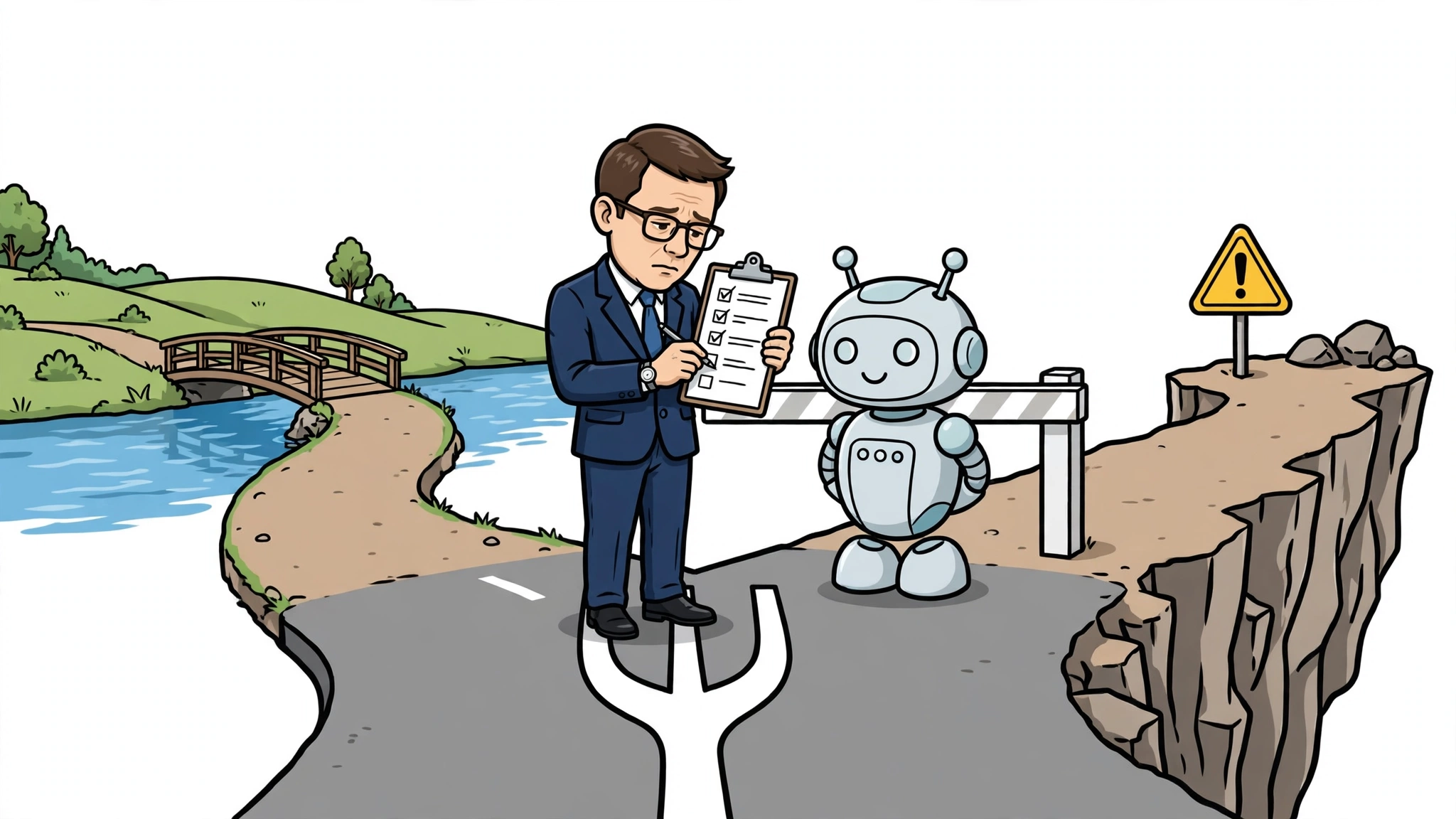
Start with a short checklist before you buy or build anything. Is the workflow high volume and repeatable, with clear inputs and a checkable outcome? Can the agent reach the tools and data it needs, under least-privilege permissions? Is the cost of an error low, or is there a human approval step for anything irreversible, high-risk, or externally visible? The first questions indicate potential benefit, but tool access and approval are required controls, not items that can be outvoted: if the agent cannot reach its tools under least-privilege permissions, or if an irreversible, high-risk, or externally visible action lacks a human approval step, do not deploy it on that workflow, however many other answers are yes. If the benefit indicators are mostly no, the benefit is speculative, and simpler automation — or none — may serve you better.
Start small, with one workflow and one measurable baseline. Record, before the agent goes live, the time per task, the resolution rate, the error rate, and the cost per completed task, counting retries and review time. Run the agent on a limited set of cases, compare the same measures, and decide on the numbers, not on the demo.
Track four metrics after launch: time per task, resolution rate, error rate, and cost per completed task, defined as in the cost section (total relevant costs over the period divided by successful completions). Assess the four together against the baseline, total costs, quality requirements, and required controls: a worthwhile time or cost improvement can coexist with unchanged resolution or error rates, and a single improvement does not by itself prove net benefit. Keep review time in the cost figure — a gain that appears only when review time is left out should be treated with suspicion, and that lesson is better learned from one workflow than from a company-wide rollout.
The benefits of using AI agents in business workflows, then, are genuine but conditional. They are strongest in high-volume, repeatable, checkable work, where an agent removes waiting time between steps, works around the clock, and executes consistently with a traceable trail. They are weakest where judgement, accuracy, or reversibility matters most, and where governing the agent costs more than the time it saves. Judge the workflow, measure the baseline, and let the numbers — not the hype — decide.