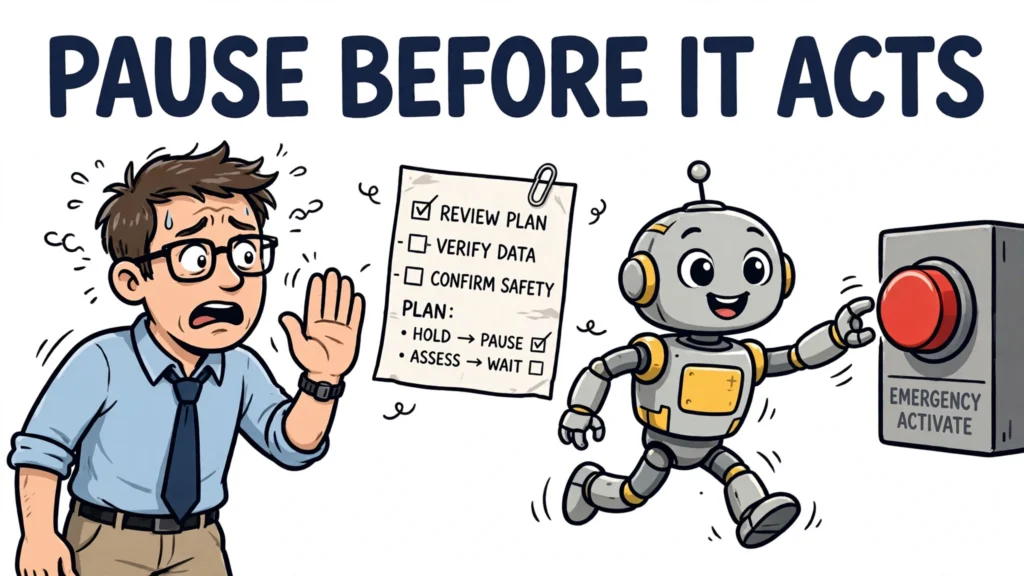


Good human agent interface design is what turns an AI agent from a clever demo into a tool people can actually trust with real work. An agent is not a chatbot that answers one message at a time. It plans multi-step work, uses tools, and changes things in other systems, so the surface between the person and the agent has to do far more than display text. It has to show what the agent is trying to do, what it has done, what evidence it is acting on, and where a person can step in. This article gives you a practical method for designing that surface, in order: decide how much autonomy each task gets, design how the goal is stated, make the plan visible, build in approval and takeover, and then test the whole thing with real failures.
Human agent interface design: what the interface actually is
Start by widening your definition of the interface. It is not just the chat window. It is every place where information passes between the person and the agent: the goal the person states, the plan the agent proposes, the actions it takes, the evidence it shows, and the controls the person uses to pause, correct or take over. If any of those five is missing, the person cannot do their job as overseer, however polished the chat window looks.
That is why the interface is a safety surface, not just a presentation layer. In a chatbot, a bad answer is usually just a bad answer. In an agent, a misunderstood goal can become a changed record, a sent message or a deleted file before anyone notices. Anthropic makes the same point in its framework for safe and trustworthy agents: the central tension in agent design is balancing autonomy with human oversight, and humans should retain control over how their goals are pursued, particularly before high-stakes decisions are made. Design the interface as the place where that control lives.
A useful test for any screen in your agent product is simple. Can the person looking at it answer five questions without hunting elsewhere: what is the goal, what is the plan, what has the agent just done, what evidence supports it, and how do I stop or change it? If the answer to any of those is no, that screen is unfinished, no matter how clean it looks.
Start by deciding how much autonomy each task gets
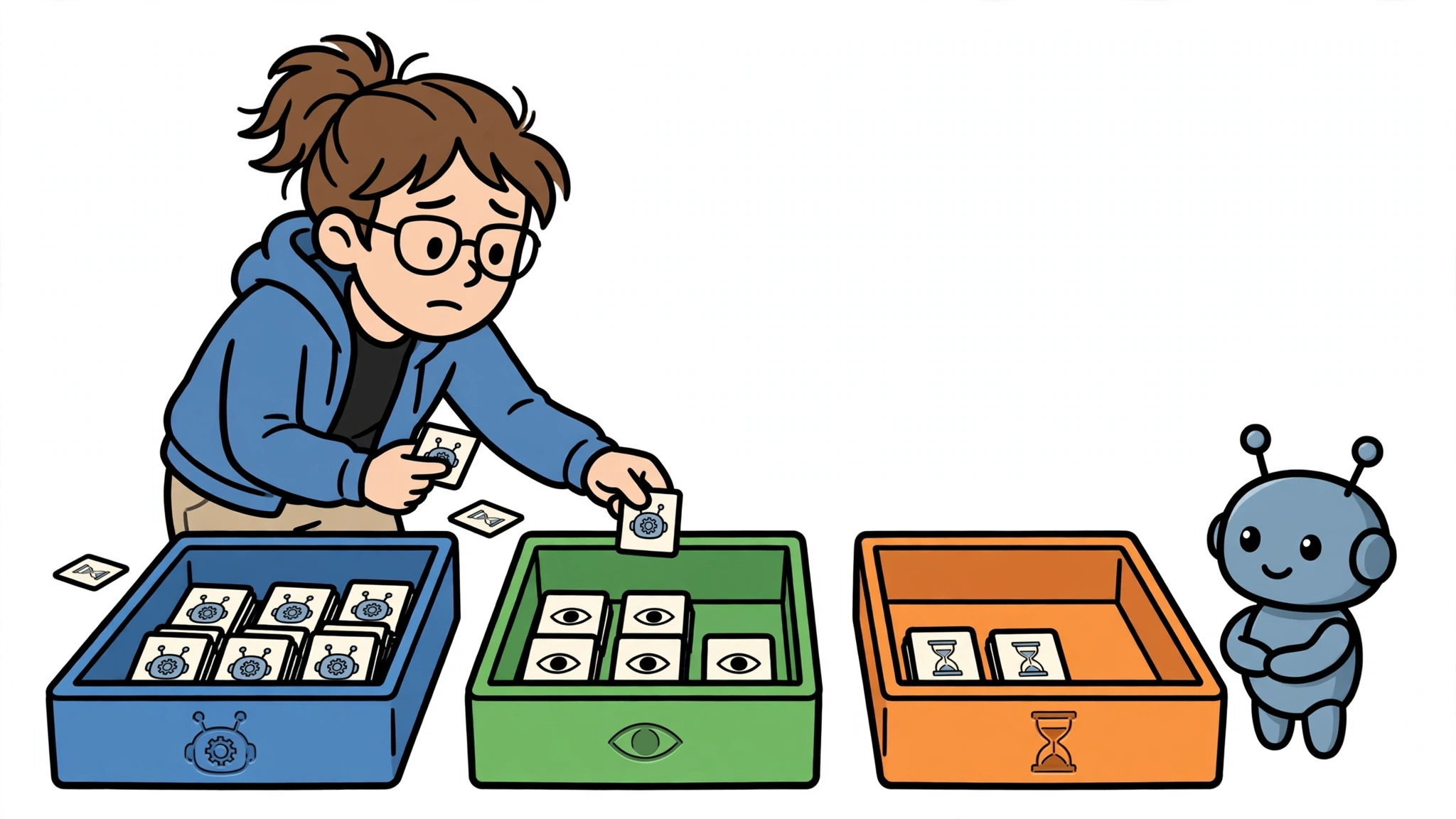
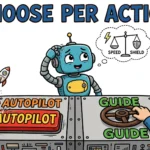
Autonomy is not one setting for the whole agent. It is a decision you make task by task, because the same agent can safely run one task alone and need close supervision on another. Begin by classifying each task the agent can perform by three things: how reversible it is, how consequential a mistake would be, and how uncertain the agent’s information is. A task that is reversible, low-consequence and well understood can run automatically. Whether a task needs a person in the decision depends on the assessed risk in context: how irreversible and consequential it is, and how uncertain the agent’s information is, judged against the task’s authorised bounds.
Then match each class to an autonomy level. Automatic tasks run and are logged for later sampling. Supervised tasks run while a person monitors and can intervene. Approval-gated tasks pause before the consequential step and wait for a named person to approve. Human-led tasks are ones the agent prepares but a person performs or authorises step by step. Oversight patterns described in governance guidance for human-in-the-loop agents map to the same idea: interrupt and resume for high-stakes irreversible actions, approval flows for policy-governed actions, human-as-a-tool where the agent flags its own uncertainty, and fallback escalation for cases that fit none of the others.
Consider a support agent as an illustration. Drafting a reply to a routine question might be automatic, with sampling afterwards. Sending that reply to a customer might be supervised or approval-gated, depending on the account. Issuing a consequential, hard-to-reverse refund, or changing an account record in a way that cannot easily be undone, would be approval-gated, while a low-risk, reversible record update could run with logging and sampling. The agent, the model and the interface are the same in all three cases. What changes is the autonomy decision, and the interface must make that decision visible, so the person always knows which mode they are in.
Design how the user states and refines the goal
The second step is goal-setting, and it deserves more attention than it usually gets. An agent that misunderstands the goal will execute the wrong plan confidently, and no amount of progress display will fix a goal that was wrong from the start. So capture the goal explicitly, along with its constraints and its success criteria: what counts as done, what the agent must not do, and what it should do if it gets stuck. Show that understanding back to the person before the agent acts, in plain language, and let the person correct it.
This is where agent-initiated stops earn their place. Anthropic’s study of Claude Code interactions found that agent-initiated clarification stops matter alongside human interruptions. Treat that as design guidance: when the goal is underspecified, the agent should ask a specific question, not silently fill the gap with an assumption, and handling uncertainty well should complement safeguards like permission systems rather than replace them. A clarification question is not a failure of the interface. It is the interface working.
In practice, that means three elements on the goal screen: the goal as the agent understood it, the constraints and limits it will respect, and the success criteria it will use to stop. If the person edits any of those, the plan should update visibly. A goal that cannot be stated clearly enough to be checked afterwards is a sign the task needs narrowing, not a sign the interface needs more decoration.
Make the agent’s plan and progress visible
Once the goal is agreed, the third step is visibility during execution. Show the plan before and during the run, in plain language, and show each action, its target and its result as it happens. Anthropic’s Claude Code shows its planned actions through a real-time to-do checklist, and users can jump in at any time to ask about or adjust the workplan. That is the right shape, whatever your product looks like: a plan the person can read, steps that check off as they complete, and a way to ask about or change a step without starting over.
Visibility also means honesty about uncertainty. Show confidence and evidence where they matter, and say plainly what the agent could not verify. A system that presents every answer in the same confident tone gives the reviewer no way to tell a solid call from a shaky one, and that is how approval becomes a reflex. When the agent is unsure, the interface should look unsure: flag the uncertain step, show the evidence that is missing, and, where the unresolved uncertainty exceeds the task’s authorised bounds, route that step to a person or to bounded verification or clarification rather than smoothing it over.
Keep the level of detail adjustable. Too little information leaves the person unable to judge whether the agent is on track, and too much buries the decision in noise. A good default is a short plan with expandable detail per step: what the agent intends, what it did, and what resulted, with the full evidence one click away. The person should never have to reconstruct the agent’s reasoning from a bare log after something has gone wrong.
Design approval, correction and takeover

The fourth step is control: approval, correction and takeover. Approval gates belong where they change the outcome, which is before destructive or irreversible actions, not on every trivial step. Practitioner guidance on human-in-the-loop agent design puts it directly: approval gates work best for destructive or irreversible actions such as file deletions, database writes or deployments to production, while reversible, low-cost, high-volume work can run with logging and sampling. Gate everything and you will train the very rubber-stamping you were trying to prevent.
A strong approval is a decision, not a ceremony. It should show what is proposed, the evidence behind it, the risk of being wrong, what will happen after approval, and what rejection means: try again, stop, escalate, or ask for more information. Give the reviewer useful alternatives to a bare yes or no, and make rejection a useful input by asking what was missing or wrong, so the agent can improve its next attempt instead of repeating the same proposal.
Takeover needs the same care. The person must be able to pause the agent, undo or reverse what it just did where that is possible, and take over mid-task with the full context intact. Anthropic’s framework puts it plainly: in Claude Code, humans can stop Claude whenever they want and redirect its approach. That stop must bring the system to a safe state, not a frozen one, with the plan, the evidence and the partial results preserved so the person can continue from where the agent left off. For high-risk systems, this is also a legal expectation: the EU AI Act’s Article 14 requires that overseers be able to intervene in the operation of the system or interrupt it through a stop button or a similar procedure that allows the system to come to a halt in a safe state, and to disregard, override or reverse its output.
Finally, design the escalation itself. A good escalation to a human contains the context, the options and the evidence: what the agent was trying to do, why it stopped, what it already knows, and what decision it needs. An escalation that just says something went wrong hands the person a mystery, not a decision.
Test the interface with real tasks and real failures
The fifth step is testing, and it has to use real tasks and real failures, because agent interfaces fail in ways static mockups do not reveal. Run task-based tests with ambiguous goals, interrupted runs and failing steps, not just happy paths. Watch what happens when the agent misunderstands a goal, when a tool returns an error, and when the person tries to stop it halfway through. Those are the moments the interface exists for.
Measure what matters. Track approval latency, the time from request to decision, override rate, the share of agent recommendations humans reject, and escalation volume, the count of escalations per agent per day. Those three metrics, recommended in governance guidance for human-in-the-loop agents, tell you whether oversight is working or drifting. A rising approval volume with a falling override rate and shrinking decision times is a warning sign, not a success story: it may mean reviewers have stopped reading.
Also measure the human side directly: can test users explain back what the agent is doing, how long does it take them to intervene when something goes wrong, and can they recover the task after an error? If users cannot explain the plan, cannot find the stop control, or cannot recover after a failure, the interface has failed its test, however smooth the demo looked.
Common mistakes and limits of interface design
The most common mistake is approval fatigue, and the numbers behind it are sobering. Anthropic reports telemetry showing that users approved roughly 93% of Claude Code permission prompts, with attention falling as approval volume rose, which led the company to build an auto mode for safer approvals and to invest in containment. The pattern is not unique to one product: when approval requests arrive faster than a human can read them, oversight collapses into rubber-stamping, and a long run of benign approvals builds false confidence in the next one.
A second mistake is hiding consequential actions behind smooth user experience. If the agent sends a message, changes a record or spends money, that action should look consequential in the interface, with its target, its effect and its reversibility stated plainly. Smoothing it away does not reduce risk. It removes the last chance for a person to catch it.
A third mistake is assuming that a person in front of the screen is a person in the loop. Oversight is not a seat. It is a capability: the person must understand the system, monitor it, recognise a problem when they see one, and be able to act. Interface design can support all of that, but it cannot fix an unreliable agent, a task that should never have been automated, or a permission model that lets the agent reach far more than its task requires. Anthropic’s containment argument is worth remembering here: supervising what an agent is able to reach, through sandboxes and access boundaries, complements supervising each action, and a tight perimeter can allow more relaxed per-action oversight.
So know when to narrow scope instead of adding interface. If a task needs constant human rescue, if its failures are hard to detect, or if its mistakes are irreversible and frequent, the right design decision may be to shrink what the agent is allowed to do, or to return the task to a person, rather than to add another approval screen. Good human agent interface design does not promise that every agent task is safe. It makes the boundary between human and agent explicit, visible and controllable, and it spends human attention where it actually changes the outcome.